
Description
Product overview for the Dell 1CH1P
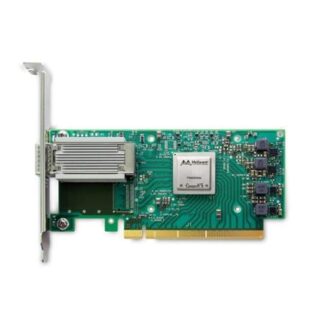
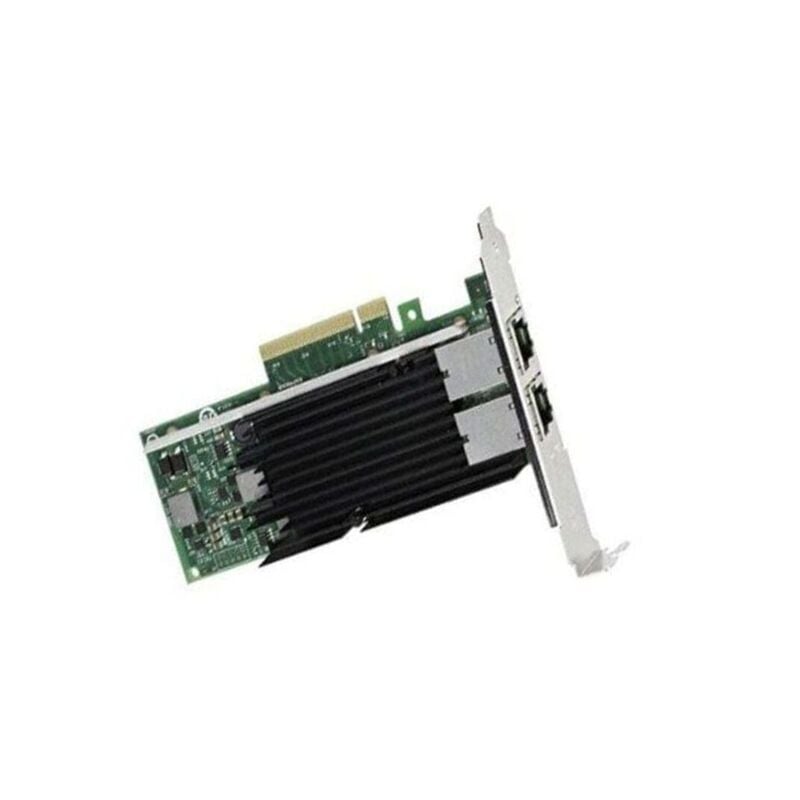
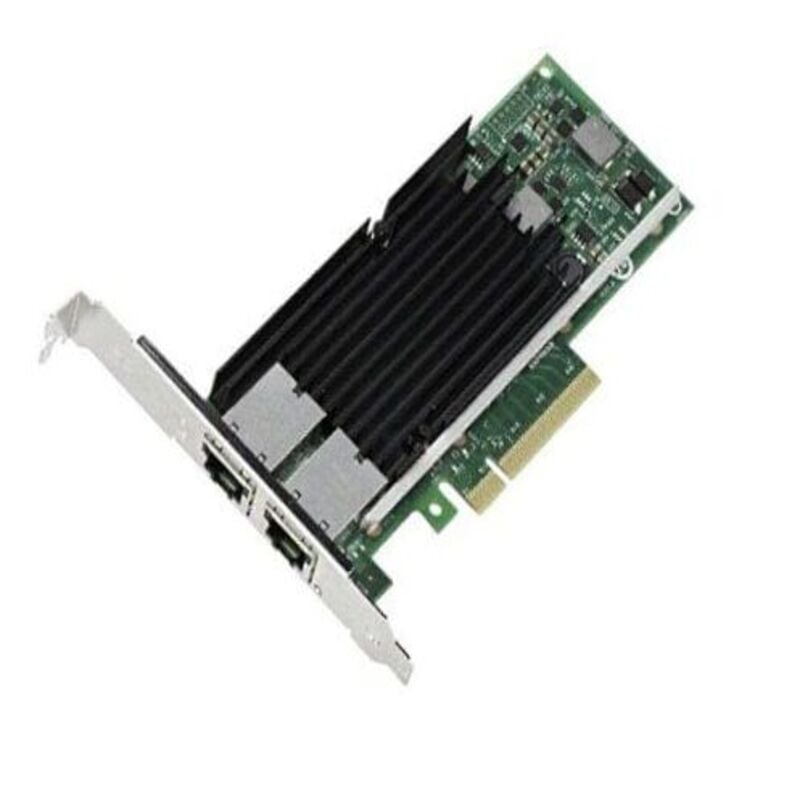
In the ever-evolving world of technology, network adapters play a vital role in ensuring seamless data connectivity. The Dell 1CH1P 100Gbe Network Adapter, with its Dual Port Intel E810 QSFP28 PCIe Low Profile configuration, is a powerful networking solution that deserves a closer look. In this comprehensive guide, we’ll delve into the specifics of this network adapter, its features, benefits, and how it can enhance your network connectivity.
Understanding Network Adapters
Before we dive into the details of the Dell 1CH1P 100Gbe Network Adapter, let’s start with a fundamental understanding of network adapters and why they are crucial for modern computing.
What is a Network Adapter
A network adapter, also known as a network interface card (NIC) or Ethernet adapter, is a hardware component that allows computers to connect to a network. It serves as the bridge between a computer and the local area network (LAN) or wide area network (WAN), enabling the transmission and reception of data packets.
The Role of Network Adapters
Network adapters are responsible for a range of critical tasks, including:
- Data Transmission: They facilitate the transfer of data between a computer and the network, ensuring reliable and efficient communication.
- Connectivity: Network adapters provide the physical and data link layers that enable devices to connect to a network, whether wired or wireless.
- Performance: The quality of a network adapter can significantly impact network performance, influencing factors such as speed, latency, and bandwidth.
- Compatibility: They need to be compatible with various network standards and protocols to ensure seamless communication.
Now that we understand the importance of network adapters, let’s explore the Dell 1CH1P 100Gbe Network Adapter in detail.
Dell 1CH1P 100Gbe Network Adapter – An Overview
The Dell 1CH1P 100Gbe Network Adapter is a cutting-edge networking solution designed to meet the demands of modern data centers and enterprise networks. In this section, we’ll provide an overview of the adapter, its key features, and the advantages it offers.
Key Features
The Dell 1CH1P Network Adapter boasts a range of impressive features, including:
- Dual Port Configuration: This adapter has two ports, allowing for greater flexibility in network configurations.
- Intel E810 Controller: It is equipped with the Intel E810 Ethernet controller, known for its high performance and reliability.
- QSFP28 Interface: The QSFP28 (Quad Small Form-Factor Pluggable) interface supports high-speed connections and compatibility with various cables and transceivers.
- PCIe Interface: It connects to the system via a PCIe (Peripheral Component Interconnect Express) slot, ensuring efficient data transfer.
- Low-Profile Design: The low-profile form factor is ideal for space-constrained environments.
Benefits of the Dell 1CH1P 100Gbe Network Adapter
The Dell 1CH1P Network Adapter offers several advantages to users and IT professionals:
- High-Speed Connectivity: With support for 100Gbe, this adapter provides blazing-fast network speeds, ideal for data-intensive applications and high-demand environments.
- Redundancy and Load Balancing: The dual-port configuration allows for redundancy and load balancing, enhancing network reliability and performance.
- Intel’s Expertise: The use of Intel E810 technology ensures reliability and robust performance, as Intel is a trusted name in the industry.
- Future-Proofing: With 100Gbe support, the adapter is designed to meet the increasing demands of network traffic, making it a future-proof investment.
- Space Efficiency: The low-profile design of the adapter allows it to fit in compact server configurations without sacrificing performance.
In-Depth Look at the Features
Now, let’s explore the key features of the Dell 1CH1P 100Gbe Network Adapter in more detail.
Dual Port Configuration
The dual-port configuration is one of the standout features of this network adapter. It means that the adapter has two separate Ethernet ports, each capable of handling 100Gbe connectivity. This configuration offers several advantages:
- Enhanced Redundancy: In mission-critical environments, redundancy is vital. Having two ports allows for failover in case one port experiences issues, ensuring uninterrupted network connectivity.
- Load Balancing: Load balancing evenly distributes network traffic between the two ports, preventing congestion and optimizing network performance.
- Segmentation: The dual-port design allows for network segmentation, separating different types of traffic for improved security and efficiency.
Intel E810 Controller
The inclusion of the Intel E810 controller is a testament to the reliability and performance of this network adapter. Intel is a renowned name in the semiconductor industry and is known for producing high-quality networking components. The Intel E810 controller offers:
- High Throughput: The controller can handle high data throughput, making it suitable for data-intensive applications and large-scale network environments.
- Advanced Features: Intel controllers often come with advanced features like virtualization support, offload capabilities, and compatibility with industry-standard protocols.
- Driver Support: Intel controllers typically enjoy robust driver support in various operating systems, ensuring compatibility and ease of use.
QSFP28 Interface
The QSFP28 (Quad Small Form-Factor Pluggable) interface is a critical component of this network adapter. QSFP28 connectors and transceivers are widely used in high-speed network connections. Here’s what you need to know about this interface:
- Speed: QSFP28 interfaces support high data rates, including 100Gbps, which is essential for bandwidth-hungry applications and large data transfers.
- Compatibility: QSFP28 interfaces are compatible with a range of cables and transceivers, providing flexibility in network design.
- Compact Design: Despite its high-speed capabilities, QSFP28 connectors maintain a compact form factor, ensuring they can be integrated into various systems.
PCIe Interface
The Dell 1CH1P Network Adapter connects to the system through a PCIe (Peripheral Component Interconnect Express) slot. PCIe is a standard interface for connecting various hardware components to a computer’s motherboard. Here’s why the PCIe interface is important:
- Speed: PCIe interfaces come in various generations (e.g., PCIe 3.0, PCIe 4.0), offering high data transfer rates, which is crucial for a high-performance network adapter.
- Scalability: PCIe interfaces are scalable, allowing for the installation of multiple adapters to meet specific networking requirements.
- Hot-Swap Capability: Many PCIe adapters, including the Dell 1CH1P, support hot-swapping, enabling you to replace or upgrade the network adapter without shutting down the system.
Low-Profile Design
The low-profile design of the Dell 1CH1P Network Adapter is tailored to fit into space-constrained environments. This feature is particularly valuable in scenarios where server racks are densely populated or when the chassis design doesn’t accommodate full-height adapters. Key advantages of the low-profile design include:
- Space Efficiency: It allows for more efficient use of server and chassis space, enabling a higher density of computing resources in the data center.
- Compatibility: The low-profile adapter is compatible with a broader range of server configurations, making it versatile for various setups.
- Aesthetics: In addition to the practical benefits, low-profile adapters often provide a cleaner and more organized appearance in server racks.
Use Cases and Applications
The Dell 1CH1P 100Gbe Network Adapter is a versatile networking solution suitable for various use cases and applications. Let’s explore some of the scenarios where this adapter can shine.
Data Centers
Data centers are the backbone of modern enterprises, housing the critical infrastructure that powers applications, storage, and network services. In data center environments, the Dell 1CH1P Network Adapter excels in the following ways:
- High-Performance Virtualization: Virtualized environments demand high-speed network connectivity, and this adapter can deliver the necessary bandwidth for multiple virtual machines.
- Storage Area Networks (SANs): SANs rely on fast and reliable network connections to ensure efficient data storage and retrieval, making this adapter a solid choice.
- Data Analytics: Data analytics workloads often involve processing massive datasets. With 100Gbe support, this adapter can significantly accelerate data analysis processes.
Cloud Computing
Cloud service providers and enterprises with private cloud infrastructure require network adapters that can handle the demands of cloud computing. The Dell 1CH1P Network Adapter is well-suited for cloud environments, offering:
- Elasticity: Cloud environments need to scale up and down to meet changing demands. The dual-port design and high speed of this adapter provide the required elasticity.
- Distributed Applications: Modern cloud applications often span multiple virtual machines and containers. This adapter’s load balancing capabilities ensure even distribution of network traffic.
- Cost-Effective Design: Despite its high performance, the low-profile design saves space and can reduce data center operational costs.
High-Performance Computing (HPC)
High-performance computing environments, such as those used in scientific research and simulations, require adapters that can handle extreme workloads. The Dell 1CH1P Network Adapter excels in HPC applications by offering:
- Fast Data Transfer: HPC applications often involve moving vast amounts of data. The high-speed capabilities of this adapter make it suitable for such workloads.
- Scalability: HPC clusters can consist of numerous nodes. The PCIe interface allows for easy scalability by adding more adapters as needed.
- Low Latency: Reduced latency is crucial for real-time simulations and high-frequency trading. This adapter’s performance contributes to low-latency communication.
Edge Computing
Edge computing is gaining prominence as the need for processing data closer to the source becomes more apparent. In edge computing scenarios, the Dell 1CH1P Network Adapter offers:
- Reliability: In remote or harsh environments, reliability is critical. The Intel controller and dual-port design enhance network resilience.
- Compact Form Factor: Edge computing deployments often have limited space, making the low-profile design of this adapter advantageous.
- High-Speed Data Ingestion: Edge devices can generate vast amounts of data that need to be ingested quickly, making a high-speed network connection crucial.
Troubleshooting and Support
Even with the most reliable hardware, issues can occasionally arise. Knowing how to troubleshoot problems and where to find support is essential for a smooth network operation.
Troubleshooting
If you encounter issues with your Dell 1CH1P Network Adapter, consider these common troubleshooting steps:
- Check Connections: Ensure that the adapter is properly seated in the PCIe slot and that network cables are securely connected.
- Driver Updates: Verify that you have the latest drivers installed for the adapter. Outdated drivers can lead to compatibility and performance issues.
- Operating System Compatibility: Make sure that your operating system is compatible with the adapter. Check for OS-specific updates or patches.
- Firmware Updates: Keep the adapter’s firmware up to date to benefit from bug fixes and performance improvements.
- Network Configuration: Review your network configuration to ensure that IP addresses, VLAN settings, and other parameters are correctly configured.
Support
If troubleshooting doesn’t resolve the issue, it’s essential to seek support. The Dell 1CH1P Network Adapter may come with warranty and support options from Dell or Intel. You can access support through the following channels:
- Dell Support: Visit Dell’s official support website or contact Dell customer support for assistance with your adapter.
- Intel Support: Intel provides support for their networking products, including drivers and firmware updates. Check Intel’s support resources for guidance.
- Community Forums: Online forums and communities can be valuable resources for getting help from other users who may have experienced similar issues.
- Professional Services: Consider seeking assistance from IT professionals or consultants if you encounter complex network problems.
General Information about Dell 1CH1P
- Manufacturer: Dell
- Model Number or SKU# 1CH1P
- Product Type: Network Adapter
Technical Detail for the Network Adapter
- Form Factor: Plug-in Card (Low Profile)
- Interface Type: PCI Express 4.0 x16
- PCI Specification Revision: PCIe 3.0, PCIe 4.0
- Ports: 2 x QSFP28
- Connectivity Technology: Wired
- Data Link Protocol: GigE, 10 GigE, 100 Gigabit Ethernet, 25 Gigabit LAN, 50 Gigabit LAN
- Remote Management Protocol: SNMP, RMON
- Compliant Standards: IEEE 802.1p
Environmental Parameters
- Min Operating Temperature: 32°F
- Max Operating Temperature: 131°F
- Humidity Range Operating: 90% (non-condensing)
In summary, the Dell 1CH1P 100Gbe Network Adapter, with its dual-port Intel E810 QSFP28 PCIe low-profile design, is a high-performance networking solution suitable for a wide range of applications, from data centers to edge computing. Its impressive features, such as dual-port redundancy, high-speed connectivity, and Intel’s reliable controller, make it a valuable addition to any network infrastructure.
By understanding its features, benefits, installation, and troubleshooting procedures, you can harness the full potential of this network adapter and ensure a seamless, high-speed network experience for your organization. Whether you are building a data center, upgrading your cloud infrastructure, or expanding your edge computing capabilities, the Dell 1CH1P Network Adapter is a dependable choice that can meet the demands of modern network environments.