

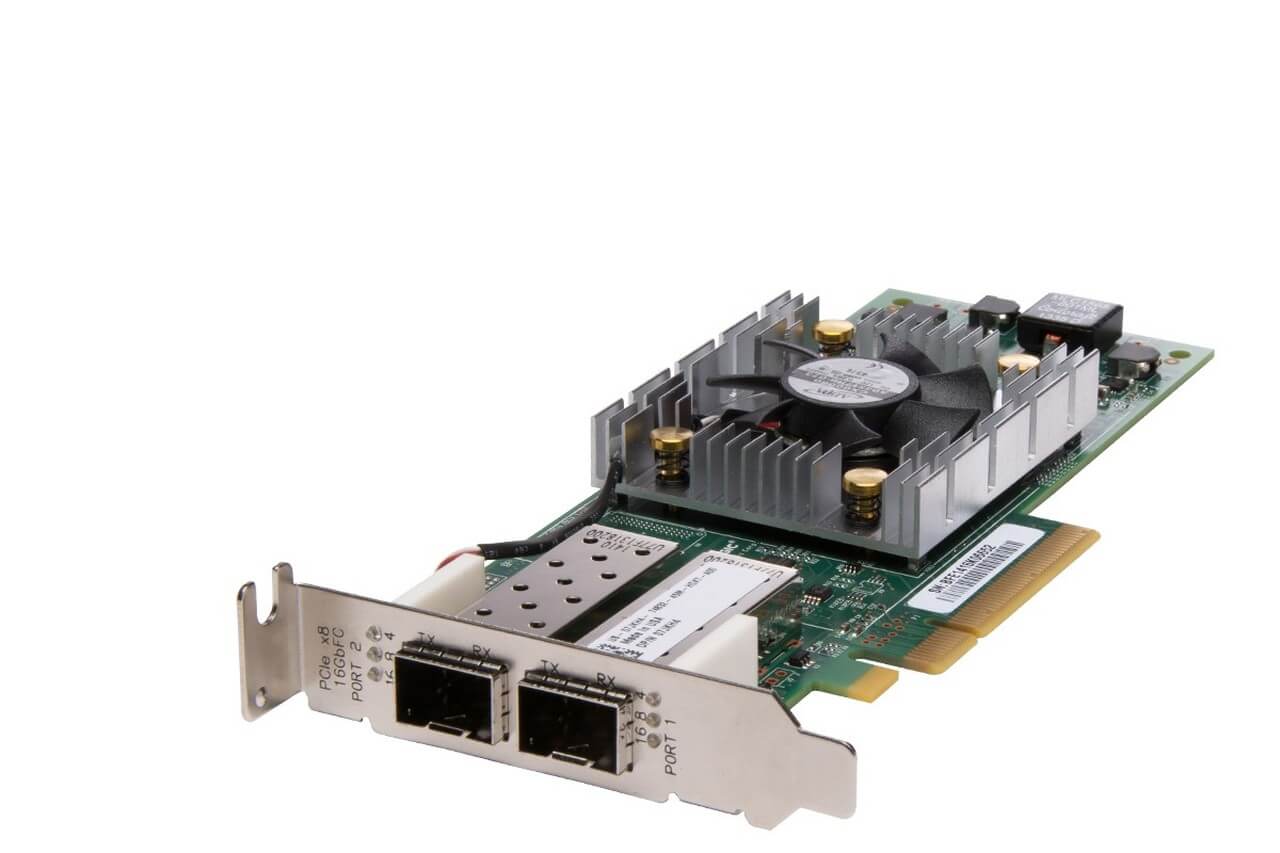

Description
Technical Specifications and Performance Data
The technical specifications and performance data of the Dell 406-BBBJ 16Gbps Dual-Port PCI E Fiber Channel HBA for PowerEdge Servers include the following:
- 16 Gbps dual-port Fiber Channel connectivity
- PCI Express 3.0 x8 interface
- Support for N_Port ID Virtualization (NPIV)
- Support for FCP, FC-SP, and FICON protocols
- Support for boot from SAN
- Support for quality of service (QoS)
- Support for advanced diagnostics
- Operating temperature range
- Power consumption
- Compliance with industry standards and certifications.
It is important to note that these specifications may vary depending on the version and release of the product. It is recommended to consult the product documentation for the most up-to-date information.
Easy Installation and Integration
Easy Installation and Integration steps for 406-BBBJ Dell 16GBPS Dual-Port PCI E Fiber Channel HBA for Poweredge Servers:
Prepare the server:
- Install the HBA card into an available PCI-E slot on the server
- Connect the fiber optic cables to the HBA card
- Ensure that the host bus adapter (HBA) and the storage devices are supported
- Check that the server meets the system requirements for the HBA
Install the HBA driver:
- Download the latest HBA driver from Dell’s support website
- Follow the instructions for installing the driver on the server
- Restart the server after installation
Configure the HBA settings:
- Use the HBA management software to configure the settings for the HBA
- Assign unique World Wide Names (WWN) for each port on the HBA
- Set the speed and topology settings for each port
Connect to the storage devices:
- Connect the fiber optic cables from the HBA to the storage devices
- Verify the connection by checking the HBA management software
Configure the storage devices:
- Login to the storage device management software
- Create a storage volume and assign it to the HBA
- Map the storage volume to the server
Test the HBA and storage device connection:
- Run tests to verify the HBA and storage device connection
- Check for any error messages or performance issues.
Note: The exact steps for installation and integration may vary based on the specific server model and HBA software version. It is recommended to consult the product documentation and Dell support for specific instructions and guidance.
Scalability and Reliability
Scalability and Reliability are two important aspects of a system or technology that determine its performance and ability to meet the changing needs of an organization.
Scalability refers to the ability of a system to expand its capacity and performance to accommodate growth in demand or usage. It allows a system to handle increased load and traffic without degradation of performance or availability.
Reliability, on the other hand, refers to the ability of a system to perform its intended function consistently and without failure. It is concerned with the system’s availability and its ability to handle unexpected events, such as hardware failures or system crashes.
In a high-availability system, scalability and reliability are often interdependent and must be considered together to ensure the system remains stable and performant as it grows. A scalable system must also be reliable, while a reliable system must be able to scale to meet growing demands.
Scalability and reliability are important factors to consider when selecting and deploying technology solutions, as they can have a significant impact on the overall performance and success of a system or application.
General Information
- Brand: Dell
- MPN : 406-BBBJ
- Type: Controller
- Sub-Type: Fiber Channel


