
Description
Overview of the Switch Console Module Xyratex
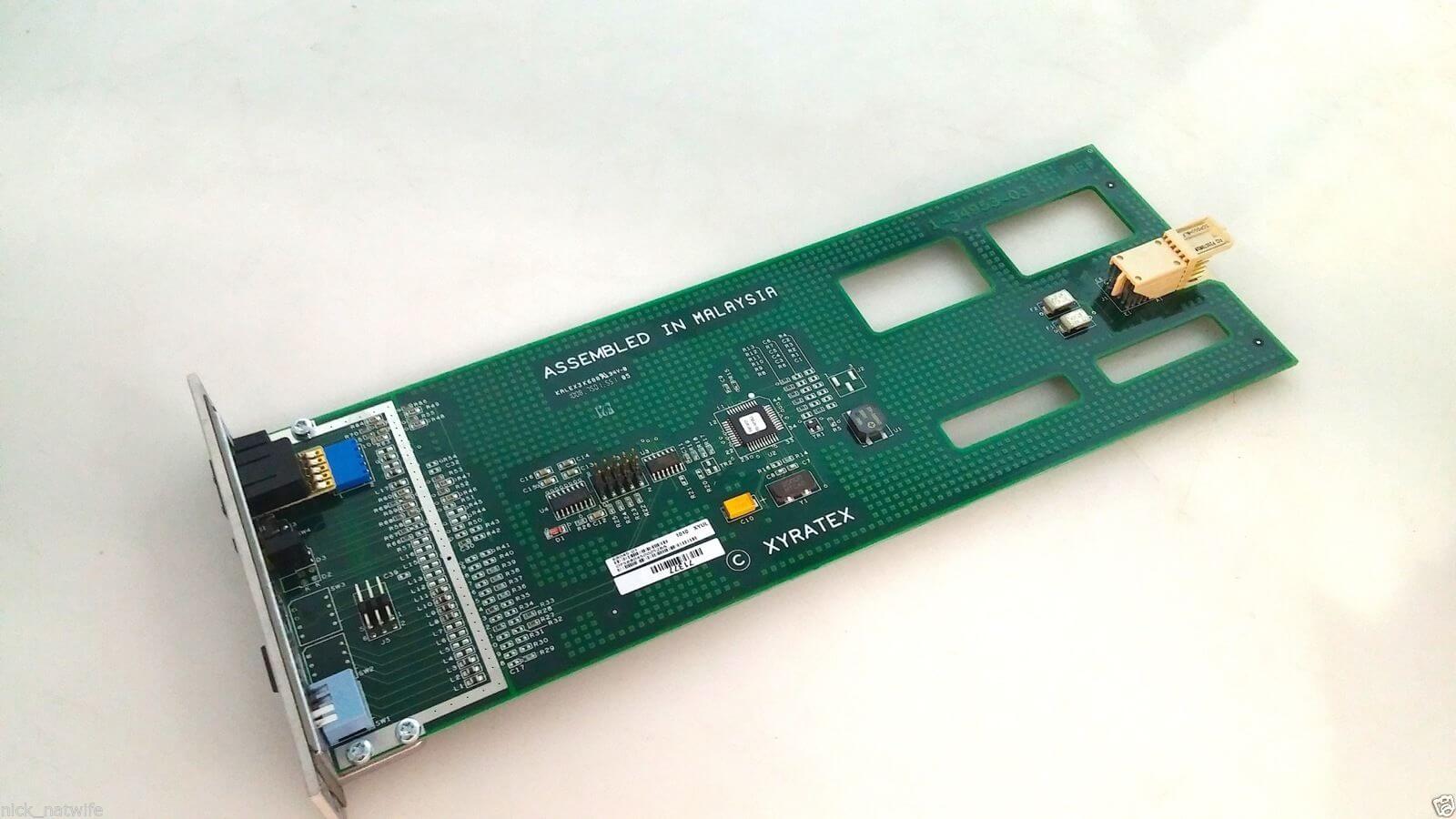
The Dell Equallogic PS5000 is a storage array designed for enterprise-level applications. The array is built on the Xyratex platform and is known for its scalability, reliability, and ease of use. The LED ID Switch Console Module is a component of the PS5000 that provides an interface for managing and monitoring the array. In this article, we will discuss the 71377-03 Dell Equallogic PS5000 LED ID Switch Console Module Xyratex in detail.
The Dell Equallogic PS5000
The Dell Equallogic PS5000 is a storage array that is designed to meet the needs of enterprise-level applications. It is built on the Xyratex platform and is known for its scalability, reliability, and ease of use. The PS5000 uses a virtualized iSCSI storage area network (SAN) architecture to provide fast and reliable storage access to multiple hosts.
The LED ID Switch Console Module
The LED ID Switch Console Module is a component of the Dell Equallogic PS5000. It provides an interface for managing and monitoring the storage array. The module is located at the front of the storage array and has several LED indicators that provide information about the status of the PS5000.
LED Indicators
The LED ID Switch Console Module has several LED indicators that provide information about the status of the Dell Equallogic PS5000. The LED indicators are:
- Status LED: This LED indicates the overall status of the storage array. If the LED is green, the storage array is operating normally. If the LED is amber, there is a fault or error that needs to be addressed. If the LED is off, the storage array is not powered on.
- Power LED: This LED indicates the status of the power supply units (PSUs) in the storage array. If the LED is green, the PSUs are functioning normally. If the LED is amber, there is a fault with one or more of the PSUs. If the LED is off, the PSUs are not receiving power.
- Fan LED: This LED indicates the status of the cooling fans in the storage array. If the LED is green, the fans are functioning normally. If the LED is amber, there is a fault with one or more of the fans. If the LED is off, the fans are not receiving power.
- ID LED: This LED is used to identify a specific storage array in a rack. When the ID button is pressed, the LED for that storage array will flash, making it easy to locate the array in a rack.
Using the LED ID Switch Console Module
The LED ID Switch Console Module is used to manage and monitor the Dell Equallogic PS5000. The module is designed to be user-friendly and easy to use. To use the module, follow these steps:
- Power on the Dell Equallogic PS5000.
- Locate the LED ID Switch Console Module on the front of the storage array.
- Press the ID button to identify the storage array in a rack.
- Check the status of the LED indicators to ensure that the storage array is functioning normally.
- If there is a fault or error indicated by one of the LED indicators, refer to the Dell Equallogic PS5000 user guide for troubleshooting steps.
Overall, the 71377-03 Dell Equallogic PS5000 LED ID Switch Console Module Xyratex is an important component of the Dell Equallogic PS5000 storage array. The module provides an interface for managing and monitoring the storage array and has several LED indicators that provide information about the status of the PS5000. The LED ID Switch Console Module is easy to use and is designed to be user-friendly.
General Information about the
- Manufacturer : Dell
- Model Number or SKU# 71377-03
- Product Type : Switch Console Module
- Type : Networking
- Total Number Of Ports : 2
- Form Factor : Plug-In Module
- Display Type: LED
Networking
- Data Link Protocol : Gigabit Ethernet