

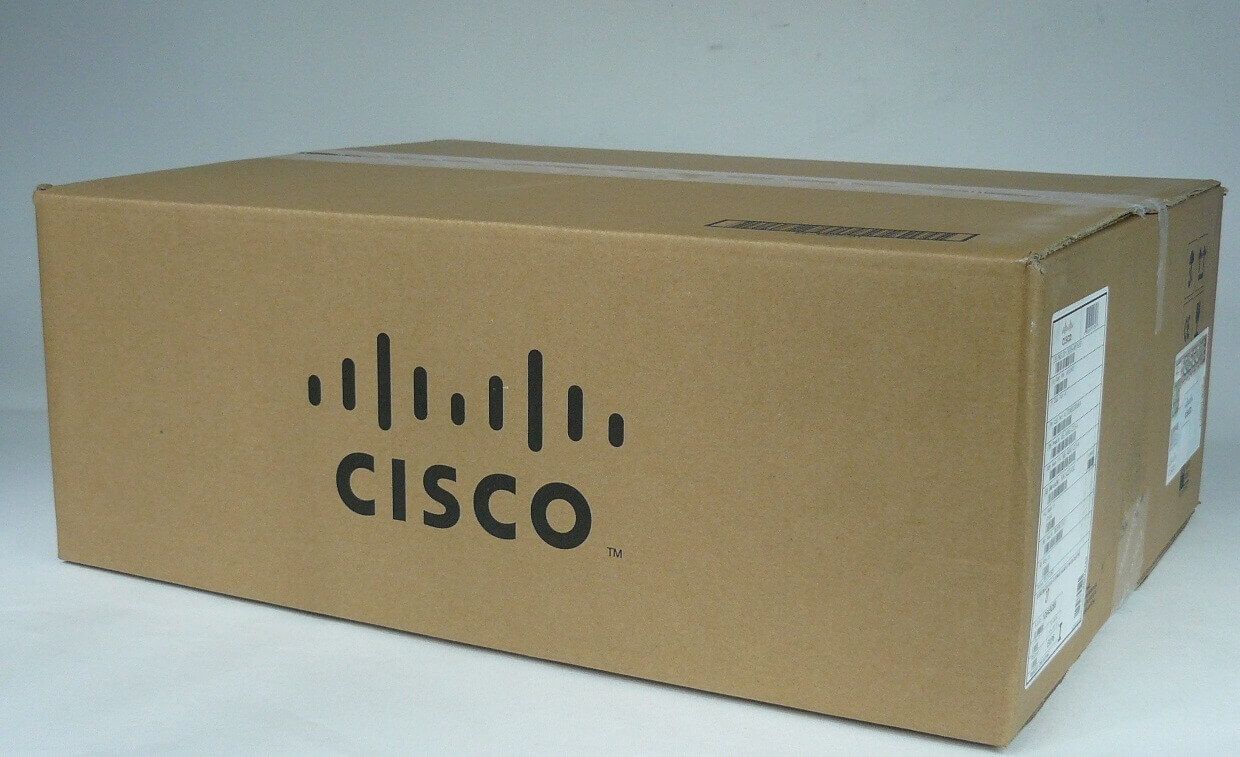
Description
Introduction to the Fan Tray
The ASR5K-FANT-UP fan tray is a component used in the Cisco ASR5000 series routers to provide cooling for the router’s internal components. It is designed to maintain the internal temperature of the router within safe operating limits and prevent overheating, which can cause system instability and component failure.
The fan tray operates automatically, adjusting fan speed based on the temperature inside the router and the temperature thresholds set in the configuration. It is an essential component for ensuring stable operation of the router and prolonging the lifespan of its internal components.
The ASR5K-FANT-UP fan tray is easy to install and configure, and it is recommended to have a spare fan tray on hand to minimize downtime in case of a failure. Regular maintenance and inspections, such as cleaning the fan blades and keeping the software up to date, are important to ensure efficient operation of the fan tray and prevent potential issues.
Easy Management and Monitoring
The ASR5K-FANT-UP fan tray can be easily managed and monitored through the software on the Cisco ASR5000 series router. Some key features for managing and monitoring the fan tray include:
- Temperature monitoring: The router software provides real-time monitoring of the temperature inside the router and the fan speed, allowing administrators to adjust the temperature thresholds if necessary.
- Fan speed control: The fan speed can be manually adjusted through the router software, allowing administrators to fine-tune the cooling performance.
- Alarms and notifications: The router software can generate alarms and notifications in case of issues with the fan tray, such as a fan failure or overheating.
- Logging: The router software provides logging of fan tray events and performance data, allowing administrators to track and analyze performance over time.
Reducing Power Consumption
Reducing power consumption of the ASR5K-FANT-UP fan tray can help lower energy costs and reduce the carbon footprint of the Cisco ASR5000 series router. Here are some tips for reducing the power consumption of the fan tray:
- Fan speed control: The fan speed can be manually adjusted through the router software, allowing administrators to fine-tune the cooling performance and reduce power consumption.
- Power-saving modes: Implement power-saving modes on the router, such as sleep or standby modes, to reduce power consumption when the router is not in use.
- Temperature monitoring: Continuously monitor the temperature inside the router and adjust the temperature thresholds as needed to ensure proper cooling without overconsumption of power.
- Proper ventilation: Ensure proper ventilation around the router and fan tray to allow for optimal air flow and cooling performance.
- Regular maintenance: Regularly clean the fan blades and inspect the fan tray for any signs of wear and tear to ensure efficient operation and reduce power consumption.
By implementing these power-saving measures, administrators can effectively reduce the power consumption of the ASR5K-FANT-UP fan tray while ensuring optimal cooling performance and stability of the router.
General Information
- Manufacturer: Cisco
- MPN: ASR5K-FANT-UP
- Product Name: ASR 5000 Spare Accessory Upper Fan Tray
- Product Model:ASR 5000
- Product Type: Fan Unit
- Environmentally Friendly: Yes


