Description
Product Overview of the Cisco Conferencing Phone Kit
In the ever-evolving landscape of communication technology, Cisco has consistently been at the forefront of innovation. The Cisco CS-KIT-K9 Conferencing Phone Kit, complemented by the Touch 10 Video interface, stands as a testament to Cisco’s commitment to seamless collaboration. In this comprehensive guide, we will delve into the intricacies of the CS-KIT-K9, exploring its features, functionalities, and the Touch 10 Video’s role in enhancing the conferencing experience.
Understanding Cisco CS-KIT-K
The Cisco CS-KIT-K9 Conferencing Phone Kit is a complete solution that combines a conferencing phone with the innovative Touch 10 Video control unit. This kit is specifically designed to elevate the quality of video conferencing, offering a seamless and user-friendly experience for businesses and organizations.
Features and Functionality
- Touch-Based Controls: The Touch 10 Video eliminates the need for a separate remote control. Users can control the CS-KIT-K9 and navigate through options using the touch screen, streamlining the user experience.
- Customizable Interface: The interface is customizable, allowing users to personalize their experience based on their preferences. This flexibility enhances user engagement and makes the conferencing setup more user-friendly.
- Integration with Calendar and Email: The Touch 10 Video seamlessly integrates with calendars and email, making it easy to schedule and join meetings. This integration enhances efficiency by centralizing communication tools.
- One-Touch Join: One of the standout features is the one-touch join functionality. With a single tap on the Touch 10 Video, users can join scheduled meetings instantly, reducing delays and improving overall productivity.
- Screen Sharing: The interface supports screen sharing, allowing participants to share presentations, documents, or other content directly from their devices. This feature enhances collaboration by facilitating real-time sharing of information.
Key Components
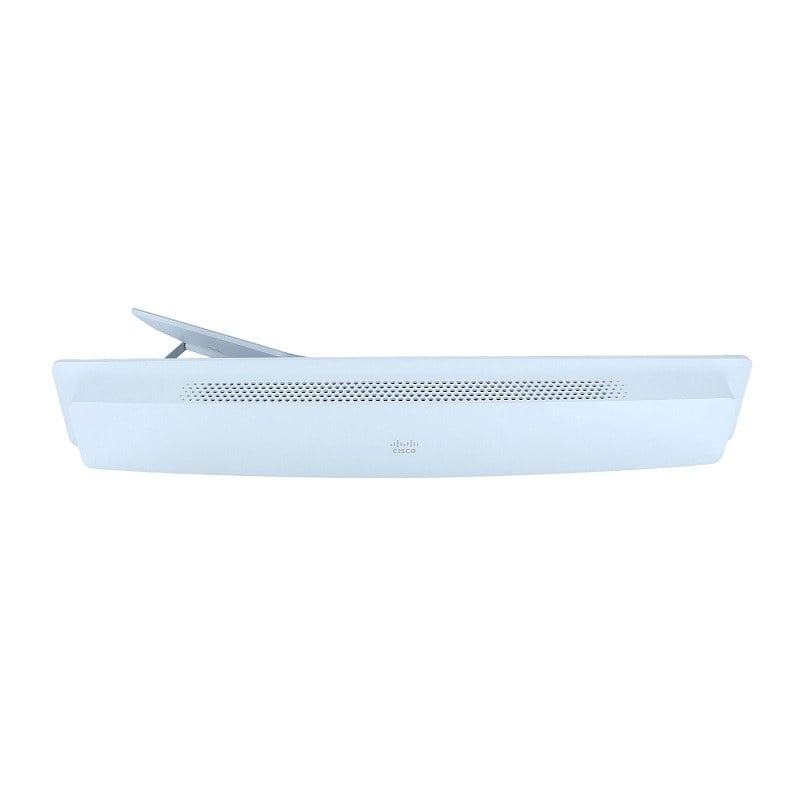
Conferencing Phone: The kit includes a high-quality conferencing phone equipped with advanced audio technologies to ensure crystal-clear communication during virtual meetings.
Touch 10 Video Control Unit: The Touch 10 Video Control Unit serves as the central hub for managing video conferencing settings, providing an intuitive touch interface for easy navigation.
Features of Cisco CS-KIT-K9
The Cisco CS-KIT-K9 Conferencing Phone Kit boasts a range of features that contribute to its effectiveness in facilitating efficient and productive virtual meetings.
High-Definition Video
One of the standout features of the CS-KIT-K9 is its superior audio quality. Equipped with advanced audio technology, it ensures crystal-clear sound, eliminating distortions and background noise.
Advanced Audio Technologies
Equipped with state-of-the-art audio technologies, the conferencing phone delivers superior sound quality, reducing background noise and echo for a more immersive conversation.
Touch 10 Video Control
The Touch 10 Video control unit enhances user control and customization. With a user-friendly touch interface, participants can easily manage video settings, mute/unmute audio, and control other aspects of the conference.
Integration with Cisco Collaboration Solutions
The Cisco CS-KIT-K9 is designed to seamlessly integrate with Cisco’s collaboration ecosystem, allowing users to leverage additional features and functionalities for a comprehensive communication experience.
Benefits of Cisco CS-KIT-K9
Investing in the Cisco CS-KIT-K9 Conferencing Phone Kit offers a range of benefits that contribute to improved communication and collaboration within an organization.
Enhanced Collaboration
The high-definition video and audio capabilities of the kit contribute to a more immersive and effective collaboration experience, fostering better understanding among participants.
Simplified Control
The Touch 10 Video control unit simplifies the management of video conferencing settings, making it easy for users to control various aspects of their virtual meetings with just a touch.
Integration Flexibility
By seamlessly integrating with Cisco’s collaboration solutions, the CS-KIT-K9 provides users with the flexibility to expand their communication capabilities, including features such as screen sharing and document collaboration.
Increased Productivity
Efficient and clear communication, combined with user-friendly controls, leads to increased productivity during virtual meetings, allowing teams to focus on discussions and decision-making.
General Information about the Cisco CS-KIT-K9
- Manufacturer: Cisco
- Model Number or SKU# CS-KIT-K9
- Device Type: Telephone Equipment
Technical Information of Video Conferencing Kit
- Accessories: Video Conferencing Phone Kit
- Form Factor: Wall Mountable
- VoIP Protocols: H.323, SIP
- Voice Codecs: G.711, G.722, G.729, G.722.1, AAC-LD, Opus
- Quality of Service: IEEE 802.1Q (VLAN), IEEE 802.1p
- IP Address Assignment: DHCP
- Security: IEEE 802.1X, H.235 v3
- Built-in Devices: Microphone, Stereo Speakers, Camera
Modem
- Digital Signaling Protocol: H.323, SIP, H.239, BFCP
- Data Compression Protocol: H.264
- Features: DTMF Decoding
Video Input
- Digital Video Capture Resolution: 3840 x 2160, 1080p
Video Output
- Supported Display Graphics: HDTV (1920×1080), 3840×2160
Expansion / Connectivity for Microphone Speakers
- 2 x Display/Video – HDMI output – 19 pin HDMI Type A
- 1 x Display/Video – HDMI input – 19 pin HDMI Type A
- 2 x Network – RJ-45
- 1 x USB – 5 pin Micro-USB Type A
- 1 x USB – 4 pin USB Type A
- 2 x Microphone – Input
- 1 x Audio – Output
Power
- Power Device: Power Supply – External
- Voltage Required: AC 120/230 V (50/60 Hz)
Miscellaneous
- Cables Included:
- 1 x HDMI Cable
- 2 x Network Cable – 5 m
- 1 x Network Cable – 8 m
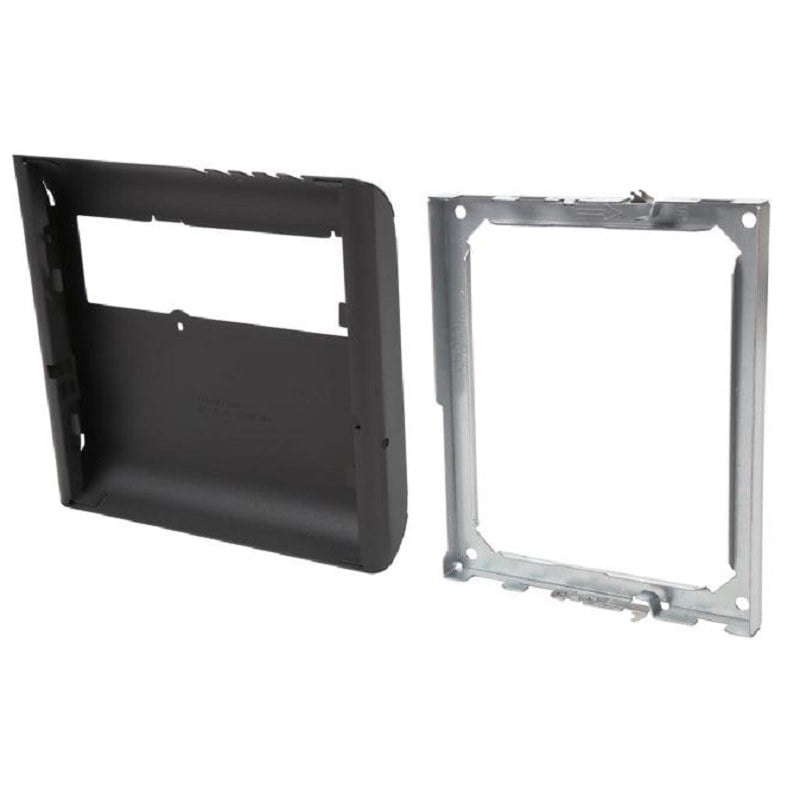
- Mounting Kit Included
- Compliant Standards: AES, RoHS, WEEE, Directive 53/2014/EU, Directive 2014/35/EU, Directive 2014/30/EU
The Cisco CS-KIT-K9 Conferencing Phone Kit Touch 10 Video is a powerful tool that empowers organizations to conduct efficient and engaging virtual meetings. With its advanced features, user-friendly interface, and seamless integration with Cisco collaboration solutions, this kit is poised to play a crucial role in the future of remote communication. By understanding its components, features, and setup process, users can make the most of this technology, fostering collaboration and productivity in today’s dynamic work environment.