

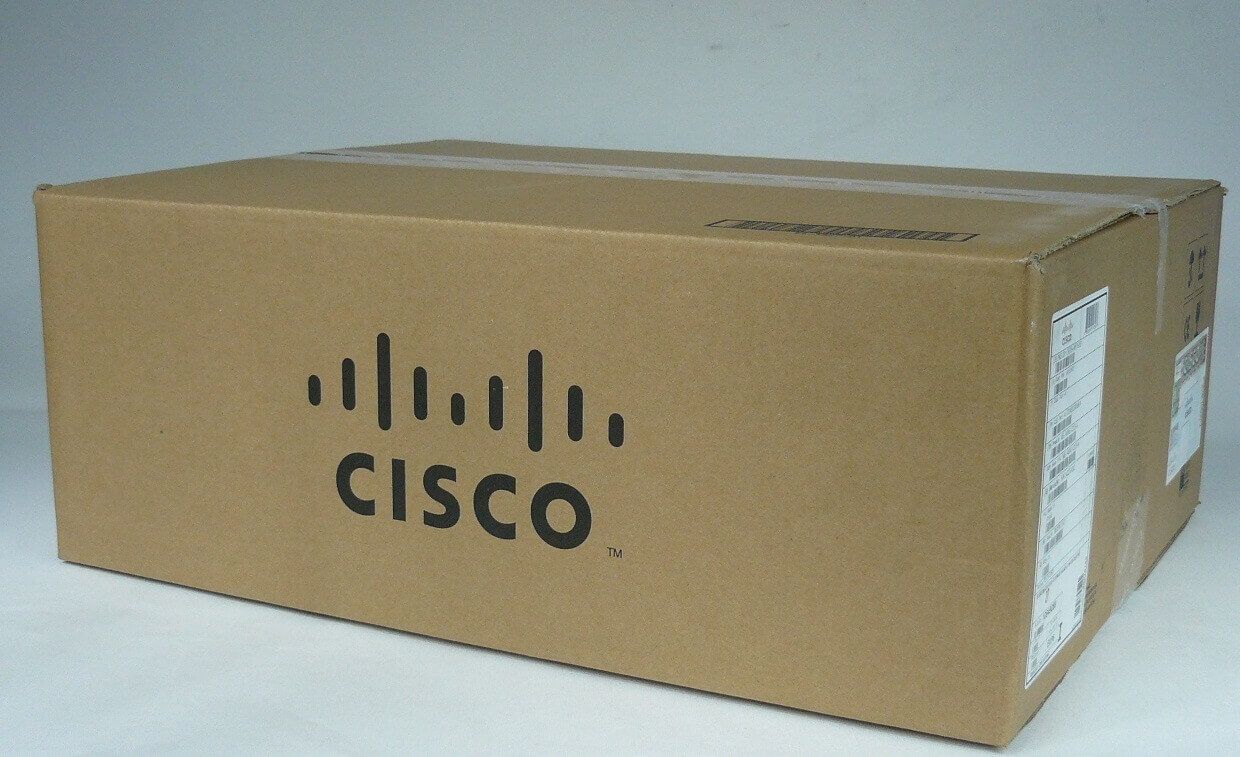
Description
Installation and Setup of the N2K-C2248TF-E
Here are the general steps to install and set up the N2K-C2248TF-E Cisco Nexus 2000 Series 48 Ports Fabric Extender:
- Unpack the fabric extender and its accessories from the box and ensure that you have all the necessary components.
- Mount the fabric extender in a rack or cabinet using the included mounting brackets.
- Connect the fabric extender to the upstream switch or parent switch using one of the following methods:a. Cisco Fabric Extender Technology (FEX) – This method involves connecting the fabric extender to the parent switch using a standard Category 5e or Category 6 Ethernet cable. The parent switch should have FEX enabled and support the necessary protocols.b. Ethernet Connectivity – This method involves connecting the fabric extender to the parent switch using a standard Category 5e or Category 6 Ethernet cable. This method does not require FEX.
- Power on the fabric extender by connecting it to a power source.
- Verify that the fabric extender is recognized by the parent switch and that it appears in the switch’s inventory list.
- Configure the fabric extender using the command line interface (CLI) or web-based graphical user interface (GUI) of the parent switch. You can configure the fabric extender’s interfaces, VLANs, and other settings using the same commands as the parent switch.
- Verify that the fabric extender is operating correctly and that it is forwarding traffic between the parent switch and connected devices.
Management and Monitoring Options for the N2K-C2248TF-E
The N2K-C2248TF-E Cisco Nexus 2000 Series 48 Ports Fabric Extender can be managed and monitored using various options, including:
- Cisco Data Center Network Manager (DCNM): This is a centralized management tool for Cisco data center switches, including the Nexus 2000 series. It provides a single-pane-of-glass management interface that allows you to monitor and manage multiple switches, configure ports, and perform other network management tasks.
- Simple Network Management Protocol (SNMP): This is a protocol used for network management and monitoring. You can use SNMP to monitor the performance of the Nexus 2000 series, configure alarms, and generate reports.
- Command-Line Interface (CLI): The Nexus 2000 series can be managed using the command-line interface. This provides direct access to the switch’s configuration and management options.
- XML Management Interface (XML API): This is a programmatic interface that allows you to manage the Nexus 2000 series using XML-based commands. This interface can be used to automate management tasks, integrate the switch with other management systems, and customize the switch’s management interface.
- Cisco Prime Infrastructure: This is a network management tool that can be used to manage and monitor Cisco switches, including the Nexus 2000 series. It provides a comprehensive set of features for network management, including configuration, performance monitoring, and troubleshooting.
- Cisco Embedded Event Manager (EEM): This is a software component that provides event-driven automation for Cisco devices. EEM can be used to automate tasks on the Nexus 2000 series, such as configuring ports or generating alerts based on specific events.
- Cisco Network Assistant: This is a desktop-based management tool that provides a simplified interface for managing Cisco switches, including the Nexus 2000 series. It provides basic management features, such as port configuration, VLAN configuration, and firmware upgrades.
Configuration Options for the N2K-C2248TF-E
The Cisco Nexus 2000 Series Fabric Extender (FEX) is a highly scalable module that can be used with Cisco Nexus switches to provide connectivity for servers, storage, and other network devices. The N2K-C2248TF-E is a 48-port model that supports both 1 Gigabit Ethernet and 10 Gigabit Ethernet interfaces.
Here are some configuration options for the N2K-C2248TF-E:
- Port Channel Configuration: The N2K-C2248TF-E supports Link Aggregation Control Protocol (LACP) and Port Aggregation Protocol (PAgP) for port-channeling. Port-channeling allows multiple physical links to be aggregated into a single logical link, increasing bandwidth and providing redundancy.
- VLAN Configuration: The N2K-C2248TF-E supports 802.1Q VLAN tagging, which allows the switch to support multiple VLANs. You can configure VLANs on the switch using the VLAN database or using VLAN Trunking Protocol (VTP) to propagate VLAN information to other switches in the network.
- Quality of Service (QoS) Configuration: The N2K-C2248TF-E supports QoS features such as classification, marking, queuing, and scheduling. QoS allows you to prioritize traffic based on application requirements and ensure that critical traffic is given priority over non-critical traffic.
- Spanning Tree Protocol (STP) Configuration: The N2K-C2248TF-E supports STP and its variants such as Rapid Spanning Tree Protocol (RSTP) and Multiple Spanning Tree Protocol (MSTP). STP provides loop prevention and redundancy by blocking redundant links.
- Multicast Configuration: The N2K-C2248TF-E supports Internet Group Management Protocol (IGMP) snooping, which allows the switch to intelligently forward multicast traffic to only those ports that have joined a multicast group.
- Security Configuration: The N2K-C2248TF-E supports security features such as access control lists (ACLs), port security, and DHCP snooping. ACLs allow you to filter traffic based on criteria such as source and destination IP addresses, protocols, and ports. Port security allows you to limit the number of MAC addresses that can be learned on a port. DHCP snooping prevents unauthorized DHCP servers from issuing IP addresses to network devices.
These are just a few of the many configuration options available for the N2K-C2248TF-E. The switch also supports a wide range of management options, including SNMP, CLI, and GUI interfaces, which can be used to configure and monitor the switch.
General Information
- Manufacturer: Cisco Systems, Inc
- Manufacturer Part Number: N2K-C2248TF-E
- Brand Name: Cisco
- Product Line: Nexus
- Product Series: 2000
- Product Name: Nexus 2000 Fabric Extender
- Product Type: Fabric Extender
Miscellaneous
- Additional Information-
- 32MB Memory
- Full duplex Capability
- Hot Swap Module Replacement
- Auto-negotiation
- VLAN Support
- IGMP Snooping
- Syslog support
- Weighted Round Robin (WRR) Queuing
- Spanning Tree Protocol (STP) Support
- Access Control List (ACL) Support
- Quality of Service (QoS)
- Jumbo Frames Support
- 1 Fan Module
- 48×100/1000Base-T + 4x10GE
- Green Compliant Yes
- Green Compliance Certificate/Authority RoHS


