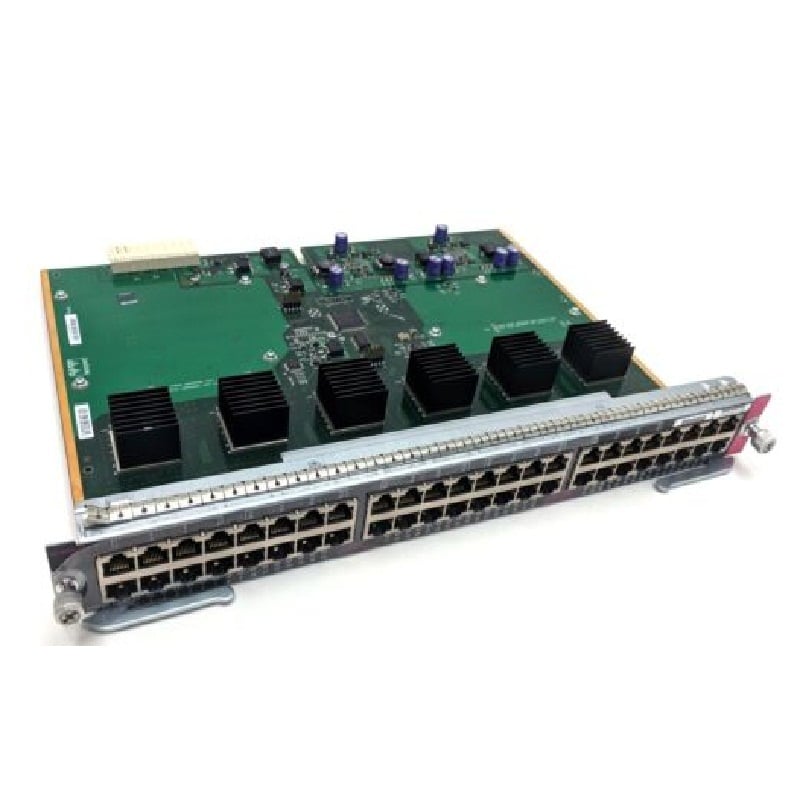
Description
Network Management and Security of 48 Ports Managed Switch
Power over Ethernet (PoE) capabilities of Managed Switch
The N3K-C3048-FA-L3 Cisco Standard Airflow 48 Ports Managed Switch has Power over Ethernet (PoE) capabilities, meaning it can provide power to devices connected to the switch through Ethernet cables. This feature allows for devices such as IP phones, wireless access points, and security cameras to be powered without the need for additional power cables or outlets. The switch supports both PoE and PoE+ (802.3af and 802.3at) and can provide up to 715 watts of power to connected devices.
Deployment and Configuration of Ethernet Switch
- Connect the switch to a power source and turn it on.
- Connect a console cable to the switch and open a terminal program on your computer.
- Set the terminal program to use the correct serial settings (usually 9600 baud, 8 data bits, no parity, 1 stop bit, and no flow control).
- Press the Enter key to initiate the initial configuration process.
- Set the hostname for the switch by typing “hostname [desired hostname]” and pressing Enter.
- Configure the management interface by typing “interface management0” and pressing Enter.
- Assign an IP address to the management interface by typing “ip address [IP address] [subnet mask]” and pressing Enter.
- Set the default gateway for the switch by typing “ip default-gateway [default gateway IP address]” and pressing Enter.
- Configure the login credentials by typing “username [username] password [password]” and pressing Enter.
- Enable SSH access by typing “ip ssh version 2” and pressing Enter.
- Configure the switch ports by typing “interface [interface number]” and pressing Enter.
- Assign the desired VLAN to the port by typing “switchport access vlan [VLAN number]” and pressing Enter.
- Save the configuration by typing “write memory” and pressing Enter.
- Verify the configuration by typing “show running-config” and pressing Enter.
- Test connectivity by pinging the switch’s management IP address from a device connected to the network.
- Log in to the switch through the management interface using the configured login credentials to access the switch’s web interface and make further configurations as needed.
General Information:
- Manufacturer Cisco Systems, Inc
- Manufacturer Part Number N3K-C3048-FA-L3
- Brand Name Cisco
- Product Line Nexus
- Product Series 3000
- Product Model 3048
- Product Name Nexus 3048 Layer 3 Switch
- Product Type Layer 3 Switch
Interfaces/Ports
- Total Number of Network Ports 48
- Number of Network (RJ-45) Ports 48
- Port/Expansion Slot Details 48 x Gigabit Ethernet Network
- Port/Expansion Slot Details 4 x 10 Gigabit Ethernet Expansion Slot
Media & Performance
- Ethernet Technology Fast Ethernet
- Ethernet Technology Gigabit Ethernet
- Network Technology 10/100/1000Base-T
I/O Expansions
- Number of Total Expansion Slots 4
- Expansion Slot Type SFP+
Network & Communication
- Layer Supported 3
Management & Protocols
- Manageable Yes
Power Description
- PoE (RJ-45) Port No
- Input Voltage 110 V AC
- Input Voltage 220 V AC