

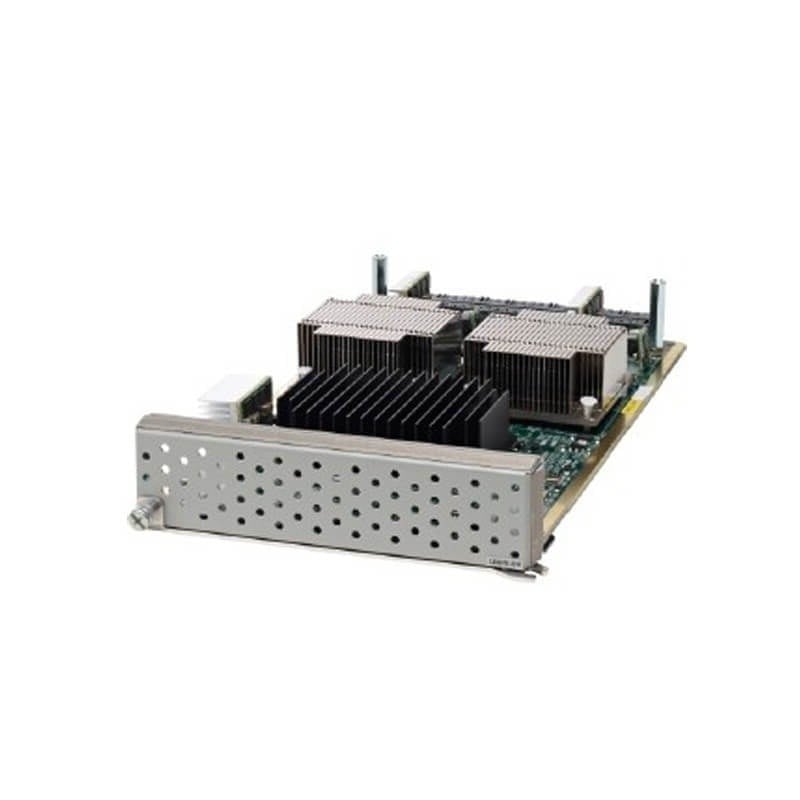
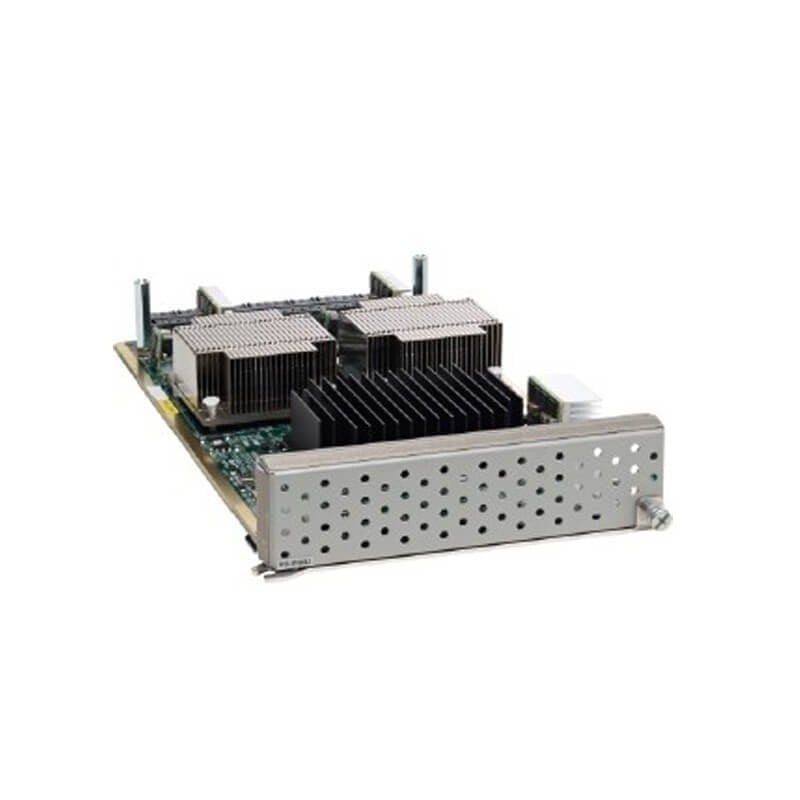

Description
Advanced Security Features
The N55-M160L3 is a Layer 3 expansion module designed for the Cisco Nexus 5596 switch. It provides advanced security features to enhance the security of your network.
Some of the advanced security features provided by the N55-M160L3 module are:
- Access Control Lists (ACLs): ACLs allow you to control access to your network by specifying which traffic is allowed and which is blocked. The N55-M160L3 module supports both standard and extended ACLs, which can be applied to both inbound and outbound traffic.
- Port Security: This feature allows you to limit the number of devices that can connect to a switch port. It can prevent unauthorized devices from connecting to your network and can help mitigate the risks of a rogue device.
- DHCP Snooping: DHCP Snooping is a security feature that validates DHCP messages received from untrusted sources before forwarding them to DHCP clients. This helps prevent rogue DHCP servers from issuing invalid or malicious IP addresses to clients.
- Dynamic ARP Inspection (DAI): DAI is a security feature that validates ARP messages received from untrusted sources before updating the ARP cache. This helps prevent ARP-based attacks such as ARP poisoning.
- Private VLANs: Private VLANs allow you to partition a VLAN into sub-VLANs, which can be isolated from each other. This provides an additional layer of security by preventing communication between hosts in different sub-VLANs.
- IP Source Guard: IP Source Guard is a security feature that binds the IP address of a device to its MAC address. This helps prevent IP address spoofing and helps ensure that only valid IP addresses are used on the network.
In addition to these security features, the N55-M160L3 module provides advanced routing capabilities such as OSPF, BGP, and MPLS. It also supports high-performance forwarding with hardware-based packet forwarding and up to 160 Gbps of bandwidth.
Monitoring and Managing
The N55-M160L3 is a layer 3 expansion module for the Cisco Nexus 5596 switch. It provides additional layer 3 routing capacity for the switch, allowing it to handle more complex network topologies and traffic flows.
To monitor and manage the N55-M160L3 module, you can use various tools and methods provided by Cisco. Here are some examples:
- Cisco NX-OS CLI: You can use the Command Line Interface (CLI) to configure and manage the N55-M160L3 module. This includes setting up layer 3 interfaces, configuring routing protocols such as OSPF or BGP, and monitoring the module’s performance.
- SNMP: Simple Network Management Protocol (SNMP) can be used to monitor the module’s status and performance, including CPU and memory utilization, interface traffic, and routing table entries. You can use SNMP-based tools such as Cisco Prime Infrastructure or third-party monitoring software to collect and analyze this information.
- Cisco Prime Network Registrar: This is a management system designed for IP address and domain name services. It can be used to manage and provision layer 3 interfaces on the N55-M160L3 module.
- Cisco Nexus 5596 Switch: The N55-M160L3 module can be managed using the Cisco Nexus 5596 switch’s web-based interface. This interface allows you to configure, monitor, and troubleshoot the module using a graphical user interface.
In addition to these tools, the N55-M160L3 module supports various routing protocols and features to enhance its performance and security. These include Virtual Routing and Forwarding (VRF) to isolate routing domains, Policy-Based Routing (PBR) to route traffic based on policies, and Access Control Lists (ACLs) to filter traffic.
Troubleshooting and Common Issues
The N55-M160L3 is a Layer 3 expansion module for the Cisco Nexus 5596 switch. It provides 16 additional 10 Gigabit Ethernet (10GbE) ports and enables Layer 3 routing functionality for the switch. Here are some common issues that may arise with this module and how to troubleshoot them:
- Module not detected: If the switch does not recognize the N55-M160L3 module, it may be due to a hardware issue or a configuration problem. Check the module’s status LED to see if it is lit. If not, try re-seating the module in the slot or checking the connection cables. If the LED is on but the switch does not detect the module, check the switch’s configuration to ensure that the module is enabled and configured correctly.
- Interface connectivity issues: If the N55-M160L3 interfaces are not working as expected, check the interface status using the show interface command. Look for any error messages, such as packet drops, collisions, or interface resets. If the interface is down, check the physical connections and the switch’s configuration to ensure that the interface is enabled and configured correctly.
- VLAN configuration issues: If the N55-M160L3 module is not forwarding traffic between VLANs, check the switch’s VLAN configuration. Make sure that the VLANs are configured correctly and that the interfaces are assigned to the correct VLANs. You can use the show vlan and show interface commands to check the VLAN configuration.
- Routing issues: If the N55-M160L3 module is not routing traffic correctly, check the switch’s routing configuration. Make sure that the correct routing protocols are configured and that the routing table is up-to-date. You can use the show ip route and show ip interface commands to check the routing configuration.
- Firmware or software issues: If the N55-M160L3 module is not functioning properly, it may be due to a firmware or software issue. Check the firmware and software versions to ensure that they are compatible with the switch and the other modules. You can use the show module command to check the firmware and software versions.
Specification about this Cisco N55-M160L3
- Manufacturer: Cisco
- Model Number or SKU# N55-M160L3
- Product Series: Nexus 5596
- Product Type: Expansion Module
- Application/Usage: Data Networking
- Form Factor: Hot Swappable


