

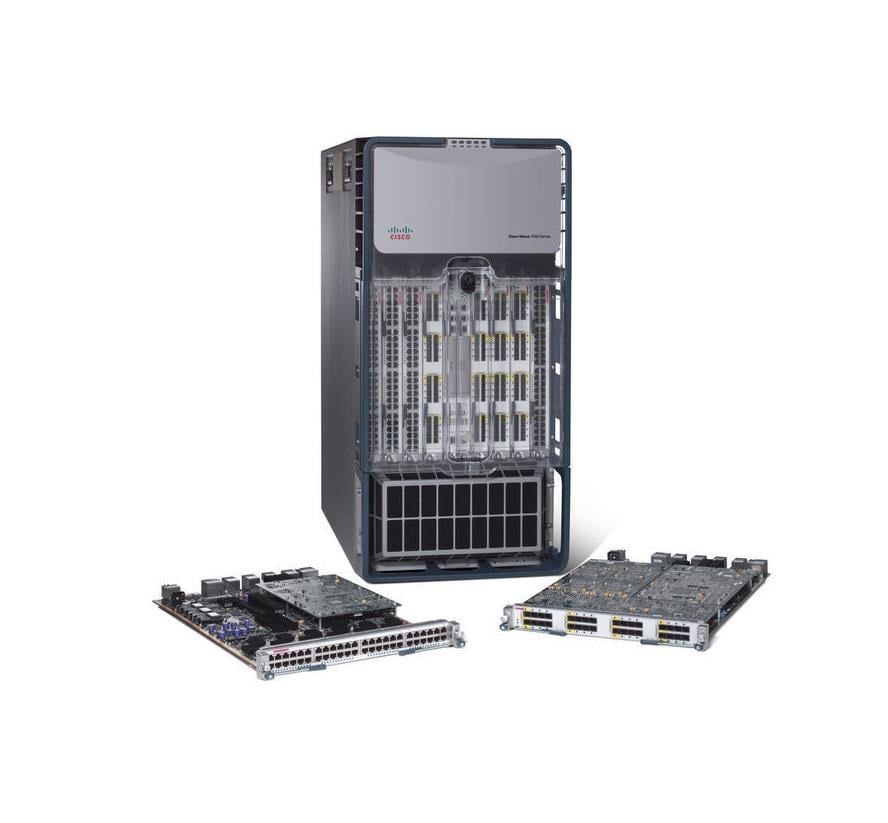
Description
Experience Reliable Network Performance
The N7K-C7010-EMI-SC is a product designed to enhance the performance and stability of the Cisco Nexus 7010 switch. It is an EMI (Electromagnetic Interference) inlet screen kit, which protects the switch from the harmful effects of EMI.
EMI is a form of interference that can negatively impact network performance, causing degradation in communication and even complete failure of network equipment. By installing the N7K-C7010-EMI-SC, users can effectively shield their switch from EMI, resulting in improved network performance and increased reliability.
With the N7K-C7010-EMI-SC in place, users can expect a more stable and efficient network communication, leading to a better overall user experience.
Enhance Network Performance
The N7K-C7010-EMI-SC is a kit that provides electromagnetic interference (EMI) screening for the Cisco Nexus 7010 switch. Here are some steps to enhance the network performance of the N7K-C7010-EMI-SC:
- Monitor Network Utilization: Regular monitoring of the network utilization helps in identifying bottlenecks and optimizing performance accordingly. This can be done using tools like Cisco’s Network Analysis Module (NAM) or other network monitoring tools.
- Upgrade Firmware: Make sure the latest firmware version is installed on the Nexus 7010 switch. Updating the firmware can help resolve any known bugs and improve performance.
- Configure Flow Control: Flow control helps in controlling network congestion and improving network performance by managing the flow of data between switches and routers.
- Enable Jumbo Frames: Jumbo frames can increase the maximum frame size and reduce the number of frames needed to transfer large amounts of data. This improves network performance by reducing the overhead associated with transmitting data.
- Use Quality of Service (QoS): Implementing QoS helps in prioritizing different types of traffic and ensuring that critical applications receive sufficient bandwidth.
- Tune Buffer and Queue Size: Properly configuring buffer and queue sizes helps in preventing packet loss and improving overall network performance.
- Utilize Link Aggregation Control Protocol (LACP): LACP helps in distributing traffic across multiple links, increasing network reliability and performance.
Troubleshooting and Maintenance
The N7K-C7010-EMI-SC is an Electromagnetic Interference (EMI) Inlet Screen Kit for the Cisco Nexus 7010 chassis. To ensure proper operation, it’s important to perform regular troubleshooting and maintenance tasks.
Troubleshooting:
- Check the EMI screen for proper installation and secure attachment to the inlet of the chassis.
- Verify that there are no signs of damage or wear on the screen.
- Ensure that all cables are properly terminated and not interfering with the screen.
- Check the power supplies and fans for proper operation and adequate airflow.
Maintenance:
- Clean the EMI screen regularly to prevent dust buildup and maintain proper air flow.
- Inspect the screen for damage and replace as needed.
- Regularly check the cable terminations and ensure they are not interfering with the screen.
Product Specifications
- Manufacturer: Cisco
- Manufacturer Part Number: N7K-C7010-EMI-SC
- Device Type: Emi Shield Kit
- Product Name: Nexus 7010 – Emi Inlet Screen Kit
- Environmentally Friendly: Yes
Compatibility Information
- Cisco Nexus 7010N7K-C7010-EMI-SC


