


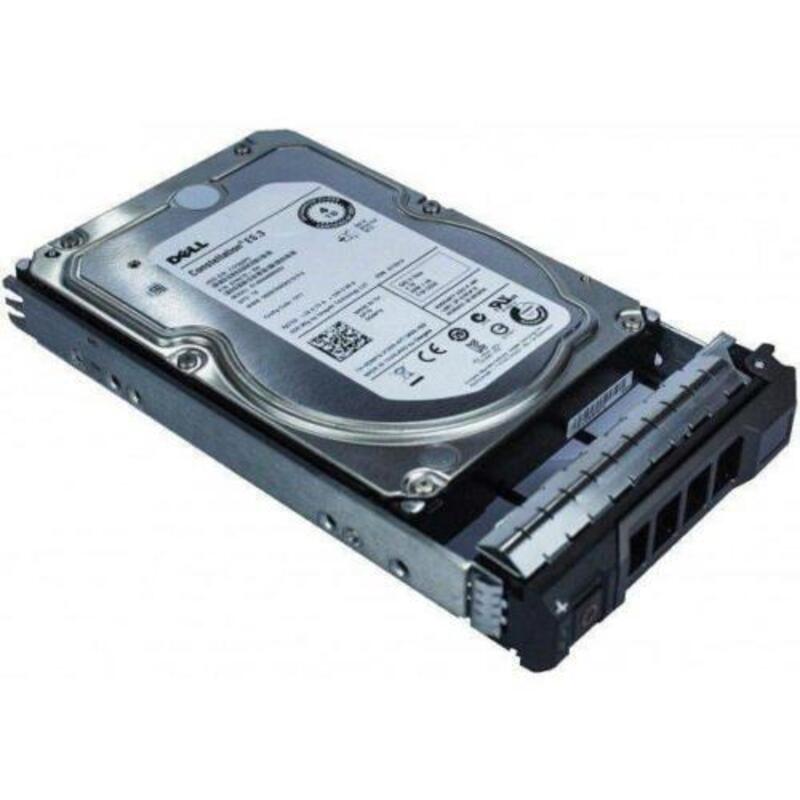
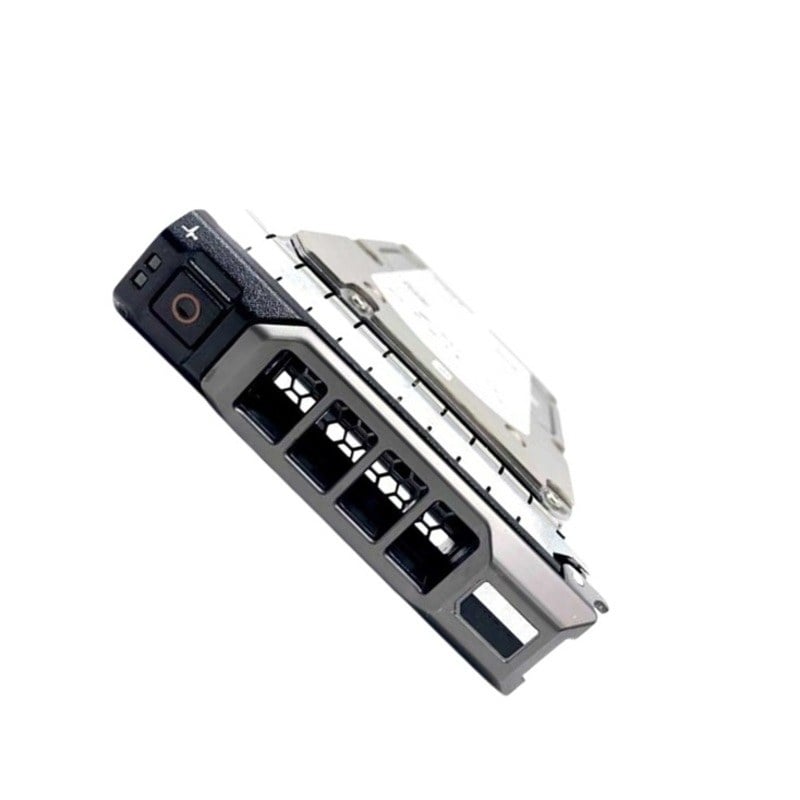

Description
Installation and Setup
Installing and setting up the Dell 0529FG 4TB SAS 6GBPS 7.2K RPM Hard Drive is a relatively straightforward process. Here are the steps you should take:
- First, you will need to physically install the hard drive into your computer or server. This will typically involve opening up the computer or server case and attaching the hard drive to the appropriate SATA or SAS ports. Make sure that the hard drive is securely fastened and that all the necessary cables are connected.
- Next, you will need to boot up the computer or server and enter the BIOS settings. This will typically involve pressing a specific key during the boot process, such as F2 or Del. Once in the BIOS settings, navigate to the “Storage” or “Drive Configuration” section and ensure that the hard drive is recognized.
- If the hard drive is not recognized, you may need to manually configure the BIOS settings. This may involve setting the hard drive to the correct SATA or SAS mode, or configuring the RAID settings if you are using the hard drive in a RAID configuration.
- Once the hard drive is recognized and configured in the BIOS settings, you can proceed with installing the operating system on the hard drive. This will typically involve booting from a bootable USB drive or DVD, selecting the hard drive as the destination for the installation, and then following the prompts to complete the installation.
- After the operating system is installed, you can begin using the hard drive for your desired applications and data storage needs. It’s important to make sure that you have proper backup and security measures in place to protect your data stored on the hard drive.
- In case of any issues during the setup or installation process, it’s recommended to check the user manual or consult with the technical support team of Dell.
Note: The steps may vary slightly depending on the specific computer or server you are using and the operating system you are installing. It’s always important to consult the user manual or consult with the technical support team of Dell for specific instructions.
Data Transfer Rate
The data transfer rate of a hard drive refers to the speed at which data can be transferred to and from the drive. The data transfer rate is measured in megabytes per second (MB/s) or gigabytes per second (GB/s).
The Dell 0529FG 4TB SAS 6GBPS 7.2K RPM Hard Drive has a data transfer rate of 6GB/s. This means that it can transfer data at a maximum speed of 6 gigabytes per second. This is a high data transfer rate that allows for fast data transfer and high performance in professional applications.
It’s important to note that the data transfer rate is not the same as the hard drive’s rotation speed, which is measured in revolutions per minute (RPM). The Dell 0529FG has a rotation speed of 7.2K RPM, which refers to the number of times the disk spins around in one minute. A higher RPM means that the disk can access data faster, but it does not affect the data transfer rate.
The Dell 0529FG 4TB SAS 6GBPS 7.2K RPM Hard Drive has a high data transfer rate of 6GB/s, which allows for fast data transfer and high performance in professional applications. Additionally, its 7.2K RPM ensures fast data access as well.
Introduction
The Dell 0529FG 4TB SAS 6GBPS 7.2K RPM Hard Drive is a high-performance storage solution designed for use in enterprise-level servers and data centers. It features a SAS (Serial Attached SCSI) interface, which allows for faster data transfer speeds and improved reliability compared to traditional SATA hard drives. With a storage capacity of 4TB, this hard drive can store vast amounts of data, making it ideal for large-scale data storage and backup applications.
The Dell 0529FG hard drive has a rotational speed of 7.2K RPM, which provides faster data access and improved performance compared to slower 5.4K RPM hard drives. Additionally, it is built with advanced technology to provide increased reliability and durability, making it an ideal choice for mission-critical applications.
This hard drive is fully compatible with Dell servers and can be easily integrated into existing systems. It also has a wide range of professional applications, including data storage and backup, video surveillance, and data archiving. With its high performance, reliability, and large storage capacity, the Dell 0529FG 4TB SAS 6GBPS 7.2K RPM Hard Drive is a great choice for organizations looking for a high-performance storage solution.
Product Specifications 0529FG
Brand Name : Dell
MPN : 0529FG
Type : Hard Drive – Hot-Swap
Form Factor : 3.5 inch
Interface : Serial Attached SCSI 2
Capacity :4TB
Buffer : 128 MB
SKU : 0529FG
Performance
Spin Speed : 7200 Rpm
Drive Transfer Rate : 600 MBPS (External)
Interfaces : 1 X Serial Attached SCSI 2
Compatible Bays : 1 X Hot-Swap – 3.5inch
Dimension And Weight
Width : 4 Inch
Depth : 5.8 Inch
Height : 1 Inch
Weight : 1.52 Lbs
Compaitibility
Poweredge R710
Poweredge R410
Poweredge T410
Poweredge T710
Poweredge T310
Poweredge R510
Poweredge C6100
Powervault Md3200
Powervault Md3200i
Poweredge C6105
Poweredge R515
Poweredge R415
Poweredge R210 Ii
Poweredge R720
Poweredge R720xd
Poweredge T620
Poweredge C6220
Poweredge C5220
Poweredge C6145
Poweredge T320
Poweredge T420
Poweredge R320
Poweredge R520
Poweredge R420
Poweredge C6220 Ii
Poweredge R220
Poweredge Vrtx
Poweredge R430
Poweredge R530


