Description
Product overview of the Dell 26N0K
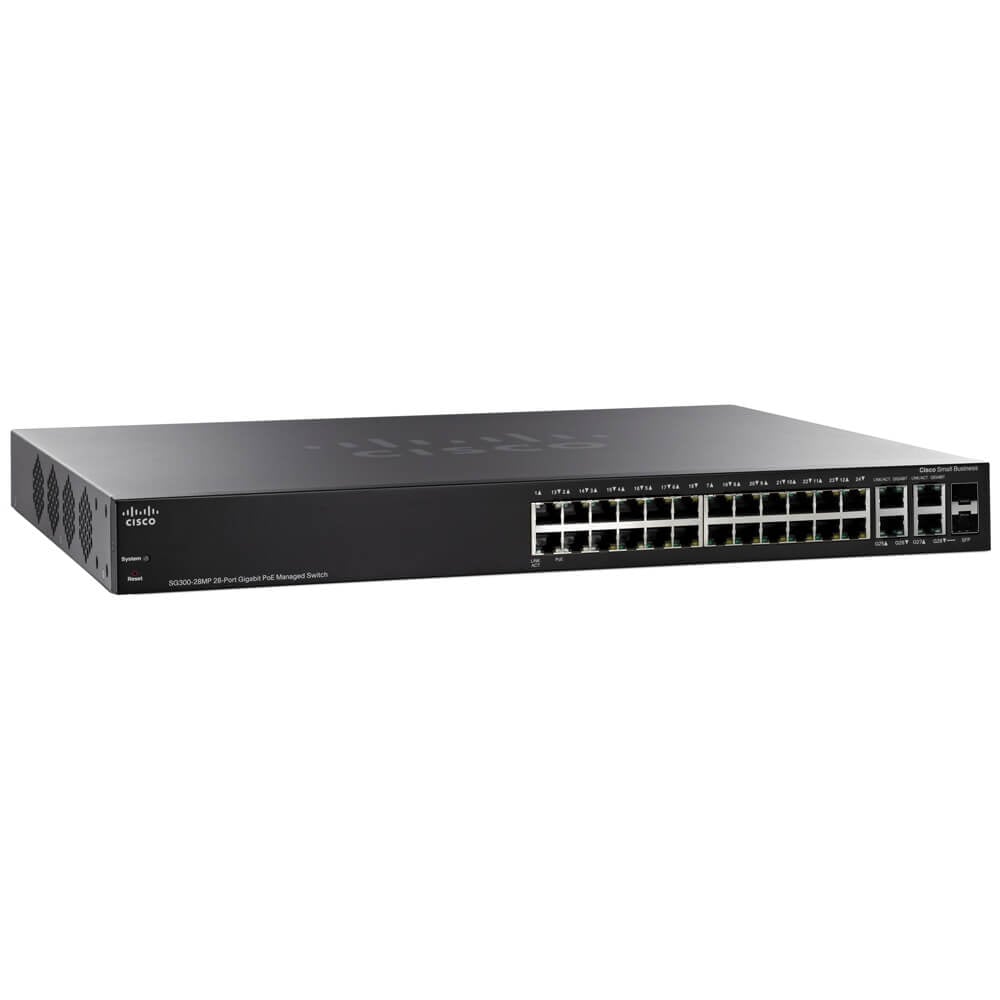
The 26N0K Dell EMC Networking S4128T-ON is a high-performance switch designed for modern data center environments. It comes with 28 10GBE RJ45 ports and 2 QSFP28 ports, making it an ideal solution for high-speed networking. In this article, we will explore the features and capabilities of the 26N0K Dell EMC Networking S4128T-ON in detail.
Compatibility
The 26N0K Dell EMC Networking S4128T-ON is compatible with various networking devices and protocols, making it a flexible and versatile solution for modern data centers. It supports multiple Ethernet protocols such as IEEE 802.3ab, IEEE 802.3ae, and IEEE 802.3az, which allows for easy integration into existing networks. Additionally, the switch is compatible with various network management protocols such as SNMP, RMON, and CLI, which provides comprehensive network management capabilities.
Ports and Connectivity
The 26N0K Dell EMC Networking S4128T-ON comes with 28 10GBE RJ45 ports and 2 QSFP28 ports, providing high-speed connectivity for network devices. The 10GBE RJ45 ports support data transfer rates of up to 10 Gbps, making them ideal for high-bandwidth applications such as data centers and cloud computing. The QSFP28 ports support data transfer rates of up to 100 Gbps, which provides high-speed connectivity for backbone networks and high-performance computing environments.
Power Supply Unit
The 26N0K Dell EMC Networking S4128T-ON comes with two power supply units (PSUs), ensuring high availability and redundancy. The PSUs are hot-swappable, which allows for easy replacement without disrupting network operations. The PSUs also come with various power management features such as power monitoring, power supply redundancy, and power supply efficiency, ensuring efficient and reliable power management.
Switch Fabric Capacity
The 26N0K Dell EMC Networking S4128T-ON comes with a switch fabric capacity of up to 6.4 Tbps, making it an ideal solution for high-performance networking environments. The switch fabric capacity provides high-speed connectivity between network devices, ensuring smooth and efficient data transfer. The switch also supports various networking protocols such as Spanning Tree Protocol (STP), Multiple Spanning Tree Protocol (MSTP), and Rapid Spanning Tree Protocol (RSTP), providing network redundancy and resilience.
Advanced Networking Features
The 26N0K Dell EMC Networking S4128T-ON comes with various advanced networking features that provide improved network performance and security. The switch supports various network technologies such as Virtual Link Trunking (VLT), Virtual Router Redundancy Protocol (VRRP), and Multi-Chassis Link Aggregation Group (MC-LAG), providing increased network scalability and resiliency. Additionally, the switch comes with various security features such as Access Control Lists (ACLs), Port Security, and MAC Address Filtering, providing secure access control and data transfer over the network.
Management and Configuration
The 26N0K Dell EMC Networking S4128T-ON can be easily managed and configured using various management tools such as the Dell EMC Networking OS10 Network Operating System, Dell EMC OpenManage Network Manager, and Dell EMC OpenManage Enterprise. These management tools provide comprehensive network management capabilities such as device discovery, network monitoring, configuration management, and firmware updates.
Overall, the 26N0K Dell EMC Networking S4128T-ON is a high-performance switch designed for modern data center environments. It comes with 28 10GBE RJ45 ports and 2 QSFP28 ports, providing high-speed connectivity for network devices.
Main Information about the QSFP28 Switch
- Manufacturer: Dell
- Part Number or SKU# 26N0K
- Product Type: Switch
Technical Information
- Total Number of Ports: 28
Networking
- 28x 10 Gigabit Ethernet Rj45 Ports
- 2x 100 Gigabit Ethernet Qsfp28 Ports
- Rj45 Console/management Port With Rs232 Signalling
- 1x Rj45 Micro-usb-b Console Port
- 1x Rj45 10/100/1000base-t Management Ethernet Port
- 2x Hot Swap Power Supplies
- Open Network – Dell Os10 Installed
- Support For Dell Or 3rd Party Operating Systems
- Supported Third Party Os Are Ftos, Cumulus Linux Os Or Big Switch Networks Switch Light