


Description
Energy Efficiency and Cooling Performance
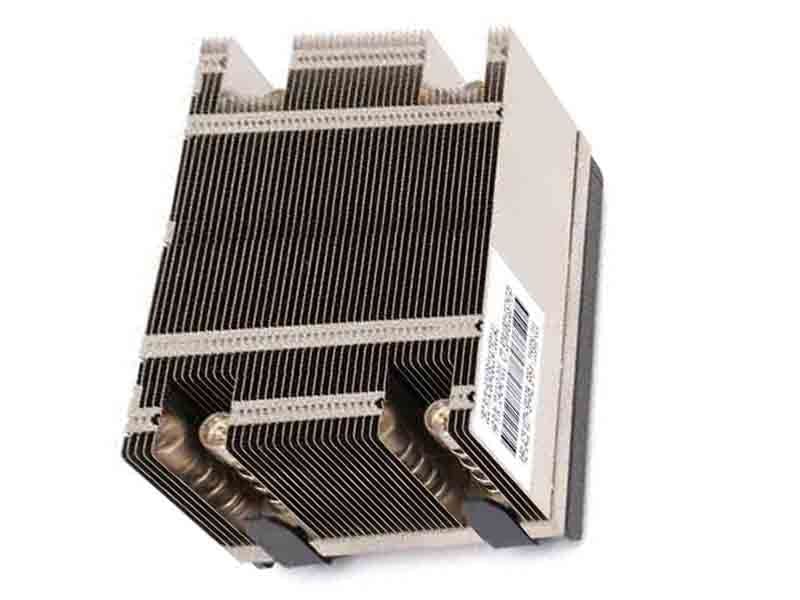
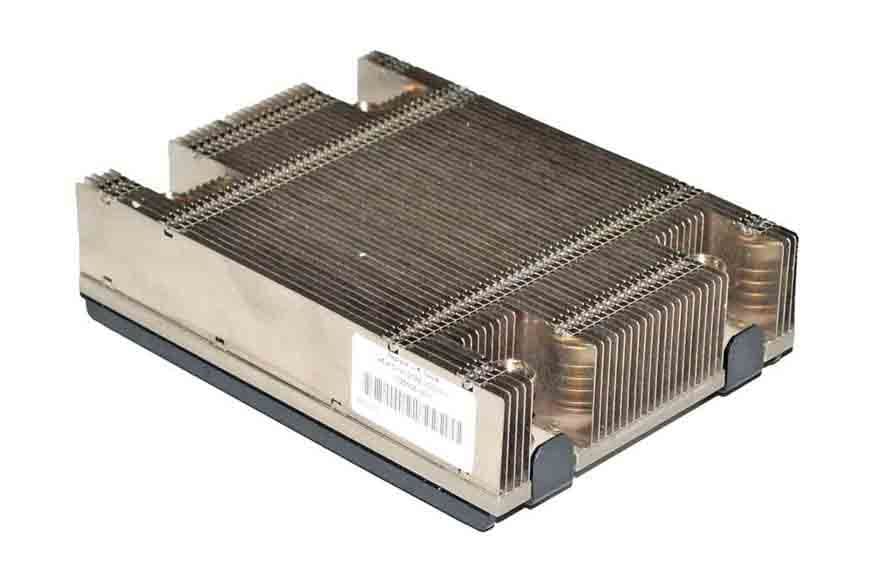
Energy efficiency and cooling performance are important factors to consider when using the HPE CPU Heatsink Assembly (735506-001).
The heatsink assembly is designed to dissipate heat generated by the CPU, which helps to keep the server running at optimal temperatures. This helps to improve overall system performance and reliability, and can also help to prolong the lifespan of the server components.
The heatsink assembly’s energy efficiency depends on several factors such as the material used, the design and the thermal interface material. The assembly is also optimized to work in conjunction with other cooling systems within the server, such as fans and air ducts, to ensure proper airflow and heat dissipation.
Additionally, the assembly’s cooling performance can be affected by the environment in which the server is operating, such as temperature and humidity levels. It is important to ensure that the server is operating in a suitable environment and that the cooling systems are functioning properly to maintain optimal cooling performance.
It is recommended to monitor the server’s temperature and other thermal related parameters to ensure that the server is operating within safe temperature ranges. Also, it is always recommended to check the server’s quickspecs, user guides and maintenance manuals for more information about the specific cooling performance of the assembly.
Step-by-Step Installation Instructions
Step-by-Step Installation Instructions for the HPE CPU Heatsink Assembly (735506-001) are as follows:
- Prepare for installation by gathering all necessary tools and equipment, including the heatsink assembly, thermal grease, and any other components specified in the installation instructions.
- Power off the server and unplug all cables to ensure a safe installation.
- Remove the access panel of the server and locate the CPU socket.
- Carefully remove the existing heatsink assembly, if any, by releasing the retention clips or screws.
- Clean the surface of the CPU and the heatsink contact area to ensure a good thermal interface.
- Apply a thin, even layer of thermal grease to the surface of the CPU.
- Carefully align the new heatsink assembly with the CPU socket, making sure that the pins or clips are properly engaged.
- Secure the heatsink assembly in place using the retention clips or screws provided.
- Reinstall the access panel of the server and reconnect all cables and power.
- Power on the server and verify that the new heatsink assembly is functioning properly.
It is important to follow the manufacturer’s instructions carefully and to take appropriate safety precautions, such as using an antistatic wrist strap, when installing the heatsink assembly. If you are unsure about the installation process, it is best to consult a qualified technician or the server’s quickspecs, user guides and maintenance manuals.
Compatibility with HPE Server Models
The HPE CPU Heatsink Assembly (735506-001) is compatible with a variety of HPE server models. It is designed to work with a range of ProLiant servers, including DL, ML, and SL series models.
It is important to check the compatibility of the assembly with your specific server model before purchasing, as some servers may have different heatsink requirements. Additionally, it is also recommended to check for any firmware or BIOS updates that may be required for proper compatibility and operation.
It is always recommended to check the HPE website for a detailed list of compatible server models, and consult the server’s quickspecs, user guides and maintenance manuals for more information.
General Information 735506-001 HPE
- Manufacturer : Hewlett-Packard
- Manufacturer Part Number : 735506-001
- Brand Name : HPE
- Sub-Type : Proliant
- Type : Accessories
Compatible Models
- HPE StoreOnce Systems
- HPE StoreVirtual 4000 Storage
- HPE ProLiant DL360 Gen9 Server
- HPE ProLiant DL360p Gen8 SE Server
- HPE ProLiant DL360p Gen8 Server


