

Description
Overview of the C7978A HP Ultrium LTO Tape Drive
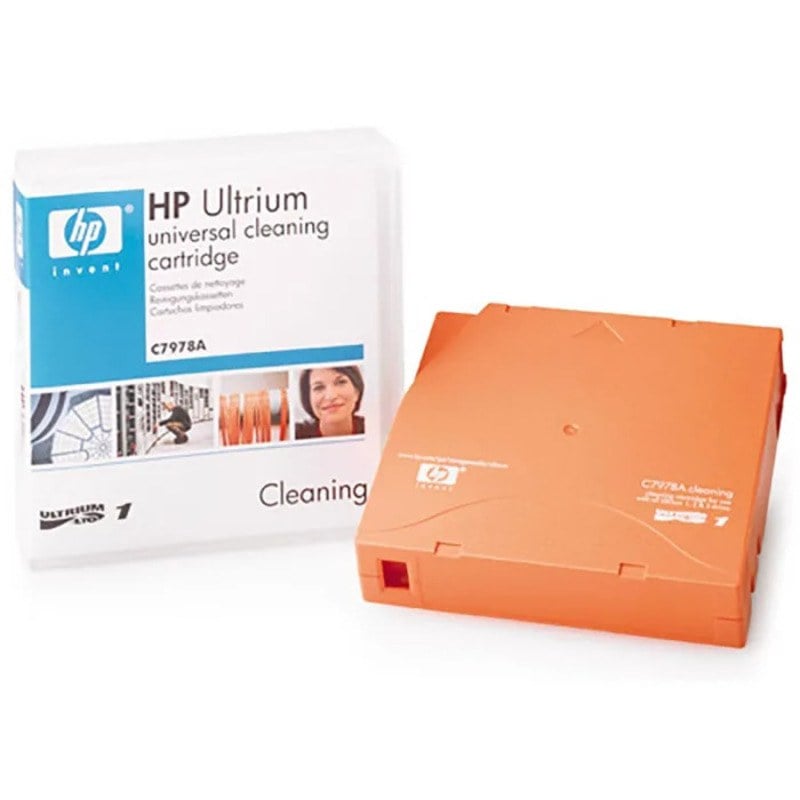
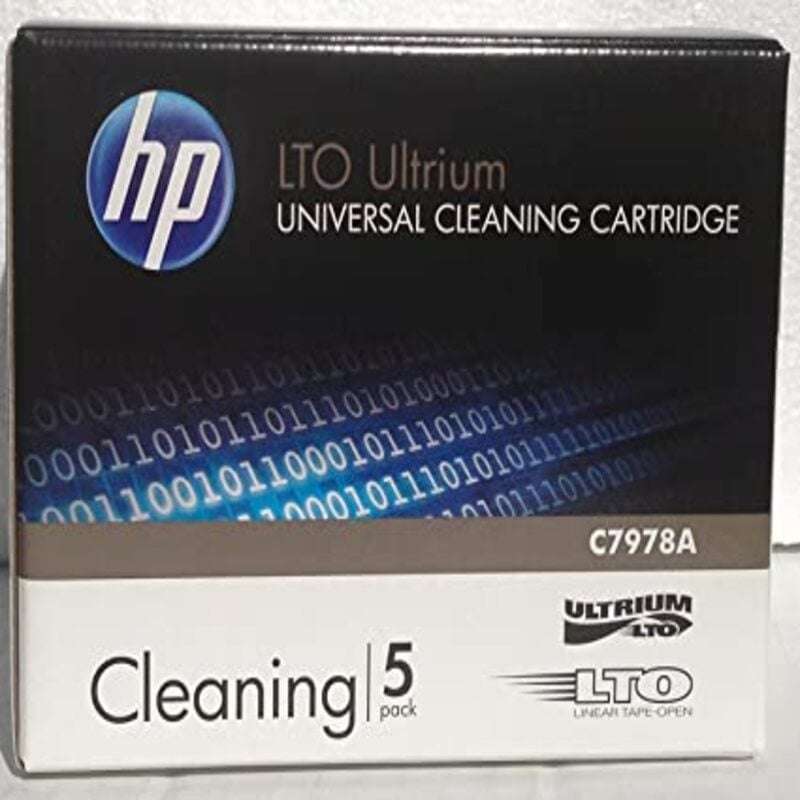
The C7978A HP Ultrium LTO Tape Drive Cleaning Cartridge is a specially designed cleaning tape for use in HP Ultrium LTO tape drives. The cleaning cartridge is designed to remove debris, dust, and other contaminants from the tape drive’s read and write heads, as well as other internal components. This helps to maintain the performance and reliability of the tape drive, and prolong its lifespan. The cleaning cartridge is easy to use and can be inserted into the tape drive just like a regular tape cartridge. Using the cleaning cartridge on a regular basis, as recommended by the manufacturer, can help ensure that the tape drive continues to function properly.
Features and Benefits of the Cleaning Cartridge
The C7978A HP Ultrium LTO Tape Drive Cleaning Cartridge has a number of features and benefits that make it an effective and convenient tool for maintaining the performance and reliability of HP Ultrium LTO tape drives. Some of the key features and benefits include:
- Effectiveness: The cleaning cartridge is specially designed to remove debris, dust, and other contaminants from the tape drive’s read and write heads, as well as other internal components, ensuring that the tape drive continues to function properly.
- Convenience: The cleaning cartridge is easy to use and can be inserted into the tape drive just like a regular tape cartridge, making it convenient to use on a regular basis.
- Long-lasting: The cleaning cartridge can be used up to 20 times, ensuring that it lasts for a long time.
- Cost-effective: Using the cleaning cartridge on a regular basis, as recommended by the manufacturer, can help prolong the lifespan of the tape drive and reduce the need for costly repairs or replacements.
- Versatile: The C7978A is compatible with HP Ultrium LTO-1, LTO-2, LTO-3, LTO-4, LTO-5, LTO-6, LTO-7, LTO-8, and LTO-9 tape drives.
- Recommended by manufacturer: HP recommends the use of the C7978A cleaning cartridge to maintain the performance and reliability of their Ultrium LTO tape drives.
How to Use the Cleaning Cartridge in an HP Ultrium LTO Tape Drive
Using the C7978A HP Ultrium LTO Tape Drive Cleaning Cartridge in an HP Ultrium LTO tape drive is a simple process that can be done in a few easy steps. Here is a general overview of how to use the cleaning cartridge:
- Turn off the tape drive: Before inserting the cleaning cartridge, make sure that the tape drive is turned off and unplugged from the power source.
- Open the tape drive: Open the tape drive by releasing the latch or pressing the button on the front panel, depending on the model of the tape drive.
- Insert the cleaning cartridge: Gently insert the cleaning cartridge into the tape drive with the label facing up. Make sure that the cleaning cartridge is fully inserted and seated in the tape drive.
- Close the tape drive: Close the tape drive by pressing the latch or button, depending on the model of the tape drive.
- Turn on the tape drive: Turn on the tape drive and wait for it to complete the cleaning process. This process can take a few minutes.
- Remove the cleaning cartridge: Once the cleaning process is complete, turn off the tape drive and open it to remove the cleaning cartridge.
- Store the cleaning cartridge: Keep the cleaning cartridge in a cool, dry place, and make sure it is protected from dust and debris.