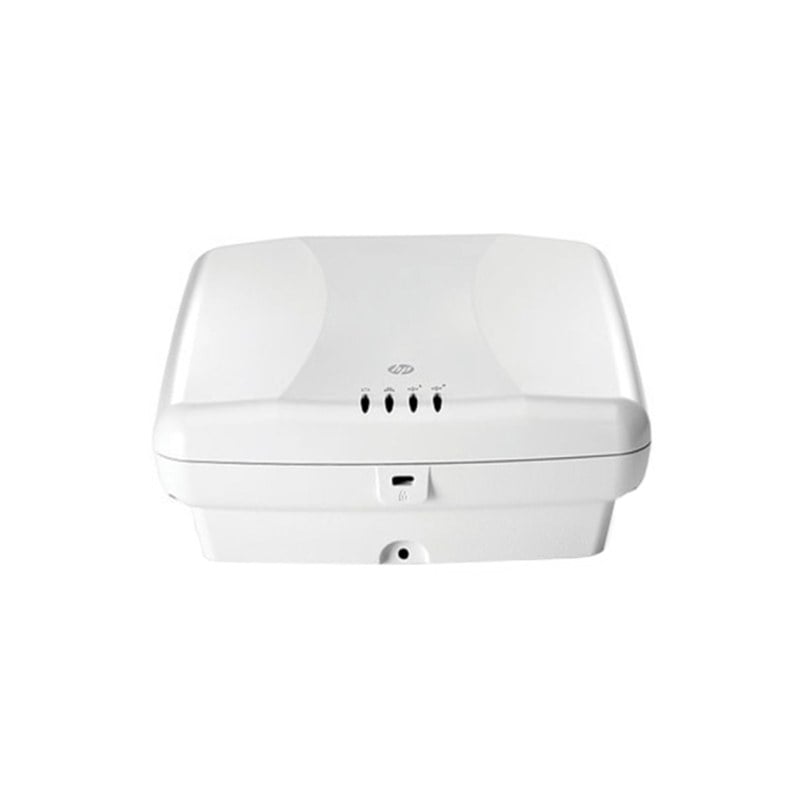
Description
Performance and Throughput
The Cisco Aironet 2602I wireless access point (AIR-CAP2602I-B-K9) supports a variety of security features to ensure that the wireless network is secure and that sensitive data is protected. Here are some of the key security features supported by the access point:
- WPA2 encryption: The access point supports WPA2 encryption, which is the most secure wireless encryption standard currently available. WPA2 encryption ensures that all data transmitted over the wireless network is encrypted and cannot be intercepted by unauthorized users.
- 802.1X authentication: The access point supports 802.1X authentication, which requires users to provide a username and password before they can access the wireless network. This ensures that only authorized users are able to access the network and that sensitive data is protected.
- Guest access controls: The access point supports guest access controls, which allow guests to access the wireless network while restricting their access to sensitive data and network resources. Guest access controls can be used to ensure that the wireless network is secure while still providing access to visitors and guests.
- Rogue access point detection: The access point supports rogue access point detection, which can detect unauthorized access points that have been installed on the network. This helps to ensure that the wireless network is secure and that unauthorized users are not able to access sensitive data.
- Wireless intrusion prevention system (WIPS): The access point supports a wireless intrusion prevention system, which can detect and prevent attacks on the wireless network. The WIPS can detect rogue access points, denial of service attacks, and other wireless threats, and can take action to prevent these threats from compromising the network.
- VLAN support: The access point supports VLANs, which can be used to segment the wireless network and restrict access to sensitive data. VLANs can be used to separate guest traffic from corporate traffic, and to ensure that sensitive data is protected.
Firmware and Software Updates
Firmware and software updates are an important aspect of maintaining and optimizing the performance of the Cisco Aironet 2602I wireless access point. Here are some key considerations for updating the firmware and software on this access point:
- Firmware updates: Firmware updates provide new features and bug fixes, and may also address security vulnerabilities. Firmware updates are typically released by the manufacturer and can be downloaded from their website. Before updating the firmware, it is important to ensure that the update is compatible with the access point and that it does not cause any compatibility issues with other components in the network.
- Software updates: Software updates are typically released for the management software used to manage the access point. These updates may provide new features, bug fixes, and security enhancements. Before updating the management software, it is important to ensure that the update is compatible with the access point and that it does not cause any compatibility issues with other components in the network.
- Updating process: Before performing any firmware or software update, it is important to read the release notes and documentation provided by the manufacturer. This documentation will provide detailed instructions on how to perform the update and any precautions that should be taken. It is important to follow these instructions carefully to avoid any potential issues or downtime.
- Backup: Before performing any firmware or software update, it is recommended to backup the current configuration of the access point. This can be done through the management software used to manage the access point. This backup can be used to restore the access point to its previous configuration if any issues arise during the update process.
- Testing: After performing a firmware or software update, it is important to test the access point to ensure that it is working correctly. This can be done by performing a site survey and testing the performance of the access point. It is also important to ensure that the updated firmware or software is compatible with other components in the network, such as controllers, switches, and clients.
Troubleshooting Tips
If you experience issues with the Cisco Aironet 2602I wireless access point (AIR-CAP2602I-B-K9), there are several troubleshooting tips that you can follow to help identify and resolve the problem. Here are some common troubleshooting tips:
- Check the physical connections: Ensure that the access point is properly connected to the network and that the power supply is functioning correctly. Check the Ethernet cables, power cables, and other physical connections to ensure that they are secure.
- Check the LED status indicators: The Cisco Aironet 2602I has several LED status indicators that can provide information about the status of the access point. Check the LED status indicators to determine if the access point is powered on, if it is connected to the network, and if it is experiencing any issues.
- Perform a reset: If the access point is not functioning correctly, you can perform a factory reset to restore the access point to its default settings. This can help to resolve configuration issues and other problems.
- Check the wireless network settings: Ensure that the wireless network settings are configured correctly, including the SSID, security settings, and other wireless parameters. Verify that the access point is broadcasting the correct SSID and that the security settings are configured correctly.
- Perform a firmware upgrade: If the access point is experiencing issues, it may be necessary to upgrade the firmware to the latest version. This can help to resolve compatibility issues, improve performance, and add new features.
- Perform a site survey: If the wireless network is experiencing poor coverage or signal strength, you may need to perform a site survey to identify the cause of the problem. A site survey can help to identify areas of interference, weak signal strength, and other issues that can affect wireless performance.
- Contact technical support: If you are unable to resolve the issue on your own, you can contact technical support for assistance. Cisco provides technical support for the Cisco Aironet 2602I access point, and they can help to identify and resolve issues with the access point.
General Information about this Cisco AIR-CAP2602I-B-K9
- Manufacturer : Cisco
- Model Number or SKU# AIR-CAP2602I-B-K9
- Product Line Aironet
- Product Series 2600
- Product Model 2602I
- Product Name Aironet 2602I Wireless Access Point
- Product Type Wireless Access Point
Technical Information of Cisco AIR-CAP2602I-B-K9
- Wireless LAN Standard IEEE 802.11n
- Frequency Band 2.40 GHz
- Frequency Band 5 GHz
- Wireless Transmission Speed 450 Mbit/s
- MIMO Technology Yes
- Beamforming Technology Yes
Interfaces / Ports of Wireless Access Point
- Ethernet Technology Gigabit Ethernet
- Ethernet Technology Fast Ethernet
- Ethernet Technology Ethernet
- PoE (RJ-45) Port No
- VGA No
- HDMI No
- USB No
- Powerline No
- Management Port Yes