

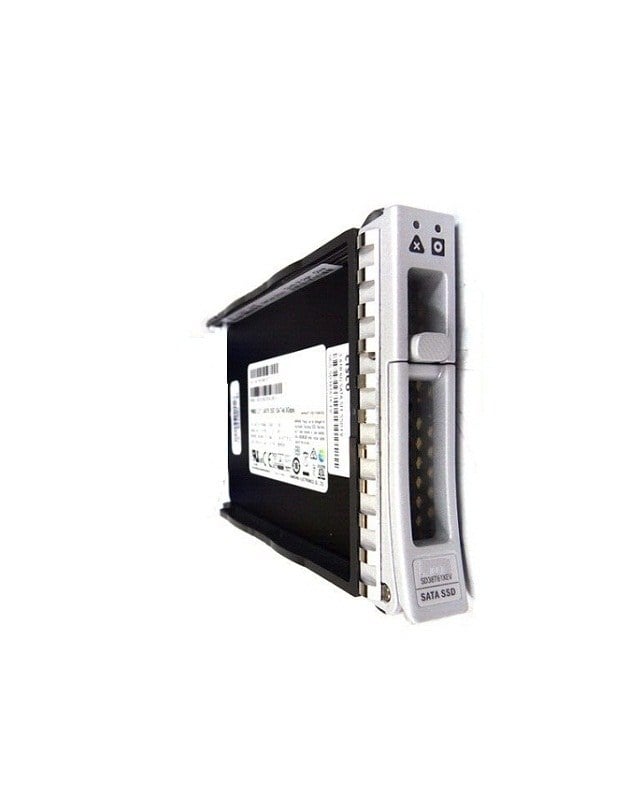

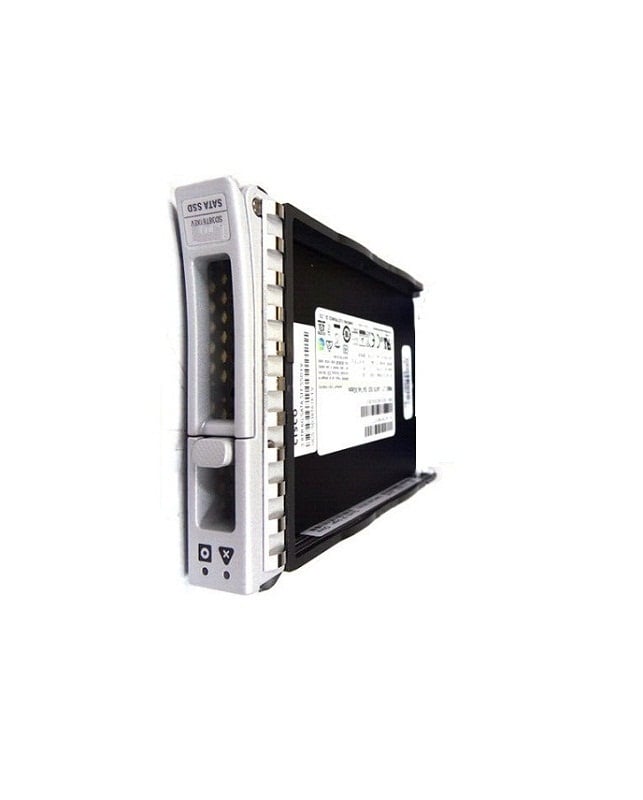
Description
Future Developments and Advancements
The development of solid-state drives (SSDs) is an active area of research and innovation, with new technologies and capabilities emerging all the time. Here are a few trends and advancements that we can expect to see in the near future for SSDs:
- Higher Capacity: With the increasing demand for larger storage capacity, we can expect to see SSDs with higher storage capacity in the near future. This will allow users to store more data on their devices without having to rely on multiple storage devices.
- Faster Speeds: As technology improves, we can expect to see SSDs with faster read and write speeds. This will improve the overall performance and user experience of devices that use SSDs as their primary storage device.
- Lower Prices: The cost of SSDs has been decreasing over time and this trend is likely to continue in the future. This will make SSDs more accessible to a wider range of consumers, encouraging the adoption of SSDs in a wider range of devices.
- NVMe: Non-Volatile Memory Express (NVMe) is a newer protocol for accessing SSDs that offers improved performance compared to SATA and SAS interfaces. In the future, we can expect to see more devices adopt NVMe as the primary interface for accessing SSDs.
- Increased Endurance: As technology improves, we can expect to see SSDs with increased endurance, allowing them to handle more write operations and last longer.
Compatibility and Installation
The Cisco HX-SD76T61X-EV 7.6TB SATA-6GBPS TLC M.2 SSD is an M.2 form factor SSD, which is a type of solid-state drive (SSD) that is smaller and more compact than traditional 2.5-inch or 3.5-inch drives. To determine if this SSD is compatible with your system, you will need to check the specifications of your system to ensure that it supports M.2 drives and has an M.2 slot available.
In terms of installation, the process for installing an M.2 SSD is similar to that of installing any other type of storage device. Here are the basic steps to follow:
- Power off your system and unplug it from the power source.
- Open the system and locate the M.2 slot.
- Carefully insert the M.2 SSD into the M.2 slot and secure it in place with any screws or retention clips that are provided.
- Connect the SATA cable to the SATA connector on the M.2 SSD and plug it into the SATA port on your motherboard.
- Close the system and plug it back in to the power source.
- Power on the system and enter the BIOS or UEFI setup utility to configure the storage device.
- Create a new partition on the SSD and format it, then install your operating system or transfer data to the new drive as desired.
Enterprise Grade Features and Reliability
The HX-SD76T61X-EV Cisco 7.6TB SATA-6GBPS TLC M.2 SSD is a high-capacity, enterprise-grade solid-state drive that features a M.2 form factor and SATA-6GBPS interface for communication with the host system.
TLC (triple-level cell) NAND flash memory is used in this SSD, which provides a higher capacity than other types of NAND flash, but with lower performance and endurance compared to MLC (multi-level cell) or SLC (single-level cell) NAND flash.
Features:
- High-Capacity: With a storage capacity of 7.6TB, this SSD is ideal for large data centers and other enterprise applications that require high-capacity storage solutions.
- M.2 Form Factor: The M.2 form factor provides a compact and low-profile design that is ideal for space-constrained environments.
- SATA-6GBPS Interface: The SATA-6GBPS interface provides fast and reliable data transfer rates, making it ideal for applications that require high-performance storage.
- Enterprise-Grade Reliability: This SSD is designed for use in enterprise environments and is built to meet the demands of high-availability and mission-critical applications.
- Endurance and Reliability: The HX-SD76T61X-EV is designed to withstand the demands of heavy write workloads and provide consistent and reliable performance over the life of the drive.
Main Information about this Cisco HX-SD76T61X-EV
- Cisco HX-SD76T61X-EV 7.6TB SATA 6GBPS Enterprise Solid State Drive
- Part Number or SKU # HX-SD76T61X-EV
- Manufacturer : Cisco
- Type : Solid State Drive
- Interface Type : SATA 6GBPS
Key Information of 7.6TB Solid State Drive
- Type of SSD : Internal Solid State Drive
- Capacity : 7.6TB
- Form Factor : 2.5 Sff
- Drive Transfer Rate : 600 Mbps
Product Dimensions & Weight for SATA 6GBPS SSD
- Height : 0.63 inch
- Width : 3.10 inch
- Depth : 5.45 inch
- Weight : 1.50 lbs
Compatibility
- Cisco Hyperflex System Hx220c Edge M5 (2.5), Hx220c M5 (2.5), Hx220c M5 All Flash (2.5), Hx220c M5 All Nvme (2.5), Hx240c M5 (2.5), Hx240c M5 All Flash (2.5), Hx240c M5 Lff (2.5), Hx-e-220m5sx Edge Node (2.5), Hx-e-240m5sx All Flash Edge (2.5), Hx-e-240m5sx Edge (2.5) ¦ Cisco Ucs Smart Play Hx220c M5 Entry (2.5), Smart Play Hx220c M5 Value (2.5),
- Smart Play Select Hx240c M5 Hyperflex System (2.5), Smart Play Select Hx240c M5 Hyperflex System Performance (2.5), Smart Play Select Hx240c M5 Hyperflex System Performance 1 (2.5), Smart Play Select Hx240c M5 Hyperflex System Value (2.5), Smart Play Select Hx240c M5 Hyperflex System Value 1 (2.5), Smartplay Hxaf240c M5 Performance 2 (2.5)
Contact us or ask for live chat/help if you have any questions about the compatibility of this item to ensure the model’s matching features with your current system.


