

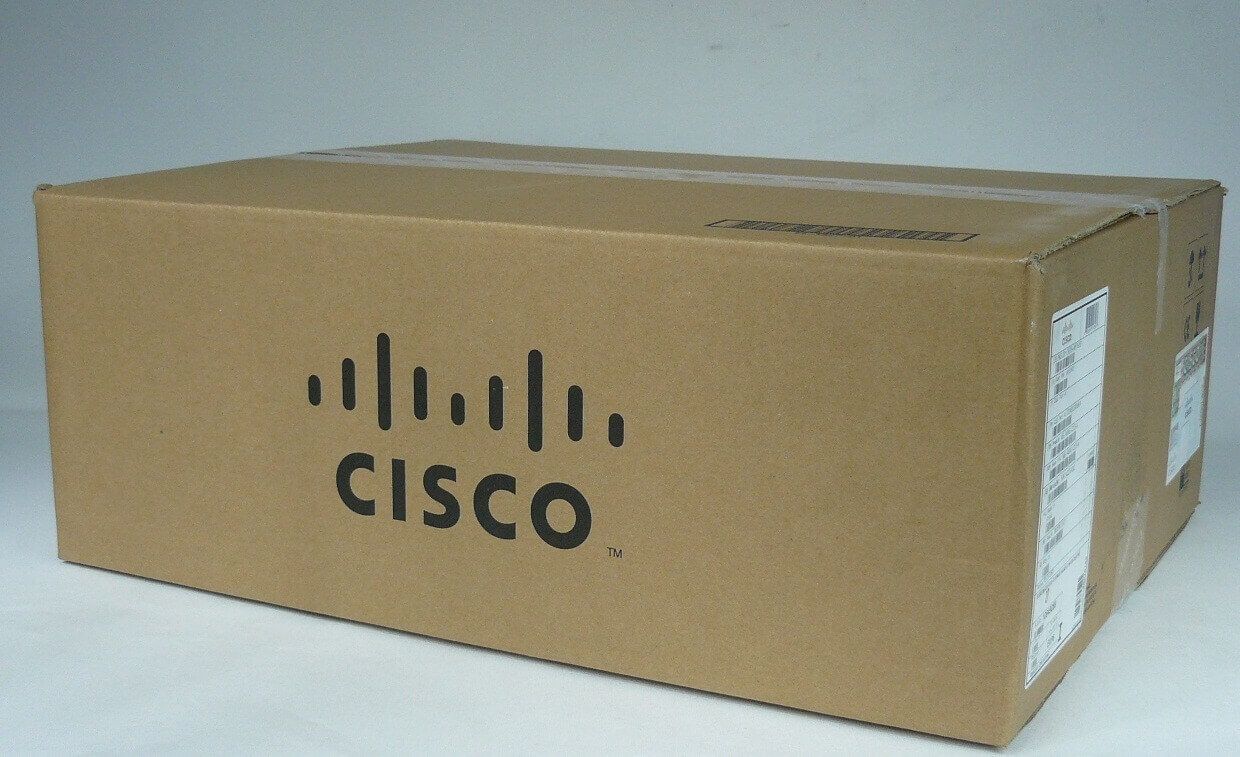
Description
Management and Configuration Options for the N6004X-M20UP Module
The N6004X-M20UP Cisco Unified Fibre Channel Plug-in module can be managed and configured through the following options:
- Cisco DCNM (Data Center Network Manager) – Cisco DCNM is a centralized management tool that provides comprehensive management capabilities for Cisco Nexus switches, including the N6004X-M20UP module. It provides features such as network monitoring, provisioning, and troubleshooting.
- CLI (Command Line Interface) – The module can be configured using the CLI through the console or SSH. The CLI provides access to all the configuration options and features of the module.
- SNMP (Simple Network Management Protocol) – The module can be monitored and managed through SNMP. It provides basic monitoring capabilities such as interface status, link utilization, and error statistics.
- Syslog – The module can be configured to send syslog messages to a syslog server for monitoring and troubleshooting purposes.
- PortProfile – The module supports PortProfile configuration which allows administrators to define and apply a set of port configurations across multiple switches.
- REST API – The module supports REST API which allows administrators to programmatically configure and manage the module.
It’s important to note that the management and configuration options may vary depending on the software version and configuration of the module. It’s recommended to consult the Cisco Nexus 6000 Series Switches documentation for more detailed information.
Fibre Channel Zoning Options and Configurations
The N6004X-M20UP Cisco Unified Fibre Channel Plug-in module supports various Fibre Channel zoning options and configurations, including:
- Port zoning: In this zoning configuration, specific ports on the N6004X-M20UP module are assigned to a specific zone. Devices that are connected to the ports in the same zone can communicate with each other, while devices in different zones cannot. Port zoning is a simple and easy-to-implement method of zoning.
- WWN zoning: In this zoning configuration, devices are grouped based on their World Wide Name (WWN), which is a unique identifier for Fibre Channel devices. Devices with the same WWN are placed in the same zone, and can communicate with each other. WWN zoning is more granular than port zoning and allows for better control over device access.
- Mixed zoning: This zoning configuration combines both port zoning and WWN zoning. Specific ports are assigned to a zone, and devices with matching WWNs are also added to the same zone. Mixed zoning provides the benefits of both port and WWN zoning.
- VSAN zoning: Virtual Storage Area Network (VSAN) zoning is a type of zoning that separates Fibre Channel traffic into multiple virtual SANs, each with its own set of devices and zoning configuration. VSAN zoning provides greater flexibility and scalability, as well as enhanced security and fault isolation.
It’s important to note that the specific zoning configuration used will depend on the requirements of the Fibre Channel network and the devices connected to it. The N6004X-M20UP module supports all of these zoning options and can be configured using the Cisco MDS 9000 Family Fabric Manager software or the Command Line Interface (CLI).
Power and Cooling Requirements for the N6004X-M20UP Module
The power and cooling requirements for the N6004X-M20UP Cisco Unified Fibre Channel Plug-in module are as follows:
Power:
- Maximum power consumption: 450 watts
- Typical power consumption: 350 watts
Cooling:
- Airflow direction: Port-side exhaust
- Airflow requirement: 310 CFM (Cubic Feet per Minute)
- Operating temperature: 32 to 104°F (0 to 40°C)
- Storage temperature: -40 to 158°F (-40 to 70°C)
General Information
- Manufacturer Cisco Systems, Inc
- Manufacturer Part Number N6004X-M20UP
- Brand Name: Cisco
- Device Type Expansion module
- Form Factor Plug-in module
Networking
- Connectivity Technology: Wired
- Data Link Protocol GigE, 10 GigE, FCoE, 8Gb Fibre Channel
- Status Indicators Status
Expansions And Connectivity
- Expansion Slots: 20 (total) / 20 (free) x SFP+
Compatibility
- Cisco Nexus 6004, 6004 24 x 40GE Ports/FCoE Bundle, 6004 EF
Please contact us over the phone or ask for live chat/help if you have any questions about the estimated time of arrival for any “lead time required” item.


