

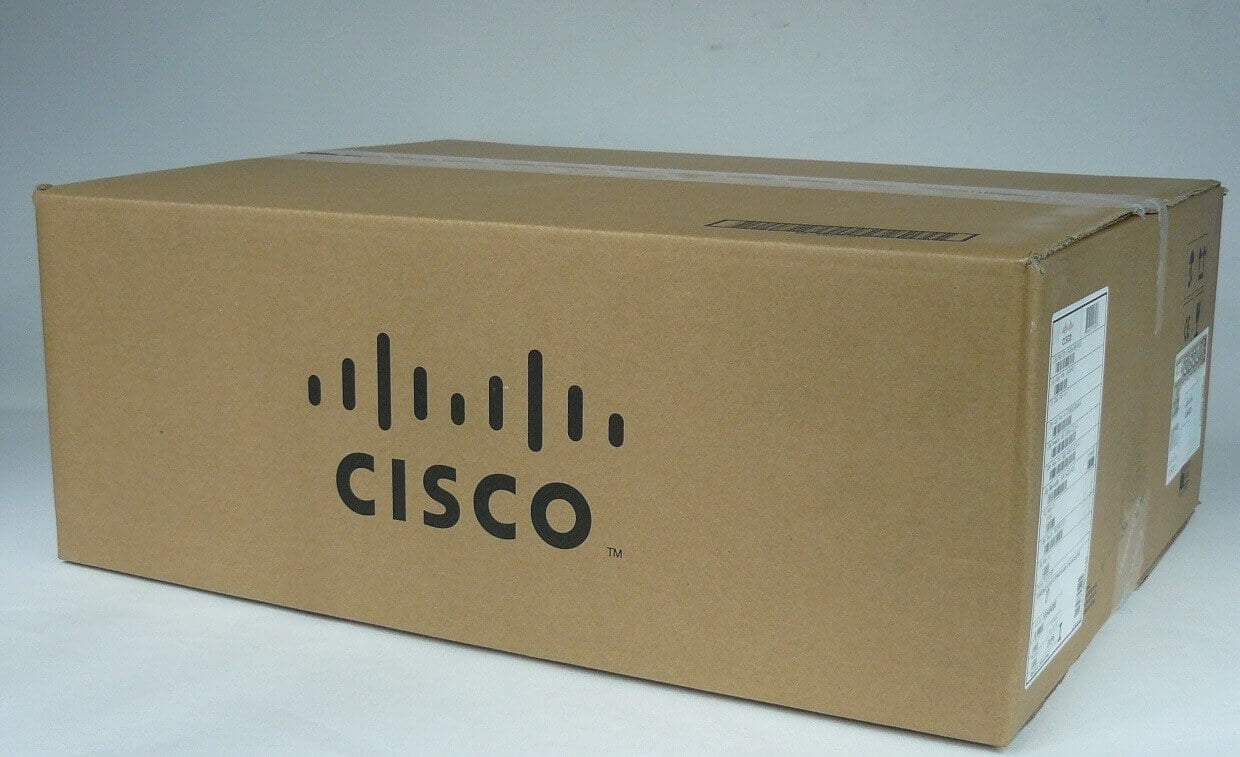
Description
The Benefits of Using with Expansion Module
- Increased Bandwidth: The 1 Port Expansion Module provides an additional Fast Ethernet port, allowing for more bandwidth to be available for other network devices.
- Improved Network Performance: The additional port helps to distribute network traffic, reducing the burden on other ports and improving network performance.
- Enhanced Flexibility: With the ability to add an additional port, the network administrator has more flexibility in terms of connecting and configuring new devices.
- Increased Network Reliability: By adding an additional port, there is an increased level of redundancy in the network, reducing the risk of a single point of failure.
- Improved Scalability: As the network grows, the ability to add additional ports allows the network to scale up to meet the growing demand.
- Cost Effective: The Cisco 1 Port Expansion Module is a cost-effective solution for expanding the network, providing an additional port at a fraction of the cost of purchasing a separate switch.
- Easy to Install: The Cisco 1 Port Expansion Module is easy to install and integrate into existing networks, reducing downtime and allowing for quick and seamless expansion.
The Installation Guide of this Module
The NM-1FE2W-V2 Cisco 1 Port Expansion Module is an accessory that allows the expansion of the number of Ethernet ports on a Cisco router. The installation process is straightforward and can be completed in a few simple steps. The following guide provides a detailed explanation of the installation process of the NM-1FE2W-V2 Cisco 1 Port Expansion Module.
Step 1: Preparation Before starting the installation process, it is advisable to have all the necessary tools and equipment ready. The tools required for the installation are:
- A Phillips screwdriver
- An ESD wrist strap to prevent electrostatic discharge (ESD) damage to the module
- The NM-1FE2W-V2 Cisco 1 Port Expansion Module
Step 2: Removing the Blank Cover To start the installation process, you need to remove the blank cover from the router’s interface card slot. To do this, follow these steps:
- Locate the blank cover on the router’s interface card slot.
- Use the Phillips screwdriver to unscrew the screws that hold the blank cover in place.
- Remove the blank cover by gently pulling it out of the interface card slot.
Step 3: Inserting the Expansion Module Now that you have removed the blank cover, you can insert the NM-1FE2W-V2 Cisco 1 Port Expansion Module into the interface card slot. To do this, follow these steps:
- Connect the ESD wrist strap to your wrist and the other end to a grounded object.
- Carefully align the expansion module with the interface card slot and gently push it into place.
- Secure the module in place by tightening the screws that hold the blank cover.
Step 4: Verifying the Installation Once you have completed the installation process, you need to verify that the expansion module is functioning correctly. To do this, follow these steps:
- Connect the network cable to the port on the expansion module.
- Power on the router and wait for it to initialize.
- Verify that the LED indicator for the port on the expansion module is lit.
- If the LED indicator is lit, the installation is complete and the expansion module is ready to use.
User Manual of 1 Port Expansion Module
The User Manual for the NM-1FE2W-V2 Cisco 1 Port Expansion Module is a comprehensive guide that provides detailed information on how to install, configure, and troubleshoot the device. The manual covers the following topics:
- Product Overview: A brief overview of the device and its features
- Physical installation: Steps to install the device in a Cisco router or switch
- Configuration: Steps to configure the device, including connecting to the network and setting up the VLANs
- Troubleshooting: Tips and advice on how to troubleshoot common issues that may occur during installation and configuration
- Safety and regulatory information: Important safety and regulatory information to be aware of when installing and using the device
- Technical specifications: Detailed specifications of the device, including dimensions, power consumption, and environmental conditions
The manual also includes illustrations and diagrams to help the reader understand the concepts and procedures described in the text. This user manual is an essential resource for network administrators and engineers who need to install and configure the NM-1FE2W-V2 Cisco 1 Port Expansion Module.
Detail Description
- Type: Networking
- Sub-Type : Network Module
- Manufacturer: Cisco Systems, Inc
- Manufacturer Part Number : NM-1FE2W-V2
- Brand Name: Cisco
- Device Type :Expansion module
Technical Information
- Form Factor :Plug-in module
- Expansion Slots Total (Free) 2 ( 2 ) x Expansion Slot
- Interfaces 1 x network – Ethernet 10Base-T/100Base-TX – RJ-45
- Compatible Slots 1 x Expansion Slot
- Connectivity Technology: Wired
- Cabling Type Ethernet 10Base-T, Ethernet 100Base-TX
- Data Link Protocol Ethernet, Fast Ethernet
- Data Transfer Rate 100 Mbps
- Status Indicators Collision status, port transmission speed, port duplex mode, link OK
- Compliant Standards FCC Class B certified, CISPR 22 Class B
- Humidity Range Operating 5 – 95%
Please contact us over the phone or ask for live chat/help if you have any questions about the estimated time of arrival for any “lead time required” item.


