

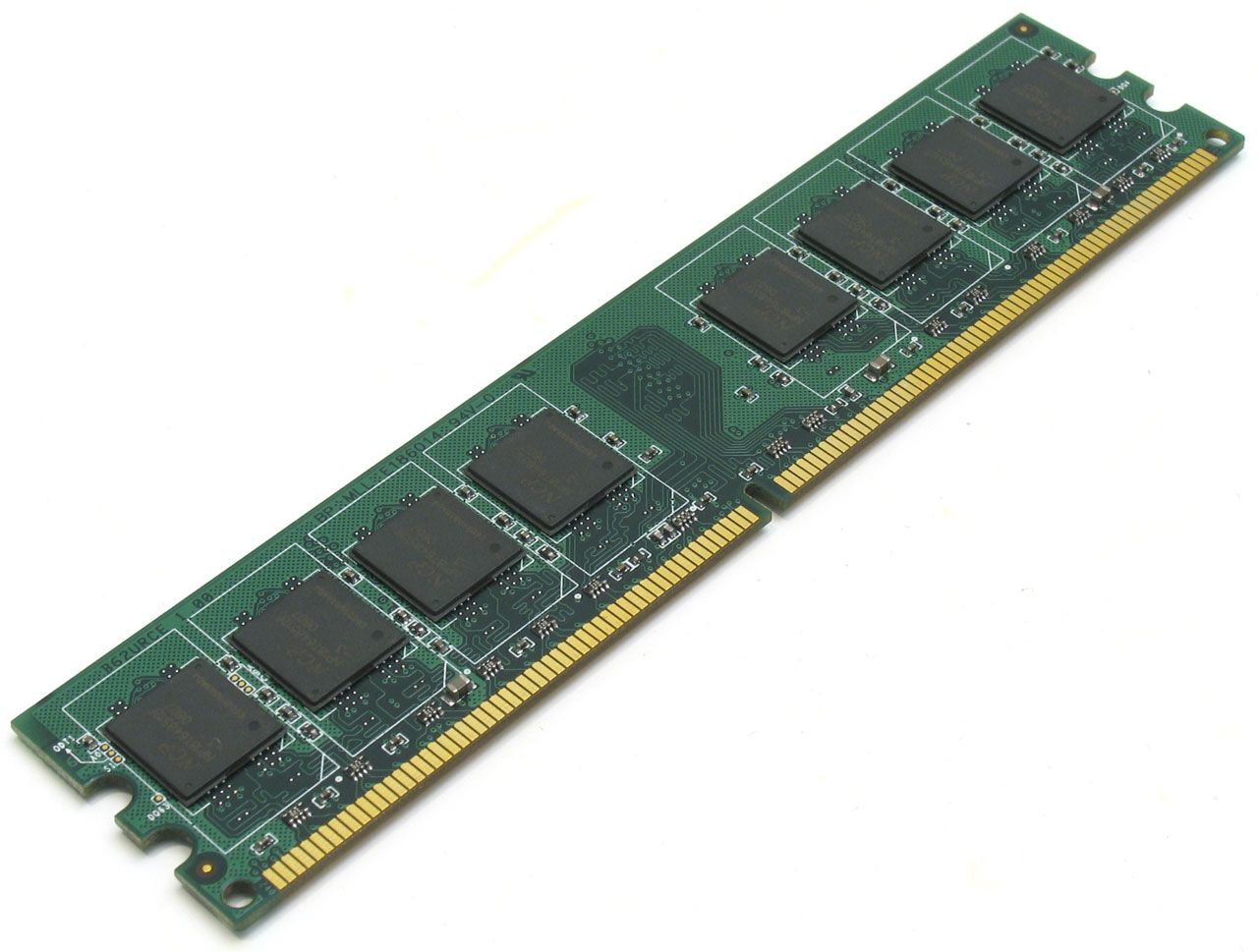
Description
Smart Features and Benefits
Smart Features refer to the advanced capabilities and technologies that are built into a memory module to enhance its performance, reliability, and overall functionality. The exact smart features will vary depending on the specific memory module, but they can include things like error correction, temperature monitoring, power management, and others.
Benefits refer to the advantages and improvements that a memory module provides to a computer system. Some common benefits of installing additional memory include improved system performance, faster startup times, better multitasking ability, and reduced system lag or slowdowns. The exact benefits will depend on the specific memory module, system configuration, and the types of applications being used. In the case of the UCS-SP-M32-RUA memory module, the improved memory speed and increased capacity can provide a noticeable improvement in system performance, especially in demanding applications that require large amounts of memory.
Memory Type and Speed
Memory Type refers to the type of memory technology used in a computer system, such as DDR4 (Double Data Rate 4), DDR3 (Double Data Rate 3), DDR2 (Double Data Rate 2), etc.
Memory Speed, also known as clock speed, is the rate at which the memory chip processes data and is measured in MHz (Megahertz). A higher clock speed means that the memory can process more data per second, leading to improved performance. In the case of the UCS-SP-M32-RUA memory module, it is DDR4 SDRAM with a speed of 2133 MHz.
Installation and Setup
Installation and setup refers to the process of installing a memory module into a computer system and configuring it for use. The process typically involves physically installing the memory module into the appropriate memory slot on the motherboard, and then adjusting the system settings in the BIOS (Basic Input/Output System) or UEFI (Unified Extensible Firmware Interface) to recognize the new memory. The exact steps will vary based on the specific motherboard and system, but the process is generally straightforward and can usually be completed by someone with basic technical knowledge. It is important to follow the manufacturer’s instructions and guidelines carefully to ensure proper installation and avoid damaging the memory module or system. The manufacturer’s website or product documentation should provide detailed instructions for installing and configuring the UCS-SP-M32-RUA memory module.General Information
- Manufacturer: Cisco
- Manufacturer Part Number: Ucs-Spm-M32-Rua
- Product Name: 32GB Ddr4 Sdram Memory Module
Technical Information
- Storage Capacity: 32GB
- Memory Technology: Ddr4 Sdram
- Number Of Modules: 1 X 32GB
- Bus Speed: 2133MHz Ddr4-2133/Pc4-17000
- Data Integrity Check: Ecc
- Signal Processing: Registered
- Cas Latency Timings: Cl15
- Features: Dual Rank
- Voltage: 1.2v


