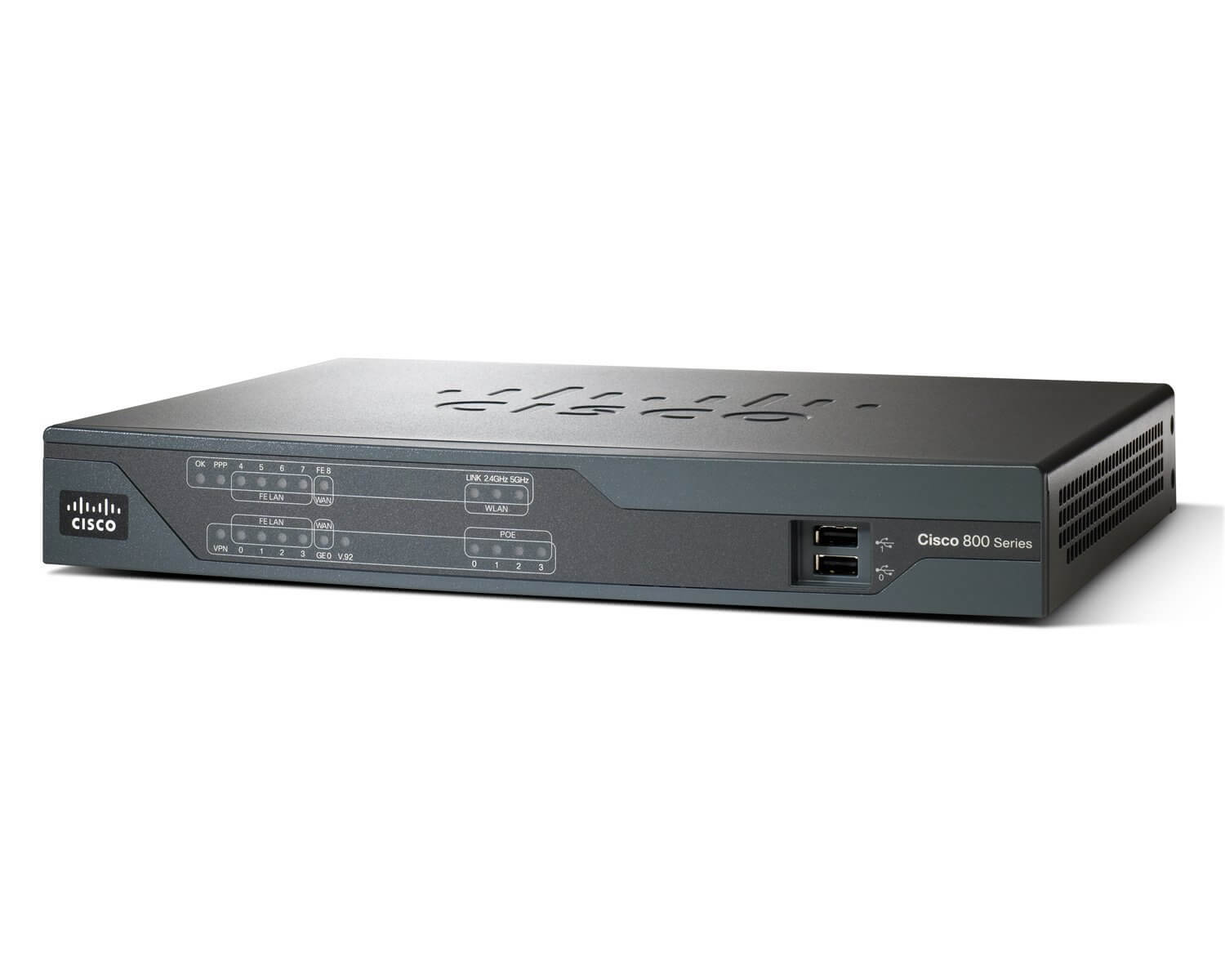
Description
Connecting and Configuring the CISCO888-SEC-K9 Router
- Connect the router: Connect the router to a power source and connect it to your network using an Ethernet cable.
- Assign an IP address: Assign an IP address to the router by connecting to the device through a console cable and using the command line interface (CLI).
- Configure security settings: Configure the router’s security settings such as firewall rules and access control lists (ACLs) to protect your network from unauthorized access.
- Set up virtual private network (VPN) connections: Configure the router to support VPN connections to allow remote access to your network.
- Configure Quality of Service (QoS): Set up QoS to prioritize traffic and ensure that critical applications have adequate bandwidth.
- Configure WAN connections: Configure the router’s WAN connections to connect to your internet service provider (ISP) and establish an internet connection.
- Save the configuration: Save the configuration changes to the router’s memory to ensure that they persist after a reboot.
- Test the connection: Test the router’s connectivity and security settings to ensure that they are working properly.
Security Features of the CISCO888-SEC-K9 Router
- Firewall: The Cisco 888 G.SHDSL Security Router includes a stateful firewall to protect against unauthorized access and malicious attacks.
- VPN: The router supports Virtual Private Network (VPN) connections for secure remote access.
- Intrusion Prevention System (IPS): The router includes an IPS to detect and prevent network intrusions.
- Access Control Lists (ACLs): The router allows administrators to set up access control lists to restrict network access.
- Quality of Service (QoS): The router supports QoS to prioritize network traffic and ensure that critical applications receive the bandwidth they need.
- Secure Shell (SSH) and Secure Sockets Layer (SSL): The router supports SSH and SSL for secure remote management and communication.
- Advanced Encryption Standard (AES) and Secure Hash Algorithm (SHA-1): The router supports AES and SHA-1 for secure data encryption and authentication.
- Network Address Translation (NAT): The router supports NAT to conceal internal IP addresses and protect against external attacks.
- Antivirus and Anti-Malware: The router includes antivirus and anti-malware software to protect against malware and other security threats.
- Authentication: The router supports various forms of authentication such as TACACS+ and RADIUS to secure network access.
Access Control and User Management
Access control and user management for the CISCO888-SEC-K9 Cisco 888 G.SHDSL Security 4 Ports Router can be achieved by configuring the router’s built-in security features and network management tools. These include:
- Access control lists (ACLs): ACLs can be used to restrict access to specific network resources or to block unwanted traffic from entering the network.
- Firewall: The router’s built-in firewall can be configured to block unwanted traffic and protect the network from external threats.
- Virtual private network (VPN) support: The router supports VPN connections, which can be used to securely access the network from remote locations.
- User authentication: The router supports various types of user authentication, such as local authentication and RADIUS/TACACS+ authentication.
- Network management tools: The router’s built-in network management tools, such as the Cisco Network Assistant, can be used to monitor and manage the network.
- Remote management: The router can be managed remotely using a web-based interface or through the Cisco SDM.
- Logging and monitoring: The router can generate log files that can be used to track network activity and troubleshoot issues.
It’s important to note that the above features may vary depending on the specific model of the router and the software version that is running on it.
General Information
- Manufacturer Cisco Systems, Inc
- Manufacturer Part Number CISCO888-SEC-K9
- Brand Name Cisco
- Product Series 800
- Product Model 888
- Product Name 888 G.SHDSL Security Router
- Product Type Router
Interfaces / Ports
- Total Number of Ports 5
- Number of Network (RJ-45) Ports 4
Media & Performance
- Carrier Supported DSL
- Broadband Transmission Technology ADSL
Network & Communication
- Network Technology 10/100Base-TX
- Ethernet Technology Fast Ethernet