

Description
Performance and Reliability
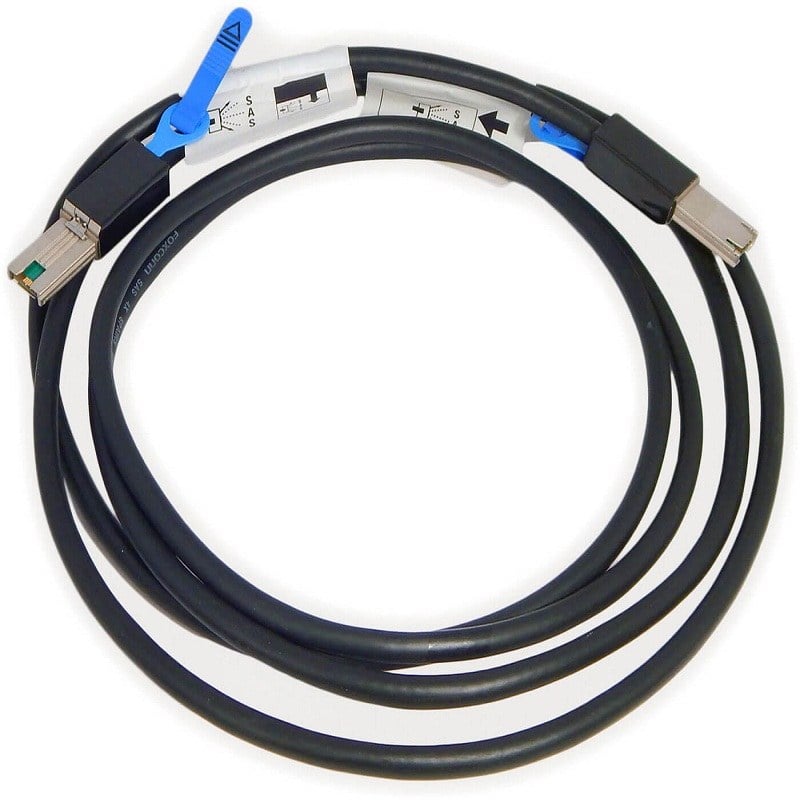
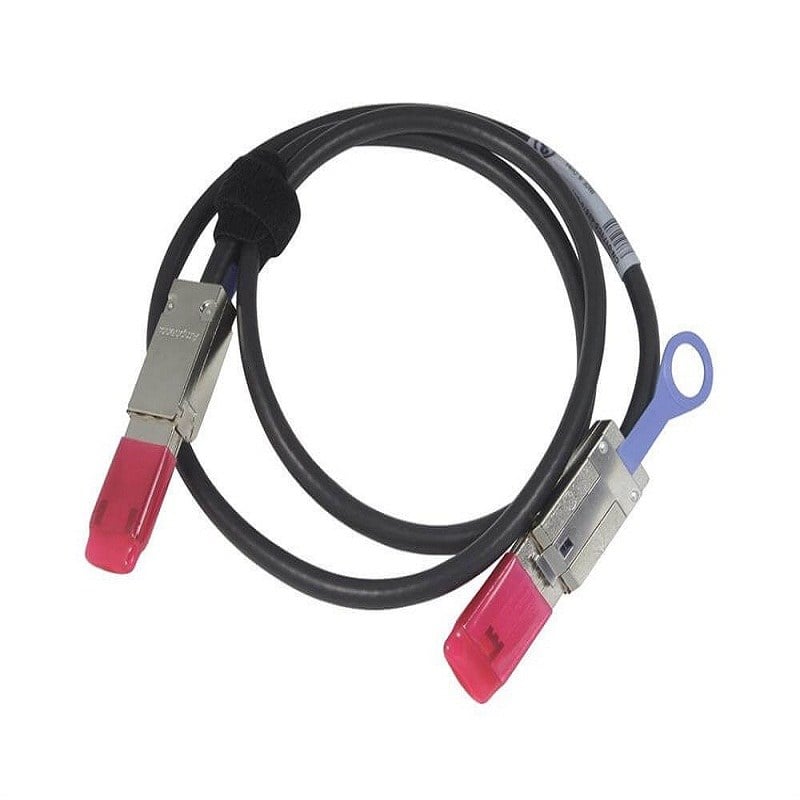
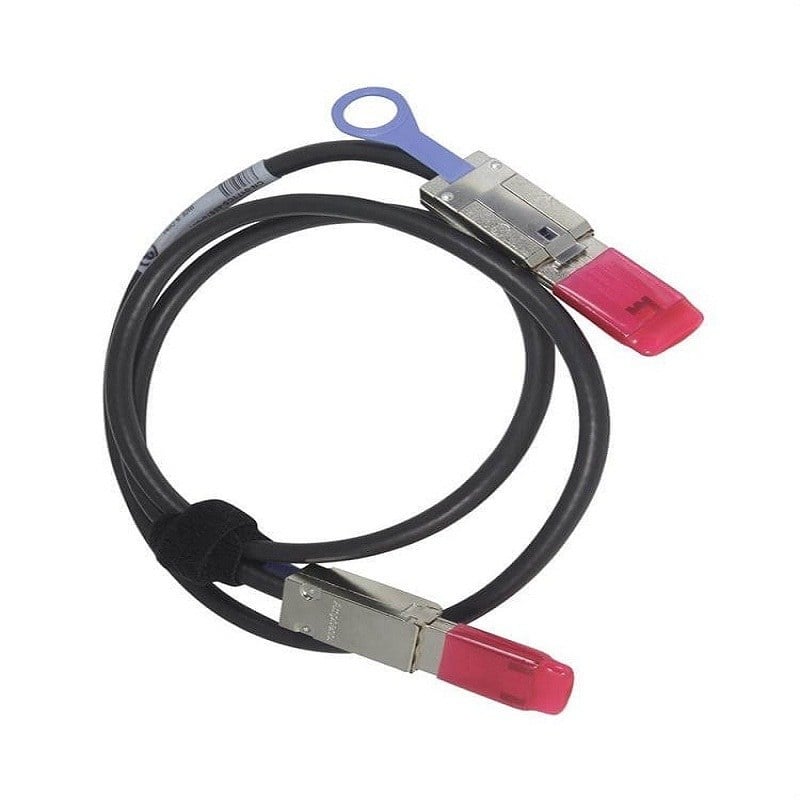
The Dell 1M External Mini SAS to Mini SAS Cable (part number 171C5) is a high-performance cable that is designed to connect external storage devices to a server or controller. It uses Mini SAS connectors on both ends, which provide a reliable and secure connection for data transfer. The cable is 1 meter in length, which allows for flexible placement of the storage devices. The cable is also made of high-quality materials and is built to meet industry standards for performance and reliability. Overall, the Dell 1M External Mini SAS to Mini SAS Cable is a reliable and high-performing cable that is well-suited for use in data center and enterprise environments.
Benefits of Using
- High-speed data transfer: The Dell 1M External Minisas To Mini SAS Cable supports data transfer speeds of up to 12 Gbps, making it ideal for high-speed data transfer applications such as video editing, graphic design, and scientific research.
- Durable and reliable: The cable is built with high-quality materials and is designed to withstand the rigors of everyday use. It is also designed to minimize signal loss and ensure a stable data connection.
- Easy to install: The Dell 1M External Minisas To Mini SAS Cable is easy to install, with no special tools or equipment required. This makes it ideal for both professional and home use.
- Wide compatibility: The cable is compatible with a wide range of devices, including servers, storage arrays, and tape drives, making it a versatile choice for any data storage and transfer application.
- Cost-effective: The Dell 1M External Minisas To Mini SAS Cable is a cost-effective solution for high-speed data transfer, providing an affordable alternative to expensive, specialized cables.
- Compact and lightweight: The Dell 1M External Minisas To Mini SAS Cable is compact and lightweight, making it easy to carry and transport. This makes it ideal for use in mobile and on-the-go applications.
Troubleshooting Tips of External Cable
- Check connections: Make sure that the cable is properly connected to both the host and target device. Check that the connectors are securely inserted and not loose.
- Check cable integrity: Inspect the cable for any visible damage such as cuts, frayed edges, or bent connectors. If the cable is damaged, it will need to be replaced.
- Check cable length: The Dell 1M External Minisas to Mini SAS cable is designed for short distances. If the cable is too long, it may not work properly.
- Check firmware and drivers: Make sure that the firmware and drivers for both the host and target device are up to date. Check the Dell website for any available updates.
- Check for compatibility: Ensure that the host and target device are compatible with the Dell 1M External Minisas to Mini SAS cable. Check the device’s specifications to confirm compatibility.
- Check for other issues: If the cable is properly connected and there are no visible issues, check for other potential problems such as conflicting hardware or software.
- Check the cable with another device: If all the above steps have been checked and the cable still isn’t working, try connecting it to another device to see if the issue is with the cable or the device.
- Check with the manufacturer: If all other troubleshooting steps have been exhausted and the problem persists, contact Dell for further assistance. They will be able to provide more detailed troubleshooting steps or arrange for a replacement cable if necessary.
Product Information
- Manufacturer: Dell
- MPN: 171C5
- Type: Cable
- Sub-Type: External
- SKU: 171C5