

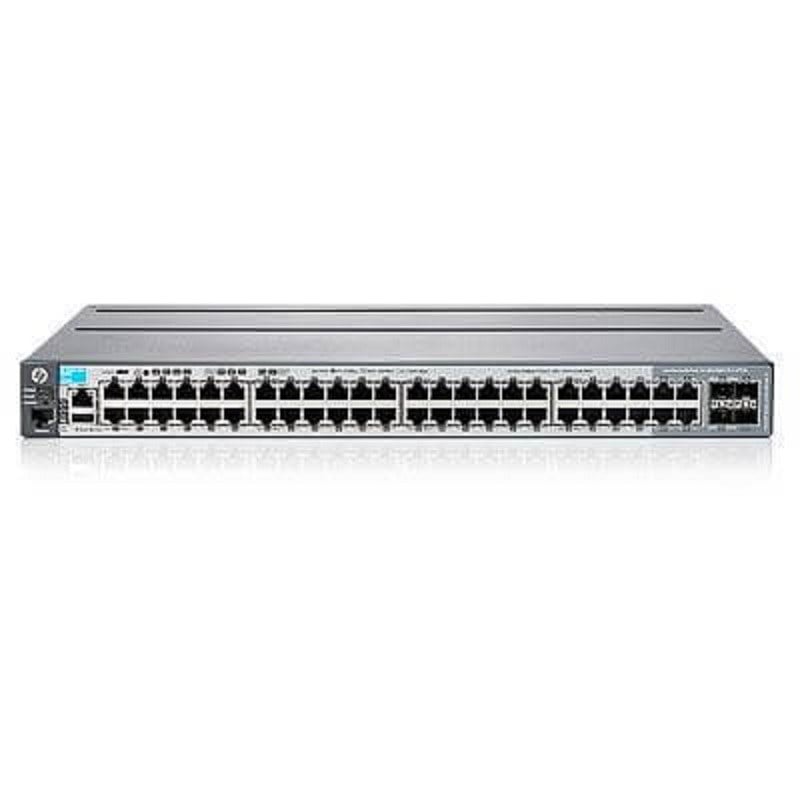

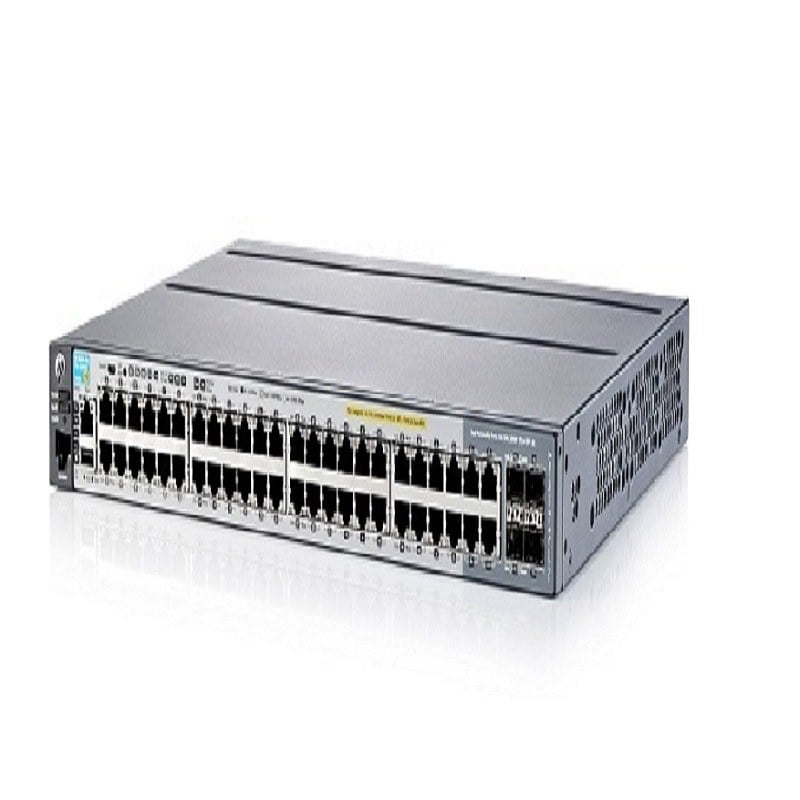

Description
Streamline Your Network Management
The phrase “Streamline Your Network Management” refers to the process of simplifying and optimizing the way you manage your network. By streamlining your network management, you can reduce the amount of time and resources required to maintain and troubleshoot your network, allowing you to focus on other important tasks. The Dell X1052P Smart Web Managed Switch is designed to help you streamline your network management in several ways:
- Centralized Management: The switch allows you to manage all your network devices from a single web interface, reducing the need for multiple management tools and simplifying network administration.
- Automated Configuration: With the Dell X1052P, you can automate many of the configuration tasks typically performed manually, freeing up time for other tasks and reducing the risk of human error.
- Advanced Monitoring and Reporting: The switch provides real-time monitoring and reporting capabilities, allowing you to quickly identify and resolve network issues.
- Simplified Troubleshooting: With the Dell X1052P, you have access to detailed information about network performance, which can help you quickly diagnose and resolve network issues.
Efficient Network Solutions
“Efficient Network Solutions” refers to technology and strategies that help optimize the performance and reliability of a network while reducing costs and complexity. The Dell X1052P 1GBE Smart Web Managed Switch is designed to provide efficient network solutions in several ways:
- Scalability: With 48 Gigabit Ethernet ports and 24 POE ports, the Dell X1052P can accommodate a large number of devices, allowing you to easily expand your network as needed. This scalability ensures that your network can grow with your organization, without requiring frequent upgrades or replacements.
- Power-over-Ethernet: The 24 POE ports on the Dell X1052P switch provide power and data connectivity to devices such as IP phones, wireless access points, and security cameras, eliminating the need for separate power cables and reducing clutter in the wiring closet.
- Energy Efficiency: The switch is designed to be energy efficient, reducing energy costs and reducing your organization’s carbon footprint. This energy efficiency is achieved through features such as Energy Efficient Ethernet (EEE), which reduces energy consumption when network traffic is low, and automated power management, which reduces power consumption when the switch is not in use.
- Advanced Network Security: The Dell X1052P provides advanced security features, such as 802.1X authentication and access control lists, to help protect your network against unauthorized access and cyber threats. This advanced security helps to ensure the confidentiality, integrity, and availability of your network and its data.
Maximizing Bandwidth Utilization
Maximizing bandwidth utilization refers to the process of effectively using the available network bandwidth to support the demands of your network. The goal is to ensure that your network operates at its optimal performance, providing fast and reliable access to network resources.
There are several ways to maximize bandwidth utilization, including:
- Traffic Shaping: Traffic shaping helps to prioritize network traffic and ensure that bandwidth-intensive applications, such as video conferencing, have the bandwidth they need to operate effectively.
- Quality of Service (QoS): QoS helps to ensure that network resources are used efficiently by assigning priority to different types of network traffic, such as voice and video, to minimize latency and jitter.
- Load Balancing: Load balancing helps to distribute network traffic evenly across multiple links, reducing the risk of overloading a single link and ensuring that bandwidth is used effectively.
- Network Optimization: Network optimization helps to fine-tune network settings to ensure that bandwidth is used efficiently and that network performance is optimized.
The Dell X1052P Smart Web Managed Switch provides several features to help maximize bandwidth utilization, including QoS, Link Aggregation, and Network Monitoring. By using these features, you can ensure that your network operates at its optimal performance, providing fast and reliable access to network resources.
General Information
- Manufacturer: Dell
- MPN: 463-5912
- Type : Networking Switch
- Switch Type : GIGABIT Ethernet
- SKU: 463-5912
- Enclosure Type : Rack-Mountable 1U
- Ports : 48 X 10/100/1000 + 4 X 10 GIGABIT SFP+
Technical Information
- Power Over Ethernet (Poe) : POE+
Performance
- Switching Fabric Bandwidth : 176 GBPS Forwarding Performance : 131 MPPS
- Capacity : Mac Addresses : 16000 Lag Groups : 12 Priority Queues Per Port : 8 Virtual Interfaces (Vlans) : 4096 Maximum Member Ports Per Lag : 8
- Mac Address Table Size : 16K Entries
- Remote Management Protocol : SNMP 1, SNMP 2, RMON, SNMP 3, HTTP, CLI
- Authentication Method : Radius, Tacacs+
Expansion / Connectivity
- Interfaces : 48 X 1000Base-T 12 Ports (POE+) / 24 Ports (POE) 4 X 10Gbit LAN SFP+ 1 X USB Type A Management 1 X Micro-USB Management.


