


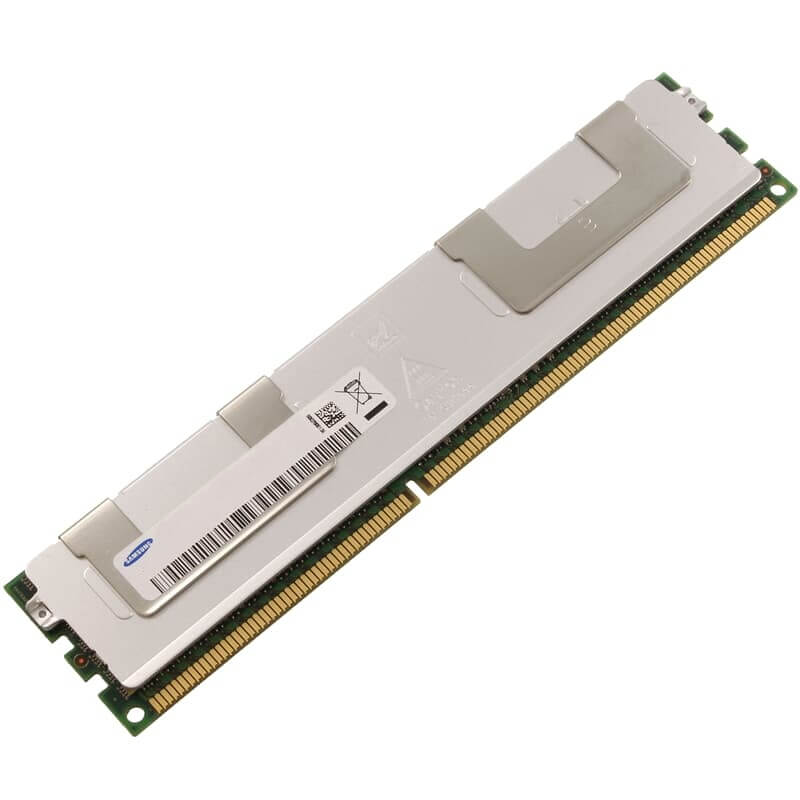
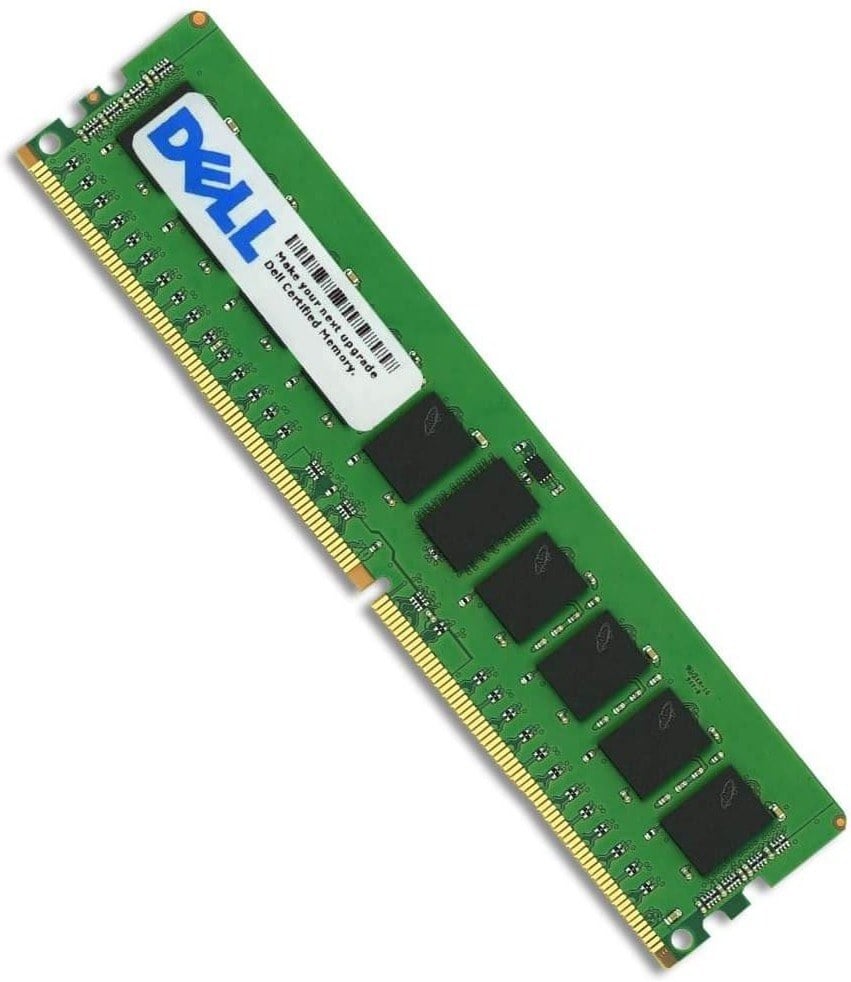

Description
Performance and Benefits
The performance and benefits of Dell 8GB 667mhz PC2-5300 ECC DDR2 SDRAM 240-Pin RAM are numerous. Here are some of the key performance and benefits that this RAM module offers:
- Improved System Performance: The increased RAM capacity of 8GB and high-speed data transfer rate of 667MHz significantly improve the overall system performance, enabling faster application loading times, multitasking, and smoother overall operation.
- Enhanced Data Accuracy and Reliability: The Error Checking and Correction (ECC) feature helps detect and correct errors in data, ensuring that data is accurate and reliable. This is especially important in critical applications such as medical or financial systems where data accuracy is essential.
- Better System Stability: The dual rank memory design and CAS latency of CL5 help ensure system stability, preventing crashes or freezes that can occur with low-quality or incompatible RAM.
- Improved Multitasking: With 8GB RAM, the system can handle multiple applications simultaneously, making multitasking more efficient and seamless.
- Improved Gaming Experience: With higher RAM capacity and faster speed, this RAM module can enhance the gaming experience, enabling faster loading times and smoother gameplay.
- Cost-Effective Upgrade: Upgrading the RAM with this module is a cost-effective way to extend the life of a computer or server, especially for those with limited budgets.
Maintenance and Upkeep
Maintaining and keeping Dell 8GB 667mhz PC2-5300 ECC DDR2 SDRAM 240-Pin RAM in good condition is essential to ensure optimal performance and extend its lifespan. Here are some tips for maintaining and keeping this RAM module in good condition:
- Keep the RAM module clean: Use a soft, dry cloth to clean the RAM module to remove dust and debris. Avoid using liquid cleaners or spraying water on the RAM module.
- Avoid overheating: Overheating can damage the RAM module and reduce its lifespan. Ensure that the computer or server has proper cooling and ventilation to prevent overheating.
- Update the BIOS: Updating the BIOS can improve system stability and RAM compatibility, ensuring that the RAM module functions optimally.
- Avoid static electricity: Static electricity can damage the RAM module. Always handle the RAM module with care, and avoid touching the gold connectors.
- Check for compatibility: Ensure that the RAM module is compatible with the computer or server before installation. Check the system specifications and consult the manufacturer’s guidelines.
- Test the RAM module: Use a memory testing tool to test the RAM module periodically to detect any issues early and prevent system crashes or errors.
- Replace faulty RAM modules: If the RAM module is faulty or shows signs of failure, such as errors or crashes, replace it with a new module to ensure optimal system performance and prevent data loss.
By following these maintenance and upkeep tips, you can ensure optimal performance and extend the lifespan of Dell 8GB 667mhz PC2-5300 ECC DDR2 SDRAM 240-Pin RAM.
Troubleshooting Tips
If you encounter any issues with Dell 8GB 667mhz PC2-5300 ECC DDR2 SDRAM 240-Pin RAM, here are some troubleshooting tips you can follow:
- Check compatibility: Ensure that the RAM module is compatible with the computer or server. Check the system specifications and consult the manufacturer’s guidelines.
- Reseat the RAM module: Reseating the RAM module can help resolve issues related to improper installation or loose connections. Turn off the computer or server, unplug the power cable, and reseat the RAM module.
- Test the RAM module: Use a memory testing tool to test the RAM module for errors. This can help identify any issues and prevent system crashes or errors.
- Update the BIOS: Updating the BIOS can improve system stability and RAM compatibility, ensuring that the RAM module functions optimally.
- Check for overheating: Overheating can damage the RAM module and reduce its lifespan. Ensure that the computer or server has proper cooling and ventilation to prevent overheating.
- Check for errors: Check for error messages or alerts in the system log, which can indicate issues with the RAM module or other system components.
- Replace faulty RAM modules: If the RAM module is faulty or shows signs of failure, such as errors or crashes, replace it with a new module to ensure optimal system performance and prevent data loss.
By following these troubleshooting tips, you can identify and resolve issues with Dell 8GB 667mhz PC2-5300 ECC DDR2 SDRAM 240-Pin RAM and ensure optimal system performance.
General Information
- Manufacturer: Dell
- Manufacturer Part Number: A2257232
- Type: Memory (RAM)
- Sub-Type: PC2-5300
- Product Name: 8GB DDR2 SDRAM Memory Module
Technical Information
- Storage Capacity: 8GB
- Memory Technology: DDR2 SDRAM
- Number Of Modules: 2 X 4GB
- Memory Speed: 667MHZ DDR2-667/PC2-5300
- Data Integrity Check: ECC
- Signal Processing: Registered
- Ram Features: Fully Buffered


