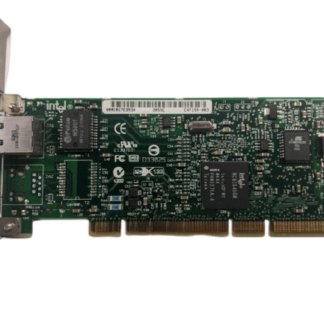
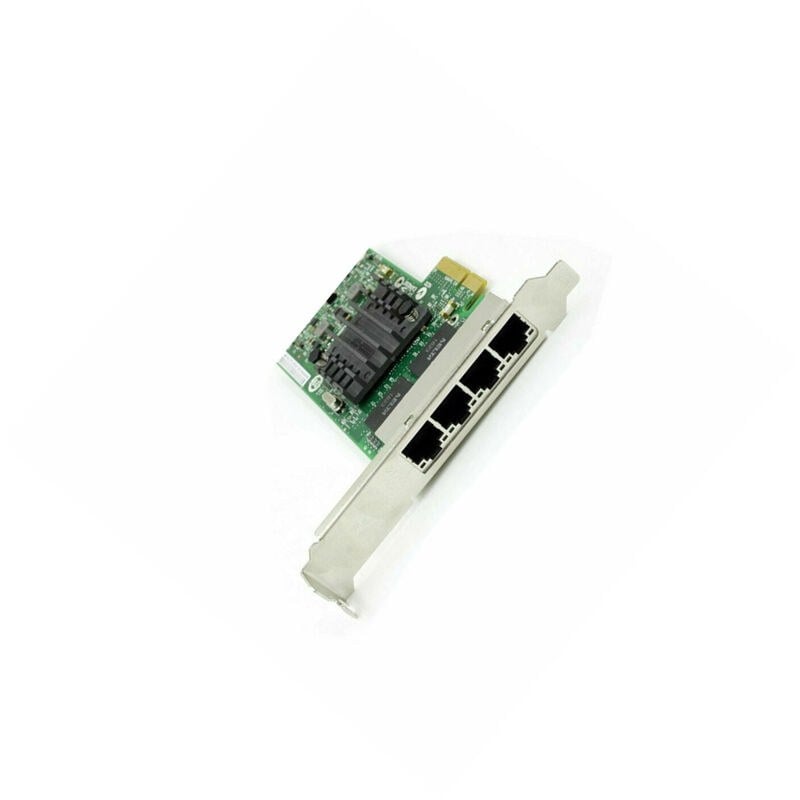
.jpg)

Description
Overview of the Dell P578P Interface Card
The P578P Dell 5722 Gigabit Ethernet PCIe Half Height Network Interface Card is a hardware component that allows a computer to connect to a local area network (LAN) through an Ethernet cable. This type of card is commonly used in desktop computers that do not have built-in network capabilities, or for upgrading the network capabilities of existing computers. In this article, we will discuss the P578P Dell 5722 Gigabit Ethernet PCIe Half Height Network Interface Card in detail, including its features, benefits, and how it can be used in a computer.
Features
The P578P Dell 5722 Gigabit Ethernet PCIe Half Height Network Interface Card is designed to provide high-speed network connectivity for desktop computers. It has a number of features that make it a popular choice for both home and business use:
- Gigabit Ethernet Speeds – The card supports speeds of up to 1 Gbps, which is ten times faster than the standard 100 Mbps Ethernet connection. This allows for faster file transfers and faster access to network resources.
- PCI Express Interface – The card is designed to be used in a PCIe slot, which is a high-speed interface that provides faster data transfer rates than traditional PCI or PCI-X interfaces.
- Half-Height Form Factor – The card is designed to be half the height of a standard PCI card, which allows it to be used in smaller desktop computers with limited space.
- Wake-on-LAN Support – The card supports Wake-on-LAN (WoL), which allows a computer to be remotely turned on from a sleeping or hibernating state.
- Energy Efficient – The card is designed to be energy-efficient, consuming less power than other network interface cards. This can result in lower energy costs and a reduced carbon footprint.
Benefits
The P578P Dell 5722 Gigabit Ethernet PCIe Half Height Network Interface Card provides a number of benefits to users:
- Improved Network Performance – The card’s Gigabit Ethernet speeds provide faster network performance, which can improve productivity and reduce downtime.
- Compatibility – The card is compatible with a wide range of operating systems, including Windows, Linux, and VMware ESXi.
- Cost-Effective – The card is a cost-effective solution for adding network connectivity to a desktop computer or upgrading an existing network interface card.
- Energy Efficient – The card’s energy-efficient design can help reduce energy costs and contribute to a more sustainable workplace.
Installation
Installing the P578P Dell 5722 Gigabit Ethernet PCIe Half Height Network Interface Card is a relatively simple process. Here are the steps:
- Power off your computer and unplug it from the power source.
- Open the computer case and locate an available PCIe slot. The slot will be longer than other expansion slots and may be labeled with a number or color.
- Remove the metal bracket from the back of the PCIe slot where you plan to install the card.
- Carefully insert the card into the PCIe slot, making sure that the gold contacts on the card are facing down and that the card is firmly seated in the slot.
- Secure the card in place by screwing the metal bracket back onto the back of the computer case.
- Close the computer case and plug in the power cord.
- Power on your computer and install the drivers for the card, which should be included on a CD or available for download from the manufacturer’s website.
Overall, the P578P Dell 5722 Gigabit Ethernet PCIe Half Height Network Interface Card is a powerful and cost-effective solution for adding network connectivity to desktop computers. Its Gigabit Ethernet speeds, energy-efficient design, and compatibility with a wide range of operating systems make it a popular choice for both home and business users.
General Information about the Dell P578P
- Manufacturer: Dell
- Part Number or SKU# P578P
- Product Type: Network Adapter