



Description
Enhanced Security and Management Features of the HP 1GB Ethernet Module
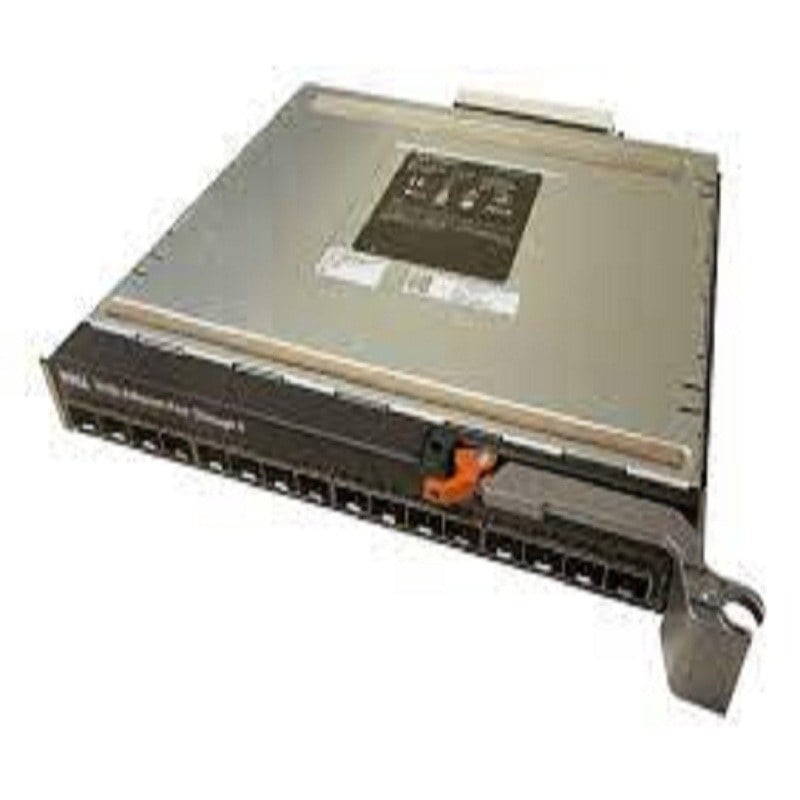
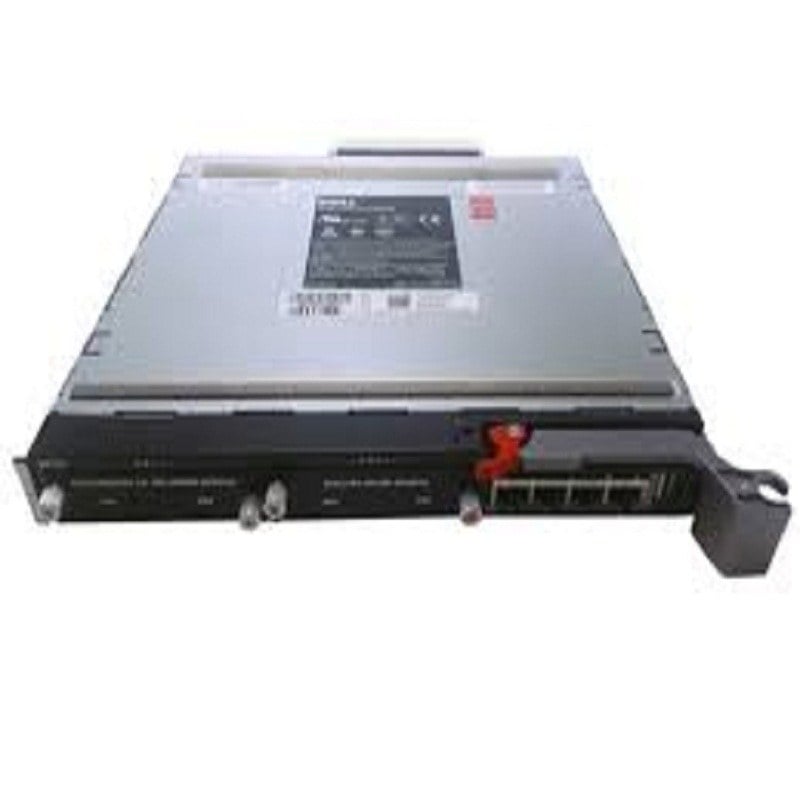
The 419329-001 HP 1GB Ethernet Pass-Thru Module for C-class Blade System is a network device that provides enhanced security and management features. The module allows for the connection of multiple blade servers to a single network, while providing each server with its own dedicated network connection. This helps to improve security by isolating individual servers from one another, and also allows for easier management of the network as a whole. Additionally, the module provides support for advanced network protocols such as VLAN tagging, Quality of Service (QoS), and link aggregation. This allows for more efficient use of network resources and improved network performance.
Benefits of Using
- Increased Networking Capabilities: The 419329-001 HP 1GB Ethernet Pass-Thru Module allows for increased networking capabilities within a C-class Blade System. This means that more devices can connect to the network and communicate with one another, improving overall performance and efficiency.
- Improved Scalability: The module allows for the addition of more Ethernet ports to the C-class Blade System, making it more scalable and adaptable to changing network needs. This means that as the number of connected devices grows, the network can still accommodate them.
- Enhanced Security: The module provides enhanced security for the C-class Blade System by isolating the network traffic for different devices. This means that different devices can communicate with one another without the risk of data breaches or other security issues.
- Reduced Cabling: The 419329-001 HP 1GB Ethernet Pass-Thru Module eliminates the need for multiple cables and connectors, reducing the amount of cabling required for the C-class Blade System. This simplifies the installation process and makes it easier to maintain the network.
- High-Speed Data Transfer: The module supports high-speed data transfer, allowing for faster data transfer and improved performance for connected devices. This means that applications and processes can run more smoothly, improving overall productivity and efficiency.
Troubleshooting and Maintenance
Troubleshooting:
- Check the connections between the module and the blade system to ensure they are secure and properly connected.
- Verify that the module is properly seated in the blade system.
- Check the status of the module in the blade system’s management software to ensure it is recognized and functioning properly.
- Check the network cable connections to ensure they are securely connected and functioning properly.
- If the module is not recognized or is not functioning properly, try restarting the blade system and checking the module’s status again.
Maintenance:
- Keep the module and the surrounding area clean to prevent dust and debris from accumulating and causing damage.
- Ensure that the module is properly seated and connected to the blade system before powering on the system.
- Check the connections between the module and the blade system regularly to ensure they are secure and functioning properly.
- Keep the module’s firmware updated to ensure optimal performance and compatibility with the blade system.
- Regularly check the status of the module in the blade system’s management software to ensure it is functioning properly.
Specifications
- Manufacturer: HP
- MPN: 419329-001
- Type: Networking
- Module Type: Expansion Module
- SKU: 419329-001
- Interfaces/ports : 16 X 1000base-t Downlinks
- Interfaces/ports Details : 16 X Rj-45 1000base-t Copper Uplinks
- Connectivity Media : Twisted Pair 1000base-t
- Data Transfer Rate : 1gbps Gigabit Ethernet Full-duplex
- Form Factor : Plug-in Module


