


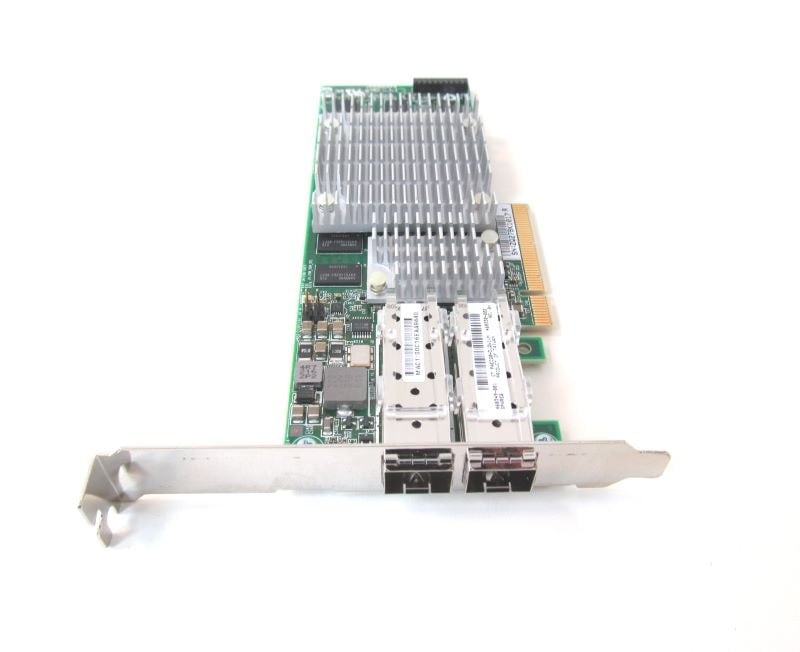
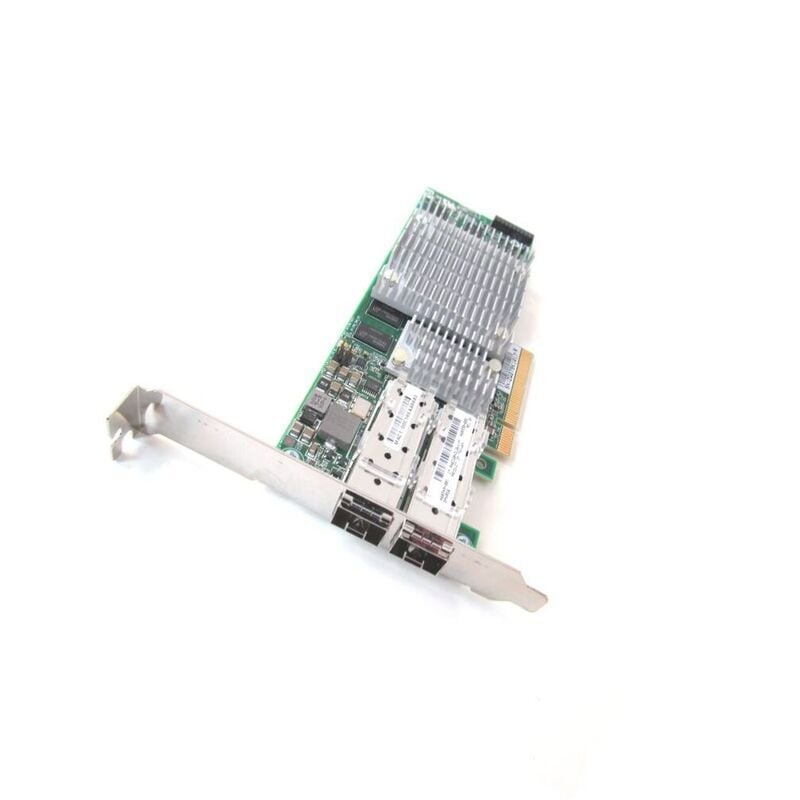

Description
Performance and Features
The 468332-B21 HP Dual Port 10GBE PCI Express 2.0 X8 Network Adapter is a high-performance network adapter that provides dual 10 Gigabit Ethernet (10GbE) ports for connecting to high-speed networks. It utilizes PCI Express 2.0 x8 technology to provide optimal performance and bandwidth for data transfer.
Features of the 468332-B21 include:
- Dual 10GbE ports for high-speed network connectivity
- PCI Express 2.0 x8 technology for optimal performance and bandwidth
- Support for advanced features such as jumbo frames, VLAN tagging, and TCP/UDP checksum offloading
- Compatibility with a wide range of operating systems, including Windows, Linux, and VMWare
- Low-profile form factor for easy installation in small form factor servers
- Support for HP’s Network Configuration Utility for easy management and configuration of the adapter.
Product Overview
The 468332-B21 HP Dual Port 10GBE PCI Express 2.0 X8 Network Adapter is a high-performance network adapter that provides dual 10 GbE ports for connecting to 10 Gigabit Ethernet networks. It is designed for use in server and storage environments where high-bandwidth and low-latency connectivity is needed.
This adapter is based on the PCI Express 2.0 x8 interface, which provides a high-speed data transfer rate of up to 8 GT/s, ensuring fast and efficient data transfer. It also supports advanced features such as jumbo frames, VLAN tagging, and TCP/IP offloading, which can help improve network performance and reduce CPU utilization.
The 468332-B21 HP Dual Port 10GBE PCI Express 2.0 X8 Network Adapter is compatible with a wide range of operating systems, including Windows, Linux, and VMware. It also supports various networking protocols, such as TCP/IP, iSCSI, and Fibre Channel over Ethernet (FCoE), making it a versatile solution for different types of network environments.
Installation and configuration instructions
- Begin by ensuring that your computer’s operating system is compatible with the 468332-B21 HP Dual Port 10GBE PCI Express 2.0 X8 Network Adapter.
- Shut down your computer and unplug it from the power source.
- Open the computer’s case and locate an available PCI Express 2.0 X8 slot.
- Carefully insert the 468332-B21 HP Dual Port 10GBE PCI Express 2.0 X8 Network Adapter into the slot, making sure that it is securely seated and properly aligned.
- Close the computer’s case and plug the power cord back into the computer.
- Turn on the computer and wait for it to boot up.
- Once the computer is fully booted, insert the installation CD that came with the 468332-B21 HP Dual Port 10GBE PCI Express 2.0 X8 Network Adapter into the computer’s CD/DVD drive.
- Follow the on-screen instructions to install the necessary drivers and software for the adapter.
- Once the installation is complete, open the Device Manager on your computer and verify that the adapter is properly installed and functioning.
- Configure the adapter’s settings by opening the adapter’s properties in the Device Manager and selecting the “Advanced” tab. Here, you can configure settings such as speed and duplex, flow control, and VLAN tagging.
- Once the configuration is complete, test the adapter by connecting it to a network and running a speed test to verify that it is functioning at optimal speeds.
- Finally, ensure that your computer has the latest software and updates to ensure compatibility and stability with the 468332-B21 HP Dual Port 10GBE PCI Express 2.0 X8 Network Adapter.
Specifications
Manufacturer: HP
MPN : 468332-B21
Type: Networking
Networking Type: PCI Express
SKU: 468332-B21
Key Features
Device Type : Network Adapter – 2 Ports
Interface (bus) Type : Pci Express 2.0 X8
Networking
Connectivity Technology : Wired
Features : Ipv6 Support, Tcp/ip Offloading, Quality Of Service (qos), Jumbo Frames Support
Compliant Standards : Ieee 802.3z, Ieee 802.1q, Ieee 802.1p, Ieee 802.3x, Ieee 802.3ad (lacp), Ieee 802.3ae
Processor / Memory
Processor : 1 X Nx3031 – Netxen
Expansion / Connectivity
Expansion Slots Total (free) : 2 ( 2 ) X Sfp+


