

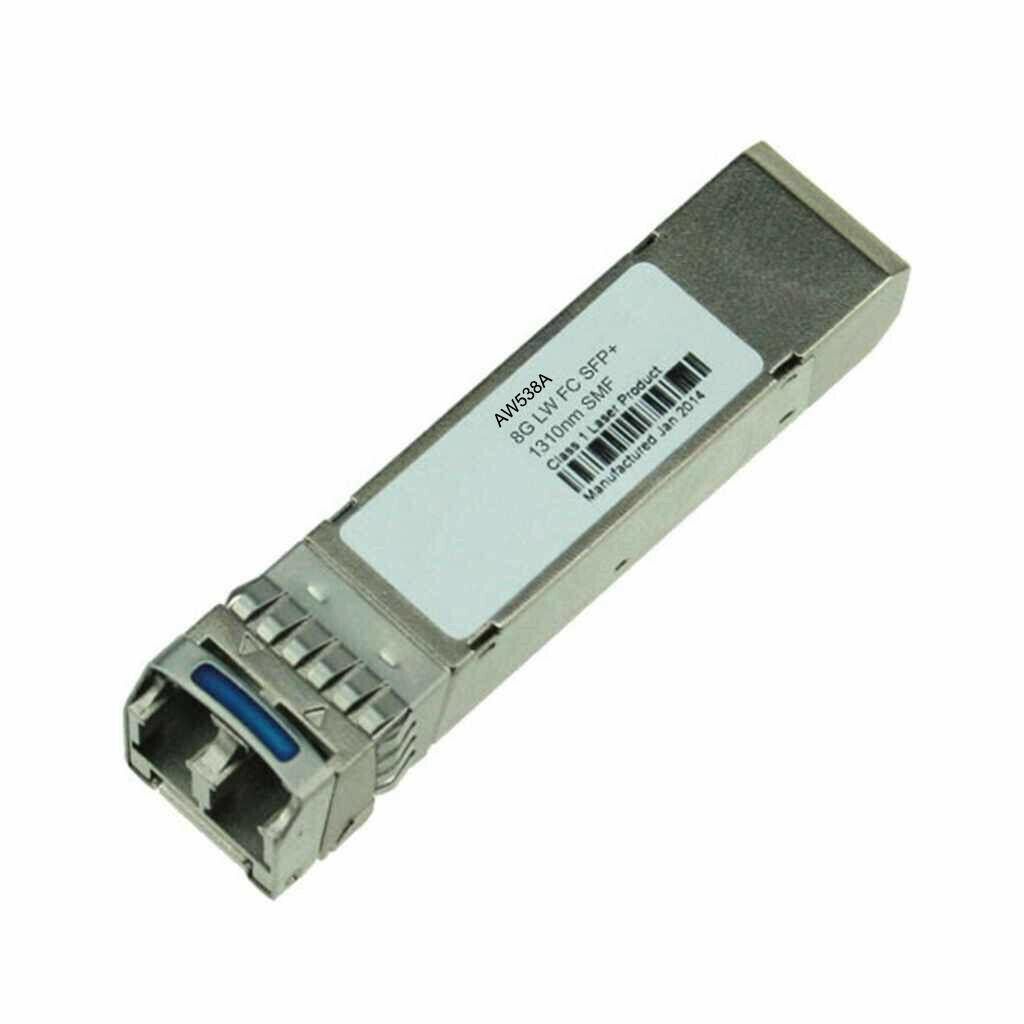
Description
Integrated Management and Automation
Integrated Management and Automation (IMA) is a term used in the context of IT infrastructure management and refers to the use of software tools and technologies to streamline and automate the management of complex IT environments. The goal of IMA is to provide IT teams with a centralized, integrated view of all the components that make up their infrastructure, including servers, storage, networking, applications, and services, and to enable them to manage and automate routine tasks and processes more efficiently.
IMA platforms typically consist of a set of software tools that work together to provide a comprehensive management and automation solution. These tools may include monitoring and alerting systems, configuration management databases, orchestration engines, and automation frameworks. They are designed to integrate with the various components of an IT infrastructure and provide a single point of control for managing them.
The benefits of IMA are many. First and foremost, it helps IT teams to be more proactive in managing their infrastructure. By providing real-time visibility into the health and performance of all components, IMA tools enable IT teams to detect and resolve issues before they become major problems. This helps to improve uptime and reduce downtime, which is critical for businesses that rely on their IT infrastructure to operate.
Secondly, IMA can help to improve the efficiency and effectiveness of IT teams. By automating routine tasks and processes, such as provisioning new servers or updating software, IMA tools can free up IT staff to focus on more strategic activities. This can help to reduce the workload on IT teams, improve their job satisfaction, and enable them to deliver more value to the business.
Thirdly, IMA can help to reduce costs. By streamlining and automating management tasks, IMA tools can help to reduce the time and resources required to manage IT infrastructure. This can help to reduce the total cost of ownership (TCO) of IT infrastructure, which is an important consideration for businesses that are looking to optimize their IT spending.
Future-Proofing your Network Infrastructure
Future-proofing your network infrastructure means designing and implementing a network that can adapt to changing business needs and technology trends. This involves planning for scalability, security, and flexibility, so that your network can accommodate new technologies and business requirements without requiring a major overhaul.
Here are some steps you can take to future-proof your network infrastructure:
- Plan for scalability: Ensure that your network infrastructure can accommodate future growth and demand. This means planning for bandwidth, storage, and processing capacity. Choose networking equipment and cabling that can handle higher data rates, and consider using virtualization technologies to make better use of available resources.
- Invest in security: Security threats are constantly evolving, so it’s important to invest in the latest security technologies and best practices. This includes firewalls, intrusion detection and prevention systems, and encryption technologies. Implement strong password policies, limit access to sensitive data, and train employees on security best practices.
- Choose flexible solutions: Look for networking solutions that can be easily configured and adapted to changing needs. For example, software-defined networking (SDN) can enable you to automate network configurations and make changes quickly and easily. Cloud-based solutions can also provide scalability and flexibility, allowing you to scale resources up or down as needed.
- Adopt new technologies: Stay up-to-date with emerging technologies and evaluate their potential impact on your network infrastructure. For example, 5G wireless networks, the Internet of Things (IoT), and edge computing are all trends that are likely to have a significant impact on networking in the coming years.
- Plan for the long term: When designing your network infrastructure, plan for the long term. This means thinking beyond immediate needs and considering how your network will evolve over the next several years. This may involve investing in more advanced technologies or upgrading your networking equipment as needed.
Easy Installation and Management
Easy installation and management are important considerations when selecting networking equipment and software solutions. Businesses want to minimize the time and resources required to set up and manage their networks, and to ensure that their IT teams can focus on other critical tasks.
Here are some ways in which networking equipment and software solutions can offer easy installation and management:
- Plug-and-play functionality: Some networking equipment, such as switches and routers, offer plug-and-play functionality. This means that they can be quickly and easily installed without requiring extensive configuration. This can save time and resources during the initial setup process.
- User-friendly interfaces: Networking equipment and software solutions should have user-friendly interfaces that make it easy to configure and manage network settings. This can include intuitive web-based interfaces or command-line interfaces that IT staff are familiar with.
- Automated configurations: Some networking solutions offer automated configurations that can reduce the time and resources required to configure network settings. This can include automatic network discovery, device registration, and firmware updates.
- Remote management: Networking equipment and software solutions should offer remote management capabilities, allowing IT teams to manage network settings from anywhere with an internet connection. This can improve efficiency and reduce the need for on-site visits.
- Integration with other tools: Networking solutions should be able to integrate with other IT management tools, such as network monitoring and security solutions. This can provide a more comprehensive view of network performance and make it easier to manage and troubleshoot network issues.
General Information
- Device Type : Sfp+ Transceiver Module
- Enclosure Type : Plug-In Module
Networking
- Connectivity Technology : Wired
- Cabling Type : Fibre Channel
- Data Link Protocol : 8gb Fibre Channel (Extended Long Wave)
- Data Transfer Rate : 8.5 Gbps
- Max Transfer Distance : 15.5 Miles
Expansion / Connectivity
- Interfaces : 1 X Network – 8gb Fibre Channel (Extended Long Wave)
- Compatible Slots : 1 X Sfp+


