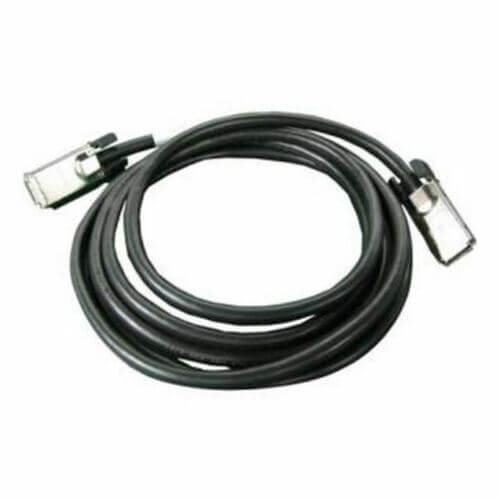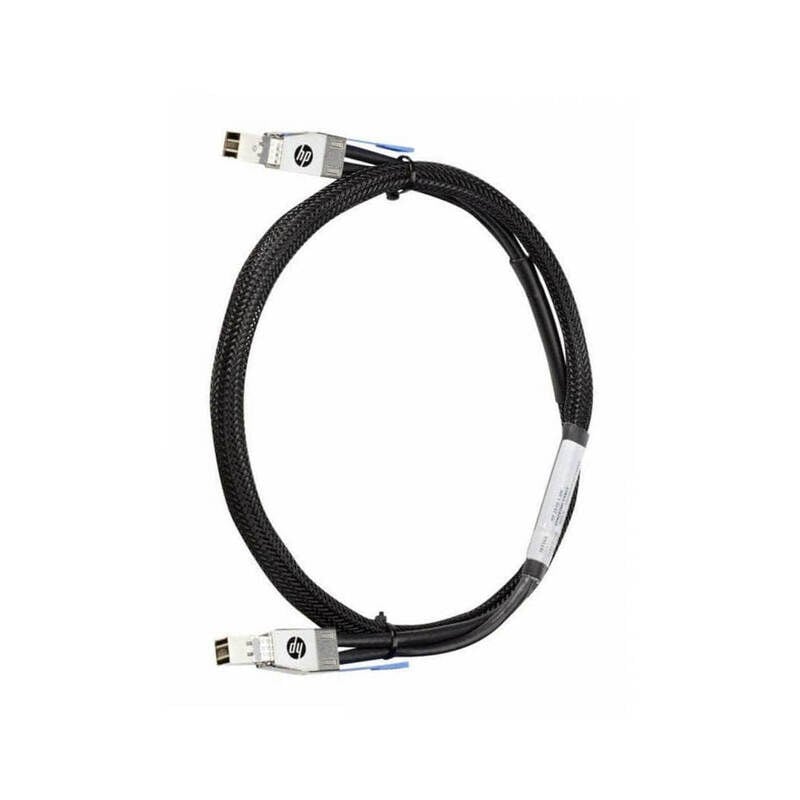

Description
Stacking Capabilities and Benefit
multiple HP 2920 network devices. This cable is 3.28 feet in length and connects two HP 2920 switches together, creating a single, unified network.
The stacking capabilities of the J9735A cable provide several benefits for network administrators. One of the main benefits is increased scalability. By stacking multiple HP 2920 switches together, administrators can expand their network without the need for additional hardware. This allows for more efficient use of resources and lower costs.
Another benefit of stacking is increased network performance. By combining multiple switches into one, administrators can create a more powerful network that can handle more traffic and provide faster data transfer speeds. This can be especially useful for high-traffic environments, such as data centers or large enterprise networks.
Stacking also provides increased reliability and redundancy. If one switch in the stack fails, the other switches can take over and continue to provide network connectivity. This can help to minimize downtime and ensure that the network remains available to users.
Installation and Setup Instructions
- Unpack the J9735A HP 2920 1m Stacking Cable from its packaging and ensure that all components are present and in good condition.
- Connect one end of the cable to the stacking port on the first network device (switch or router) and the other end to the stacking port on the second device.
- Power on both devices and wait for them to initialize.
- Access the web interface or command line interface of the first device and navigate to the stacking configuration settings.
- Configure the first device as the master device and the second device as the slave device. This can typically be done by assigning a unique IP address to the master device and configuring the slave device to connect to the master device’s IP address.
- Save the configuration changes and reboot both devices.
- Verify that the devices are successfully stacked by checking the status of the stacking ports and the device’s web interface or command line interface.
- Configure the stacking port settings as desired, such as setting the port speed or duplex mode.
Flexible Cable Length Options
The J9735A HP 2920 1m Stacking Cable for Network Device is a cable that is specifically designed for use with the HP 2920 series of network devices. This cable allows for the connection of multiple devices in a stack configuration, which allows for more efficient and streamlined network management. The cable is available in a variety of lengths, with options ranging from 3.28 feet to 10 feet. This allows for flexibility in terms of how the devices are set up and configured, as well as the distance between devices. Overall, the flexible cable length options of the J9735A HP 2920 1m Stacking Cable for Network Device provide users with greater flexibility and convenience when setting up and managing their network.
Product Information J9735A
- Manufacturer: HP
- MPN: J9735A
- Type: Cable
- Sub-Type: 1 Meter
- SKU: J9735A