
Description
Features And Specifications Of The Storevirtual 3200
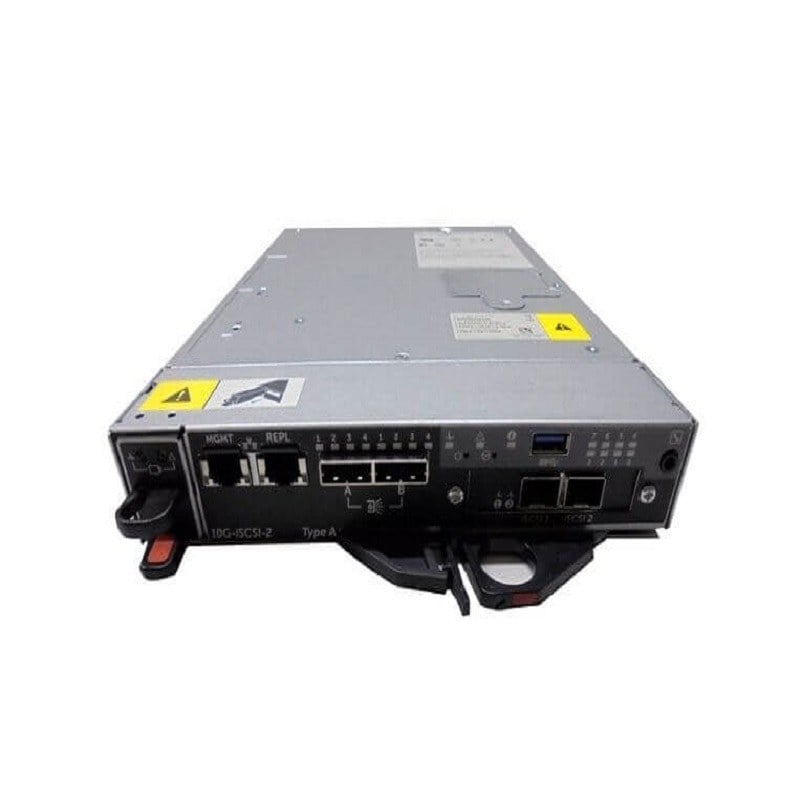
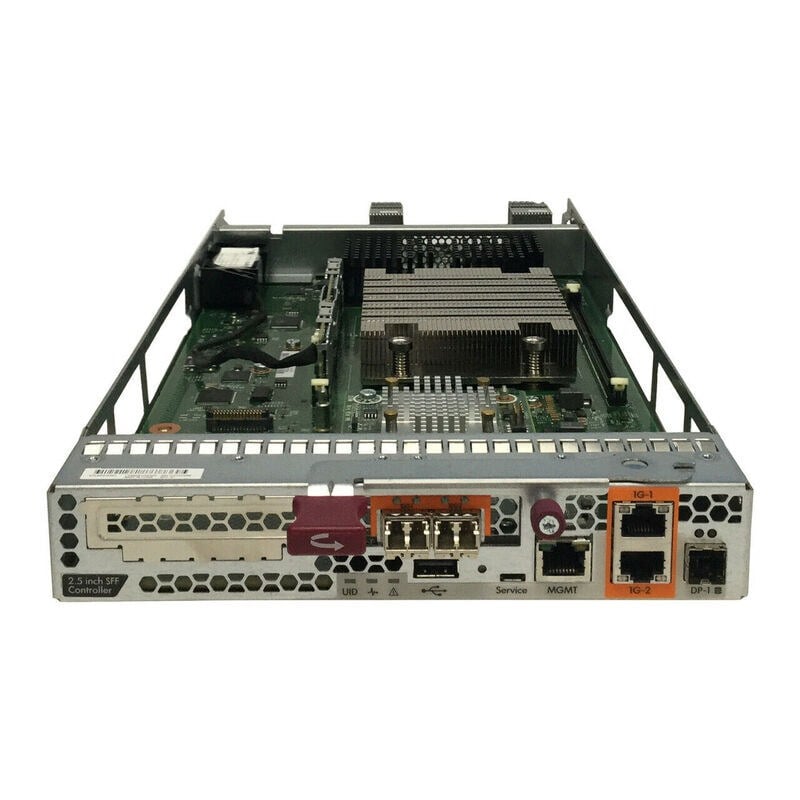
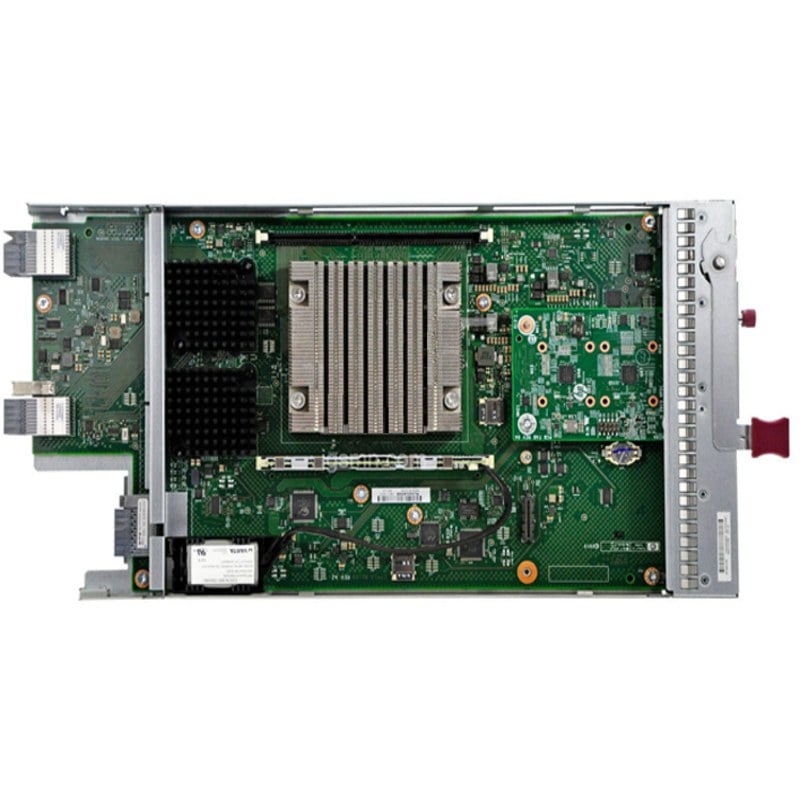
The HPE StoreVirtual 3200 for 840219-001 is a 10GBE ISCSI controller node assembly designed for use in small form factor (SFF) environments. It is a high-performance storage solution that provides advanced data services and scalability for virtualized and non-virtualized environments.
Features:
- 10GBE ISCSI connectivity for fast data transfer and low latency
- Advanced data services such as snapshots, replication, and thin provisioning
- Scalable, highly available architecture with active-active controllers
- Virtualized storage provisioning and management with HPE StoreVirtual VSA software
- Support for mixed-workload environments with support for both file and block protocols
Specifications:
- Form Factor: Small Form Factor (SFF)
- Connectivity: 10GBE ISCSI
- Data Services: Snapshots, Replication, Thin Provisioning
- Scalability: Active-active controllers for high availability
- Management: HPE StoreVirtual VSA software
- Protocol Support: File and Block protocols
- Dimensions: 8.5 x 7.5 x 1.8 inches (216 x 190 x 46 mm)
- Weight: 3.5 lbs (1.6 kg)
- Power Consumption: 100W
- Operating Temperature: 41-104°F (5-40°C)
- Storage Temperature: -40-158°F (-40-70°C)
- Humidity: 5-95% non-condensing
- Altitude: -60-12,000 ft (-18-3,658 m)
- Shock: 2.5G 11ms half-sine
- Vibration: 1.5G RMS, 5-500Hz
- Acoustic Noise: 71.1dB (idle) / 72.7dB (operating)
- MTBF: 2.1 million hours
Hardware Setup And Installation
- Unpack the HPE 10GBE ISCSI Controller Node Assembly Small Form Factor (SFF) Storevirtual 3200 from its packaging and verify that all components are included.
- Connect the SFF controller node to the power supply and ensure that it is securely plugged in.
- Connect the SFF controller node to the network switch using the provided 10 GbE SFP+ cables.
- Install the HPE StoreVirtual 3200 software on the host server or cluster that will be using the SFF controller node.
- Configure the host server or cluster to recognize the SFF controller node as an iSCSI target.
- Log in to the HPE StoreVirtual 3200 management interface and configure the storage pools and virtual volumes as needed.
- Test the SFF controller node’s connectivity and functionality by running I/O tests and monitoring performance metrics.
- Once the SFF controller node is configured and tested, it can be added to the production environment and used for storage and data management tasks.
Configuring And Managing The ISCSI Controller
- Connect the ISCSI controller to the StoreVirtual 3200 using the appropriate cable.
- Power on the StoreVirtual 3200 and wait for it to fully boot up.
- Log into the StoreVirtual 3200 management interface using the default login credentials (username: admin, password: admin).
- Navigate to the Storage > SAN > ISCSI tab.
- Click on the “Add” button to add a new ISCSI controller.
- Enter the IP address and subnet mask for the ISCSI controller, and then click “OK.”
- Click on the “Configure” button for the ISCSI controller, and then select “Advanced” from the drop-down menu.
- Under the “Advanced” tab, configure the ISCSI controller settings as needed, such as the maximum number of connections, target name, and LUNs.
- Click “Apply” to save the changes.
- Verify that the ISCSI controller is properly configured and communicating with the StoreVirtual 3200 by checking the status of the connections under the “Connections” tab.
- Test the ISCSI controller by creating a new volume and assigning it to the ISCSI controller.
- Monitor the performance and status of the ISCSI controller regularly to ensure it is operating properly and troubleshoot any issues that arise.
General Information about this HPE 840219-001
- Manufacturer: HPE
- Part Number or SKU# 840219-001
- Product Type : Controller
- Product Name : ISCSI
Technical Information of ISCSI Controller Module
- Interface: 10 Gigabit Ethernet (GBE)
- Depth (package,cm): 60,5 cm
- Gross Weight (Package, kg): 2,76 kg
- Height (package,cm): 12 cm
- Width (package,cm): 30,3 cm
- Net Weight (Product, kg): 0,3 kg
Contact us or ask for live chat/help if you have any questions about the compatibility of this item to ensure the model’s matching features with your current system.