

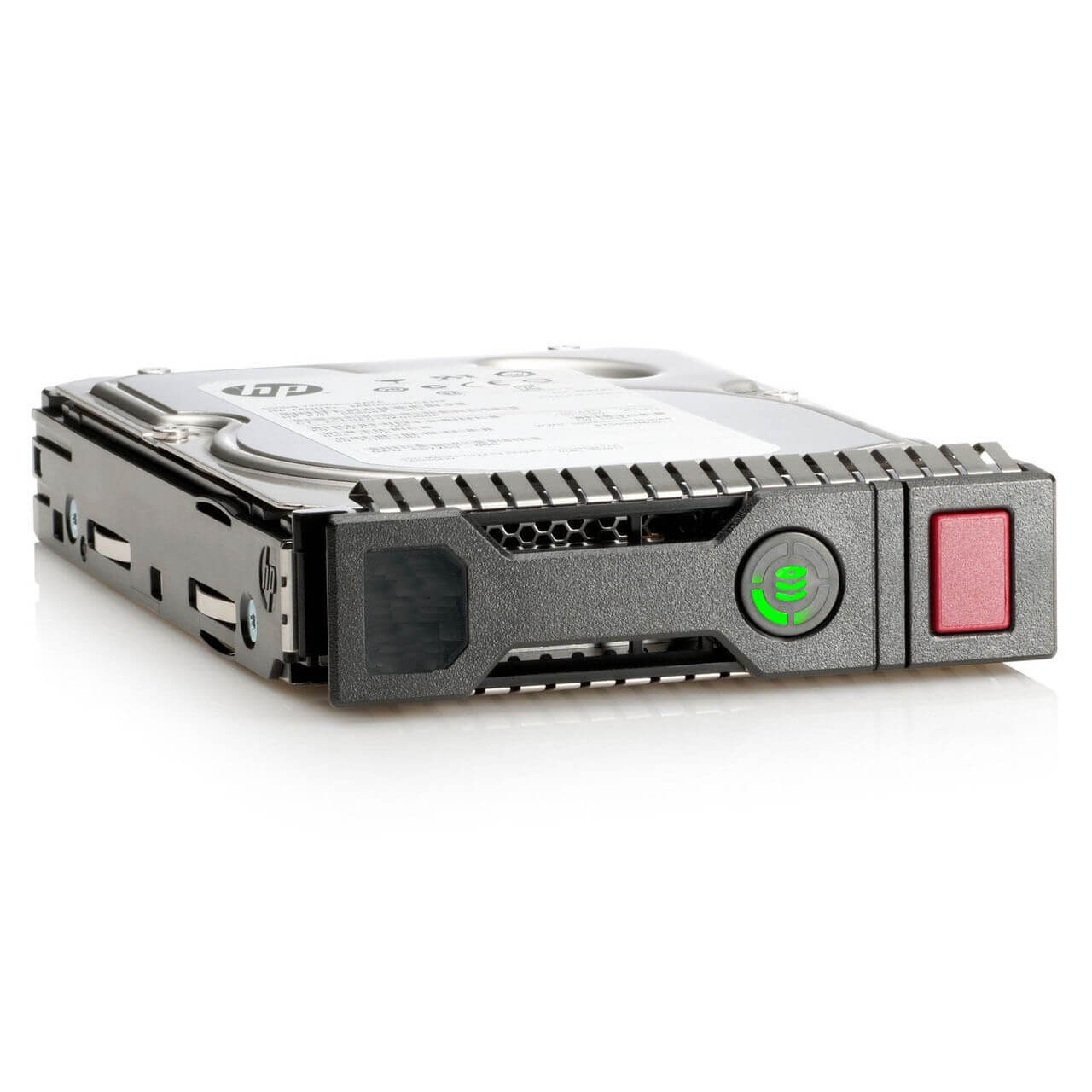
Description
Durability of Midline Hard Drive
The durability of the HPE 879480-001 LFF SC SAS-12GBPS 4TB 7.2K RPM Midline Hard Drive is determined by several factors, including the quality of the components used in the drive and the level of protection against environmental factors such as heat and vibration.
One factor that contributes to the durability of this hard drive is the use of high-quality components. HPE hard drives are designed and manufactured to meet industry standards for quality and reliability. Additionally, the drive is built with a SAS interface which is known to be more durable than other interfaces like SATA
Another factor that contributes to the durability of the drive is its built-in protection against environmental factors. The drive is designed to operate within a specified temperature range and has built-in mechanisms to protect against vibration and shock. It also has a firmware-based protection called as “Rotational Vibration Safeguard (RVS)” that helps to optimize performance in multi-drive environments by compensating for the effects of rotational vibration in the system.
Installation and Setup
Installing and setting up the HPE 879480-001 LFF SC SAS-12GBPS 4TB 7.2K RPM Midline Hard Drive involves several steps, including physically installing the drive, configuring the system to recognize the drive, and formatting the drive.
- Physical installation: The first step is to physically install the hard drive into the system. This typically involves opening the system’s case, connecting the hard drive to the system’s SAS controller, and securing the drive into place.
- Configuring the system: After the drive is physically installed, the system must be configured to recognize the new drive. This typically involves going into the system’s BIOS or RAID controller settings and configuring the system to recognize the new drive.
- Formatting the drive: After the system is configured to recognize the new drive, the drive must be formatted to prepare it for use. This typically involves using a formatting utility such as the HPE Smart Storage Administrator (HPE SSA) or other third-party utility.
- Assign a drive letter or mount point: After formatting the drive, it will be ready to use, but you need to assign a drive letter or mount point to the drive. This is typically done by going into the system’s Disk Management utility.
It is important to follow the instructions provided by the manufacturer for installing and configuring the hard drive, as well as to be familiar with the system’s hardware and software requirements. It is also highly recommended to backup all important data before proceeding with any hardware installation, in case of any unexpected issues.
Troubleshooting Common Issues
Troubleshooting common issues with the HPE 879480-001 LFF SC SAS-12GBPS 4TB 7.2K RPM Midline Hard Drive may involve several steps, including identifying the symptoms, checking for hardware or software problems, and resolving the issue.
- Identify the symptoms: The first step in troubleshooting is to identify the symptoms of the problem. This may include error messages, slow performance, or the drive not being recognized by the system.
- Check for hardware problems: If the drive is not being recognized by the system, check for loose connections or other physical issues with the drive or the system.
- Check for software problems: If the drive is being recognized by the system, check for software issues such as incorrect RAID configuration, outdated drivers, or problems with the operating system.
- Check the RAID controller: If the drive is part of a RAID array, check the RAID controller to see if it is functioning properly and if the drive is online.
- Use diagnostic tools: Run diagnostic tools such as HPE Smart Storage Administrator (HPE SSA) or other third-party utilities to check the drive’s health and identify any issues.
- Check for firmware updates: Check for firmware updates for the drive, the RAID controller, and the system’s BIOS to ensure that the drive is running the latest version.
- Replace the drive: If the drive is found to be faulty, it may need to be replaced.
It is important to follow the instructions provided by the manufacturer for troubleshooting the hard drive and to be familiar with the system’s hardware and software requirements. If the issue is not resolved or the drive is found to be faulty, it may be necessary to contact the manufacturer for further assistance.
Product Information:
- Manufacturer Name: HPE
- MPN: 879480-001
- Type: Hard Drive – Hot Swap
- HDD Type: 4TB-7.2K RPM
Technical Information:
- Capacity : 4 TB
- Form Factor : 3.5 Lff
- Interface : Sas 12gb/S
- Data Transfer Rate : 1.2 Gbps
- Spindle Speed : 7.2K RPM
- Features : Dual Port
- Dimensions (Wxdxh) : 4.2 In X 6.7 In X 1.1 In
- Bundled With : HPE Smart Drive Carrier


