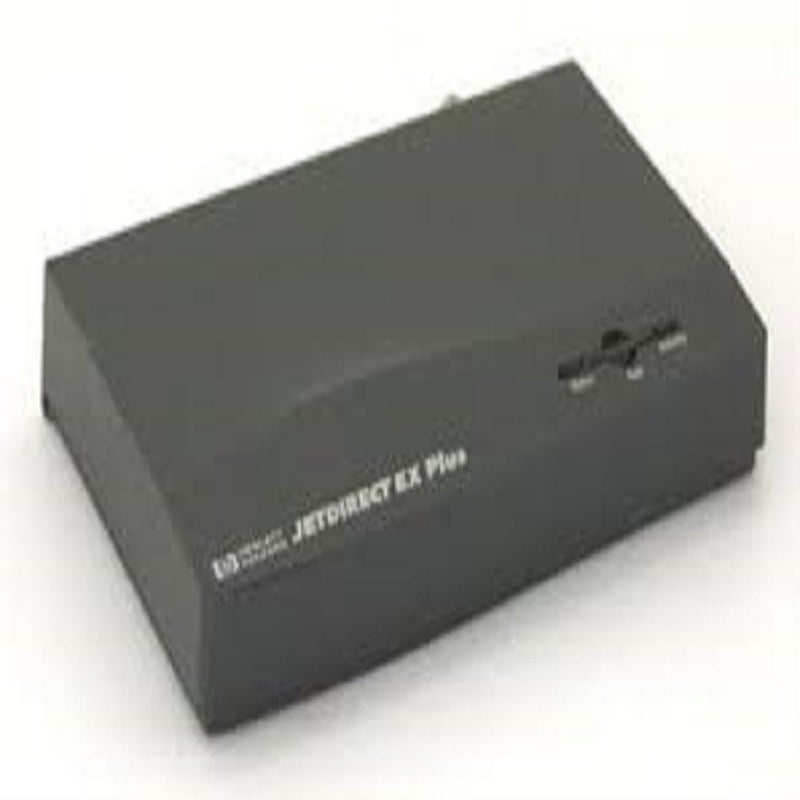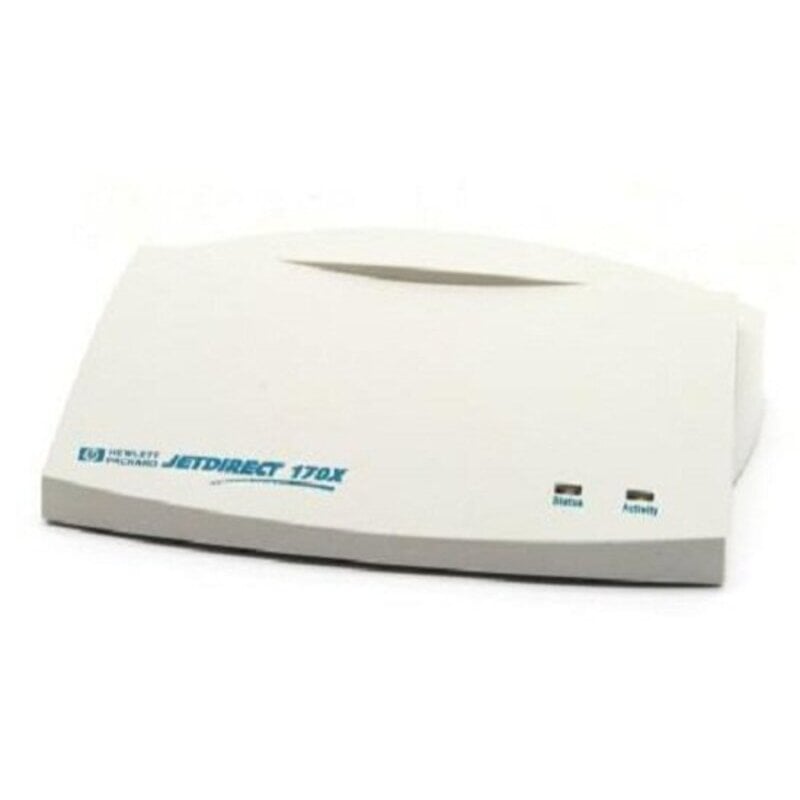
Description
Product Overview of the HPE J3258B Print Server
In the ever-evolving landscape of office technology, efficient connectivity solutions are crucial to streamline various processes. The HPE J3258B JetDirect 170X stands out as a reliable OfficeConnect Local Area Network (LAN) Interface Module. This article delves into the features and benefits of this networking device, focusing on its Ethernet 10base-T Connector and its role as an External Networking Print Server.
Understanding the BasicsThe HPE J3258B JetDirect 170X
The HPE J3258B JetDirect 170X is a print server designed to enhance connectivity between printers and a Local Area Network (LAN). Its primary function is to enable efficient printing over the network, making it an essential component for offices with diverse printing needs.
OfficeConnect Technology
One of the standout features of the JetDirect 170X is its integration of OfficeConnect technology. This technology ensures seamless communication within the LAN, allowing multiple users to access and utilize shared printers. This not only simplifies printing processes but also contributes to a more collaborative and productive work environment.
Ethernet 10base-T ConnectorThe Ethernet 10base-T Connector
The Ethernet 10base-T Connector is a key component of the JetDirect 170X, facilitating high-speed data transfer between the print server and the LAN. Let’s explore the significance of this connector and how it contributes to the overall efficiency of the printing network.
High-Speed Data Transfer
With its 10base-T technology, the JetDirect 170X ensures fast and reliable data transfer over the Ethernet connection. This is particularly crucial in environments where large print jobs or high-resolution documents are commonplace. The connector’s ability to handle substantial data volumes without compromising speed makes it a valuable asset in modern office settings.
External Networking Print ServerThe Role of an External Print Server
As an External Networking Print Server, the JetDirect 170X serves as a dedicated intermediary between printers and the LAN. This section explores the advantages of having an external print server and how it simplifies printing management for IT administrators and end-users alike.
Streamlining Printing Management
By externalizing the print server, the JetDirect 170X provides a centralized point for managing printing tasks. IT administrators can efficiently monitor print queues, troubleshoot issues, and allocate printing resources based on organizational needs. This centralized approach enhances overall printing management, leading to a more organized and controlled printing environment.
Compatibility and Versatility
The JetDirect 170X’s role as an external print server brings versatility to the table. It is compatible with a wide range of printers, making it a practical choice for offices with diverse printing equipment. This adaptability ensures that the print server can seamlessly integrate into existing printing infrastructures without requiring significant modifications.
Versatile and Reliable Print Server Solution
The HP J3258B JetDirect 170X External Print Server is a versatile and reliable solution for connecting printers to a LAN (Local Area Network). This print server allows for easy integration with a variety of printers, including both parallel and USB models. It also supports a wide range of protocols including TCP/IP, IPX/SPX, and AppleTalk, making it compatible with a variety of network environments. Additionally, the JetDirect 170X features a built-in web server for easy configuration and management, as well as support for SNMP, allowing for remote monitoring and management of the print server. Overall, the HP J3258B JetDirect 170X is a solid choice for those looking to connect their printers to a LAN.
Expand Your Printing Capabilities
- The HP J3258B JetDirect 170X External Print Server LAN Interface Module expands your printing capabilities by allowing you to connect multiple devices to a single printer. This allows you to share the printer among multiple computers, eliminating the need for multiple printers in a networked environment.
- The JetDirect 170X also supports a wide range of protocols, including TCP/IP, IPX/SPX, AppleTalk, and NetBEUI, allowing you to connect to a variety of devices, including Windows, Mac, and Linux computers, as well as other networked devices such as printers, scanners, and copiers.
- In addition, the JetDirect 170X also supports a variety of security features, including IP filtering, user authentication, and secure printing, which helps to keep your network and print jobs safe and secure.
General Information About this HPE J3258B
- Manufacturer: HPE
- Part Number or SKU# J3258B
- Product Type: External
- Product Name: Print Server
Networking J3258BConnectivity Technology: Wired
Let’s start with the basics. “Connectivity Technology” refers to how your devices are connected. In this case, it’s wired. This means your devices are linked using physical cables, providing a stable and reliable connection.
Cabling Type: Ethernet 10base-T
“Cabling Type” specifies the kind of cable used for connection. Here, it’s “Ethernet 10base-T.” Breaking it down:
- Ethernet: This is a common type of wired network technology.
- 10base-T: This indicates the maximum data transfer rate, which is 10 megabits per second (10 MBPS). It’s a standard speed for many wired connections.
Data Link Protocol: Ethernet
Now, “Data Link Protocol” defines how data is formatted, transmitted, and received. In this context, it’s “Ethernet.” Ethernet is a widely used protocol for wired connections, ensuring effective communication between devices.
Data Transfer Rate: 10 MBPS
The “Data Transfer Rate” is all about speed – how fast data can move between connected devices. Here, it’s 10 megabits per second (10 MBPS). While this might seem slow compared to some modern standards, it’s still ample for various applications, especially if stability is a priority.
Status Indicators: Power, Link Ok, Link Activity
Lastly, “Status Indicators” are like your device’s way of communicating with you. They give you insights into its condition. Here’s what each indicator means:
- Power: This shows whether your device is receiving power.
- Link Ok: Indicates that a proper connection is established between devices.
- Link Activity: This blinks or stays steady to show if data is being transferred. It’s a visual cue that your devices are actively communicating.
In summary, the HPE J3258B JetDirect 170X stands as a reliable and versatile solution for enhancing print connectivity in office environments. Its incorporation of OfficeConnect technology, coupled with the efficiency of the Ethernet 10base-T Connector, makes it a valuable asset for streamlining printing processes. As an External Networking Print Server, it not only simplifies printing management but also contributes to a more collaborative and productive work environment. For offices seeking a robust and adaptable print connectivity solution, the JetDirect 170X proves to be a commendable choice.