

Description
Optimizing Module Performance
To optimize the performance of the J9149-61001 HPE Procurve Module Al 2 Port Cx4 10 Gbe Plug-In Module, there are several key steps that can be taken:
- Check Compatibility: Ensure that the module is compatible with the other network devices it will be connected to, such as switches or routers. Incompatible devices can lead to performance issues and slow down the network.
- Optimize Configuration: Configure the module properly to suit the needs of the network environment. This includes setting the appropriate speed, duplex mode, and other settings to optimize performance.
- Use High-Quality Cabling: The module requires high-quality cabling to function at its full potential. Ensure that the cabling used is of the appropriate type and length for the network and is properly installed and terminated.
- Enable Flow Control: Enable flow control on the module to ensure that data flows smoothly and without interruptions. This feature helps prevent data loss and minimizes the need for retransmissions.
- Use Jumbo Frames: Jumbo frames are larger data packets that can improve the efficiency of data transmission. Enable jumbo frames on the module and other compatible network devices to increase network performance.
- Implement Link Aggregation: Link aggregation combines multiple network connections to increase the bandwidth and improve network performance. Implement link aggregation on the module and other compatible devices to optimize performance.
- Monitor Performance: Use monitoring tools to track the module’s performance and identify any issues or bottlenecks. Regularly review performance metrics such as throughput, latency, and error rates to ensure optimal performance.
Upgrading and Maintaining the Module
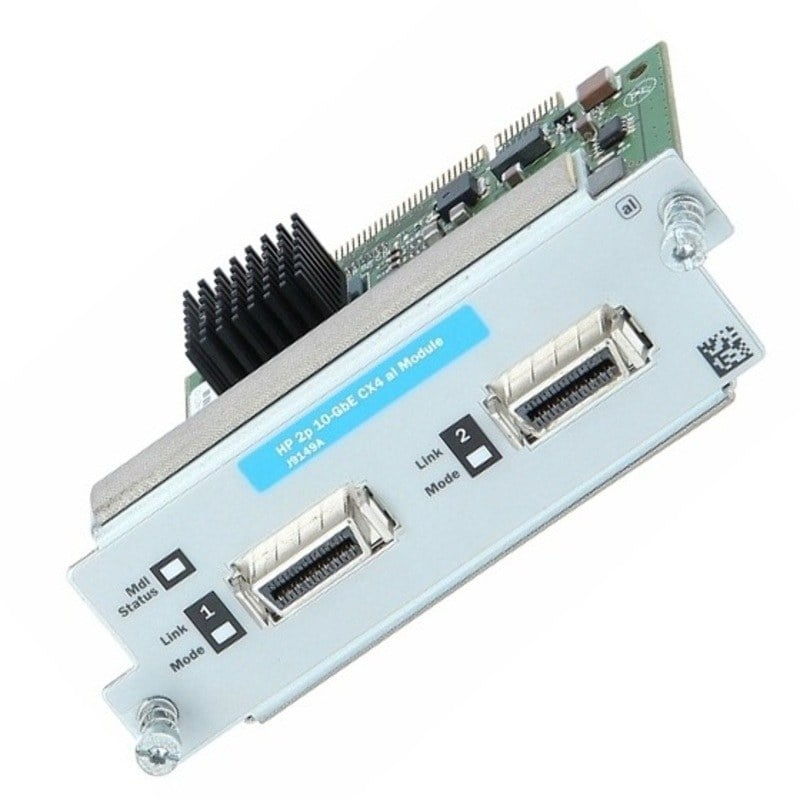
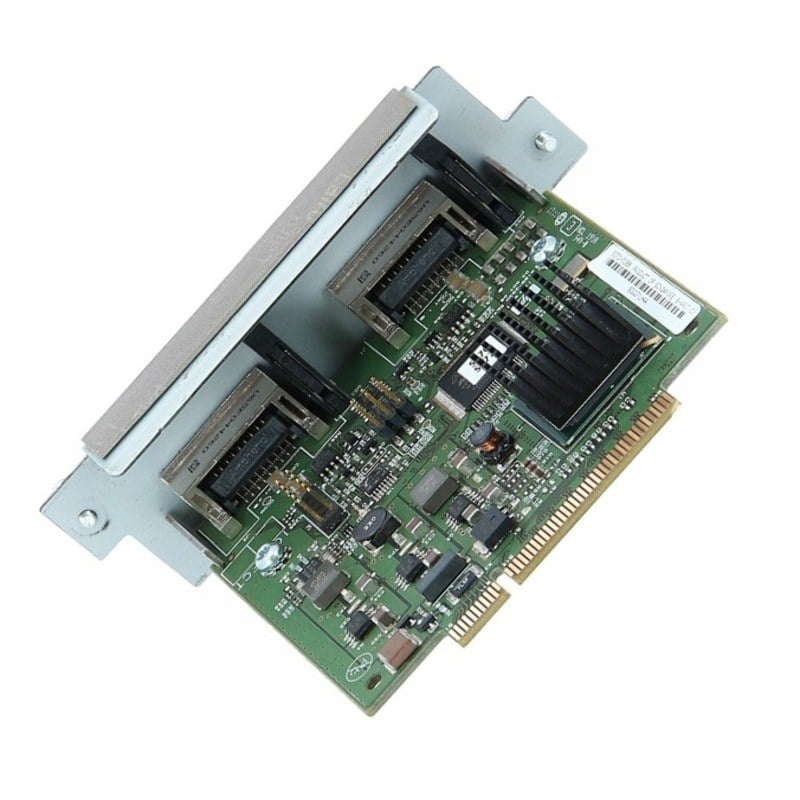
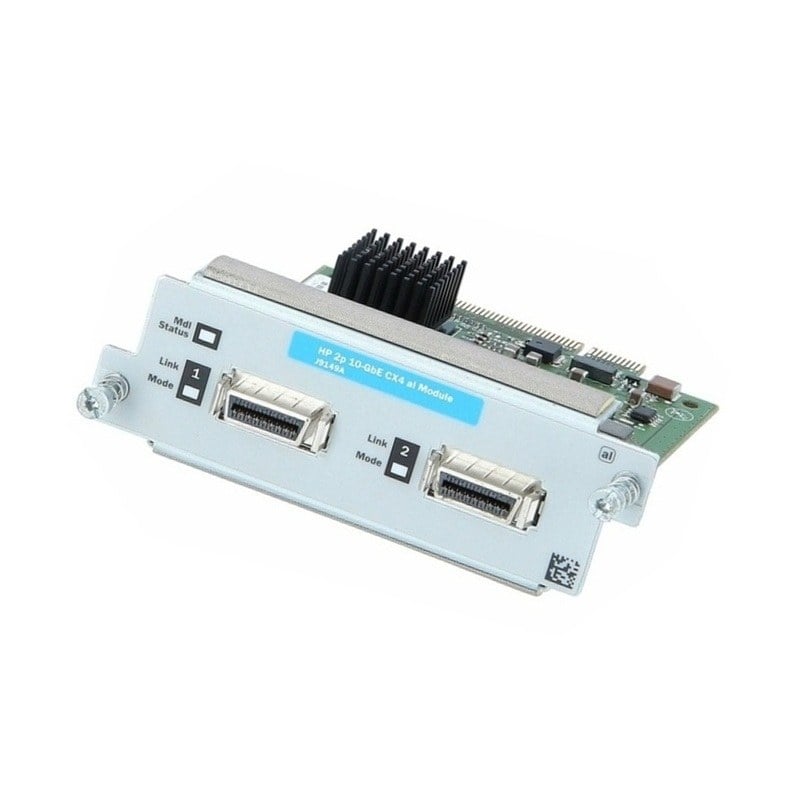
J9149-61001 is a 2-port 10 Gigabit Ethernet (10GbE) CX4 plug-in module designed for use with HPE ProCurve switches. This module provides high-speed connectivity and is ideal for use in data centers or other high-bandwidth environments where fast data transfer is essential.
Upgrading the J9149-61001 module involves replacing the existing module with a newer or higher capacity one. Before upgrading, it is important to ensure that the new module is compatible with the existing switch and that the switch software is up-to-date. It is also recommended to have a backup of the current switch configuration in case any issues arise during the upgrade process.
To upgrade the module, follow these general steps:
- Power off the switch and remove the old module.
- Install the new module into the switch.
- Power on the switch and verify that the new module is recognized and functioning properly.
- If necessary, reconfigure the switch to support the new module.
Maintaining the J9149-61001 module involves keeping it clean and free from dust and debris. It is also important to regularly check for any signs of damage or wear, such as loose or damaged connectors, and to replace the module if necessary. Firmware updates may also be available for the module, and it is important to keep these up-to-date to ensure optimal performance and compatibility with the switch.
Regular monitoring and testing of the module’s performance is also recommended to ensure that it is functioning properly and meeting the needs of the network. This can include checking for errors or dropped packets, monitoring bandwidth usage, and running performance tests to measure the module’s throughput and latency.
Limitations and Constraints of the Module
The J9149-61001 HPE ProCurve Module AL 2 Port CX4 10 GbE Plug-in Module is a high-performance network interface card that provides high-speed connectivity for 10 Gigabit Ethernet (10 GbE) networks. However, like any network device, it has limitations and constraints that should be considered when deploying and using the module.
Some of the key limitations and constraints of the J9149-61001 module include:
- Compatibility: The module is designed to be used with HPE ProCurve switches and may not be compatible with other vendors’ switches or equipment.
- Port Limitations: This module only provides 2 ports and cannot be expanded to add additional ports, so it may not be suitable for large-scale networks or environments that require a high number of ports.
- CX4 Interface: This module uses the CX4 interface standard, which is not as widely used as other interface standards such as SFP+ or QSFP+, limiting the available options for interconnectivity.
- Cable Length: The CX4 interface standard has a limited cable length of up to 15 meters, which may not be sufficient for some network deployments.
- Power Consumption: The module has a higher power consumption compared to other lower speed interface modules, which can impact power and cooling requirements in the data center.
- Cost: 10 GbE technology is generally more expensive than lower speed network technologies, and this module is no exception. It may be cost-prohibitive for some organizations or budgets.
Main Specification about the HPE J9149-61001
- Manufacturer: HPE
- Part Number or SKU # J9149-61001
- Device Type : Expansion Module – 2 Ports
Networking
- Connectivity Technology : Wired
- Cabling Type : Ethernet 10G Base-Cx4
- Data Link Protocol : 10 Gigabit Ethernet
- Data Transfer Rate : 10 GBPS
- Features : Full Duplex Mode
- Compliant Standards : IEEE 802.3ak
Expansion / Connectivity
- Interfaces : 2 X Network – Ethernet 10G Base-Cx4
- Compatible Slots : 1 X Expansion Slot


