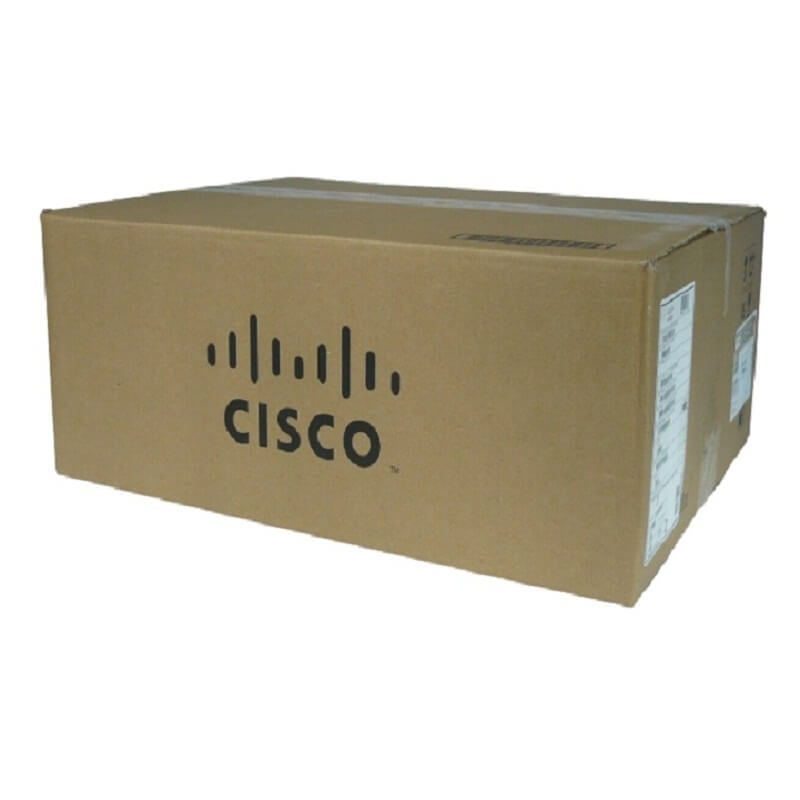
Description
Boost Your Network Speeds
- Upgrade your network cables: Make sure you are using high-quality, shielded, and low-loss network cables to connect your JD360B HPE 2 Port 10 GBPS Local Conn Module.
- Configure your network settings: Ensure that your network settings are properly configured to support 10 GBPS speeds. This includes configuring your switch ports, enabling jumbo frames, and disabling flow control.
- Check for network bottlenecks: Identify any bottlenecks in your network that may be limiting your speeds. This could be an overloaded switch, a slow router, or a congested network segment.
- Enable link aggregation: Link aggregation allows you to bundle multiple network connections together to increase bandwidth. This can be done by configuring your switch and JD360B HPE 2 Port 10 GBPS Local Conn Module to support link aggregation.
- Upgrade your network hardware: If your network hardware is outdated, it may not be capable of supporting 10 GBPS speeds. Consider upgrading to newer, faster switches and routers.
- Use Quality of Service (QoS): QoS allows you to prioritize network traffic and ensure that your critical applications receive the bandwidth they need.
- Monitor your network: Use network monitoring tools to keep track of your network performance and identify any issues that may be affecting your speeds. This will allow you to quickly identify and resolve any problems.
Experience High-Speed Connectivity
The JD360B HPE 2 Port 10 GBPS Local Conn Module is an advanced networking module that provides high-speed connectivity for enterprise environments. With its dual 10 Gbps ports, it allows for fast data transfer and reduces network congestion. This module is compatible with HPE ProLiant Gen9 servers and is ideal for use in data centers, cloud environments, and other high-performance computing applications.
One of the key features of the JD360B HPE 2 Port 10 GBPS Local Conn Module is its ability to support multiple protocols, including Fibre Channel over Ethernet (FCoE), iSCSI, and Network File System (NFS). This allows for greater flexibility in network design and deployment, as well as improved scalability and performance.
The module also supports advanced features such as Quality of Service (QoS) and virtual NIC (vNIC) capabilities, which enable administrators to prioritize network traffic and optimize network performance. Additionally, the JD360B HPE 2 Port 10 GBPS Local Conn Module is designed with built-in security features to protect against unauthorized access and data breaches.
Troubleshooting and Support
- Verify that the JD360B HPE 2 Port 10 GBPS Local Conn Module is properly installed and connected to the host system.
- Check the status of the module in the system’s BIOS or firmware to ensure that it is recognized and enabled.
- Ensure that the necessary drivers and software are installed and up-to-date.
- Check the cable connections to ensure that they are securely fastened and properly aligned.
- Verify that the switch or router that the module is connected to is configured properly and that the necessary VLANs are set up.
- Check the LED indicators on the module to ensure that they are functioning properly and that there are no error messages.
- Try swapping the module with a known good one to see if the issue is with the module itself or with the host system.
- Check the system logs and event viewer for any error messages or alerts related to the module.
- Check for any firmware updates for the module and apply them if necessary.
- If the issue persists, contact HPE support for further assistance.
General Information about the HPE JD360B
- Manufacturer: HPE
- Model Number or SKU# JD360B
- Product Type: Expansion Module 2 Ports
- Form Factor : Plug-In Module
Networking
- Connectivity Technology : Wired
- Cabling Type : Ethernet 10G Base-X
- Data Link Protocol : 10 Gigabit Ethernet
- Data Transfer Rate : 10 GBPS
Expansions and Connectivity
- Expansion Slots Total (Free): 2 ( 2 ) X Xfp
- Compatible Slots : 1 X Expansion Slot