

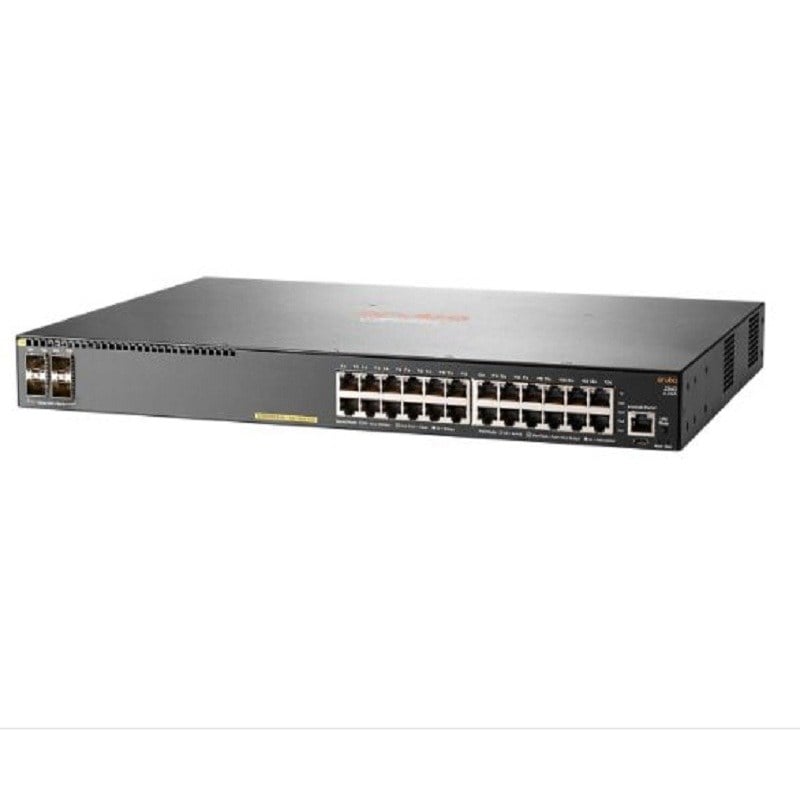
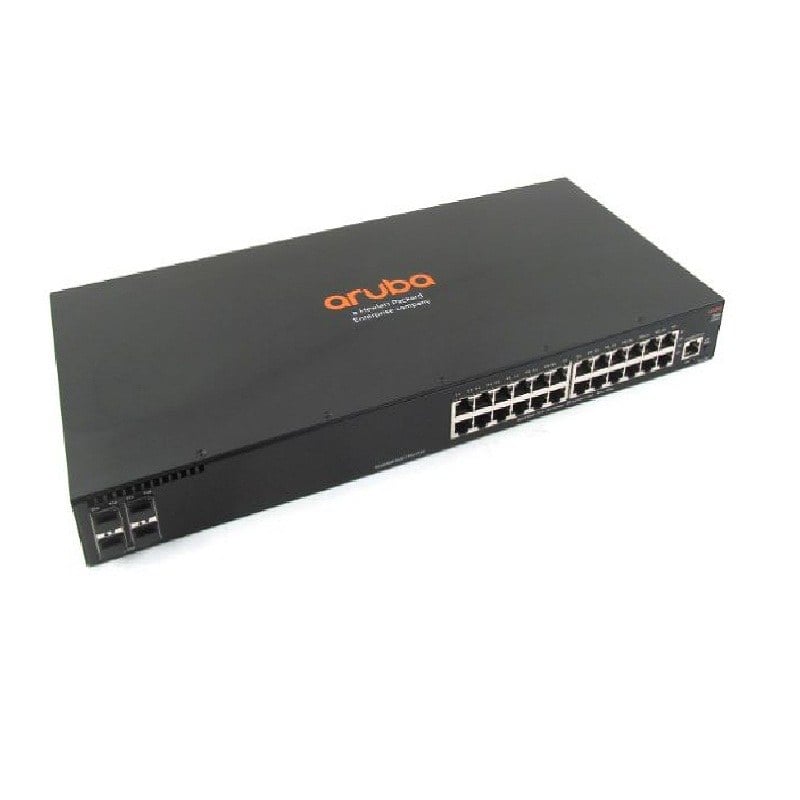
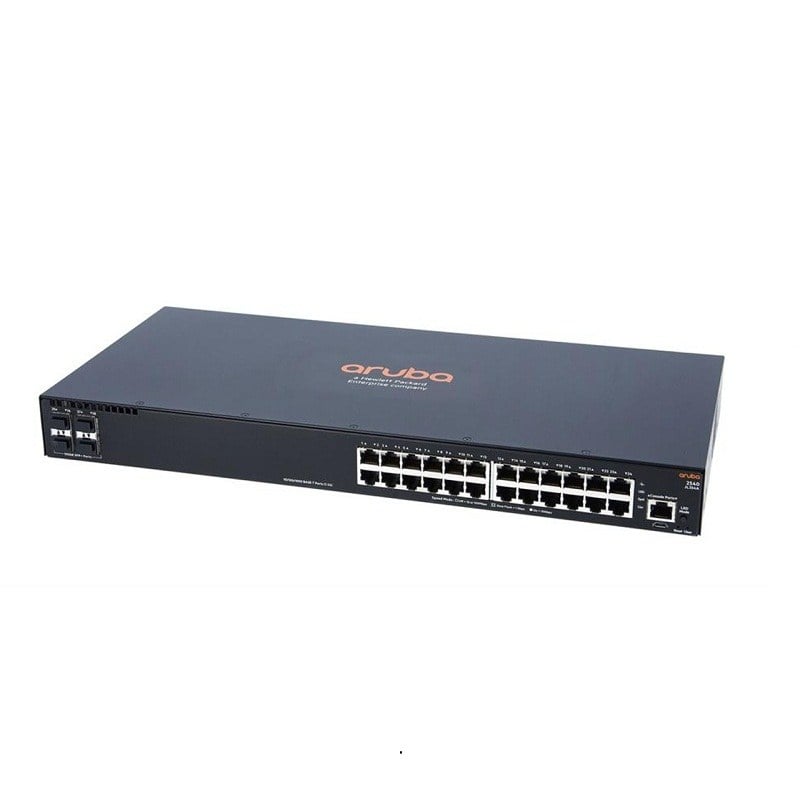
Description
Enhanced Security Features
Enhanced security features refer to the measures that the HPE JL354-61001 Aruba 2540 24g 4sfp+ Switch has implemented to protect the network from security threats and unauthorized access.
Some of the key enhanced security features of the HPE Aruba 2540 24g 4sfp+ Switch include:
- Access Control Lists (ACLs): The switch supports the use of ACLs to define and enforce security policies for network traffic, such as blocking specific IP addresses or limiting the types of traffic that are allowed to flow through the network.
- 802.1X Authentication: The switch supports the use of 802.1X authentication, which is a standards-based method of controlling access to a network based on user credentials.
- RADIUS Authentication: The switch can be configured to use RADIUS (Remote Authentication Dial-In User Service) for user authentication, allowing administrators to manage user credentials centrally.
- Secure Shell (SSH) and SSL: The switch supports the use of secure protocols such as SSH and SSL for secure remote management and configuration of the switch.
- Port Security: The switch can be configured to limit the number of MAC addresses that are allowed to be associated with a particular port, preventing unauthorized devices from connecting to the network.
- Dynamic ARP Inspection (DAI): The switch supports DAI, which helps to prevent ARP (Address Resolution Protocol) spoofing attacks by verifying the authenticity of ARP packets.
- IP Source Guard: The switch supports IP Source Guard, which helps to prevent IP spoofing attacks by verifying the source IP address of incoming packets.
- Spanning Tree Protocol (STP) Security: The switch supports the use of STP, which helps to prevent network loops by ensuring that there is only one active path between two devices.
These enhanced security features provide a multi-layered approach to network security, helping to protect against a wide range of security threats and prevent unauthorized access to the network.
Cloud Deployments
Cloud deployments refer to the deployment of IT infrastructure and applications in a cloud computing environment. Cloud deployments offer organizations a number of benefits, including increased flexibility, scalability, and cost savings compared to traditional on-premise IT deployments.
In cloud deployments, organizations use the resources of a cloud provider, such as Amazon Web Services (AWS) or Microsoft Azure, to host their IT infrastructure and applications. This allows organizations to take advantage of the cloud provider’s investment in infrastructure, data centers, and security, reducing the need for them to make these investments themselves.
The JL354-61001 HPE Aruba 2540 24g 4sfp+ Rack-mountable 24 Ports Managed Switch can be used in cloud deployments to provide network connectivity between cloud-based resources, such as virtual machines and storage devices. The switch can be deployed in a virtualized environment, such as a private cloud, or in a public cloud, such as AWS, to provide the necessary network connectivity.
In cloud deployments, the switch can be managed and configured using the same tools and methods used in on-premise deployments. This allows organizations to maintain control over their network infrastructure, even when it is deployed in the cloud.
By leveraging cloud deployments, organizations can take advantage of the benefits of cloud computing, while maintaining control over their network infrastructure and ensuring that their network remains secure and reliable.
Use and Management
The use and management of the HPE Aruba 2540 24g 4sfp+ Rack-mountable 24 Ports Managed Switch involves a variety of tasks and responsibilities to ensure that the switch operates effectively and efficiently in a network.
- Installation: The switch should be installed in a secure and easily accessible location, following the manufacturer’s guidelines and using the appropriate equipment and cabling.
- Configuration: The switch should be configured to meet the specific requirements of the network, including the assignment of IP addresses, the definition of security policies, and the setup of VLANs (Virtual Local Area Networks).
- Monitoring: The switch should be monitored regularly to ensure that it is functioning as expected and to detect any issues that may impact network performance.
- Maintenance: Regular maintenance should be performed on the switch to ensure that it is operating optimally and to resolve any issues that may arise. This may include tasks such as firmware updates, the replacement of failed components, and the cleaning of the switch.
- Troubleshooting: When issues arise, the switch should be troubleshot to determine the root cause of the problem and to resolve the issue. This may involve working with other network components and tools to diagnose and resolve the issue.
- Management: The switch should be managed using a management platform, such as a web interface or a command-line interface, to perform tasks such as monitoring, configuration, and maintenance.
By using and managing the HPE Aruba 2540 24g 4sfp+ Switch effectively, organizations can ensure that their network operates reliably and efficiently, providing the necessary connectivity and performance for their business needs.
Main Information about the HPE JL354-61001
- Manufacturer: HPE
- Part Number or SKU# JL354-61001
- Product Type: Ethernet Switch
- Product Series: 2540
- Product Model: 2540 24G 4SFP+
Technical Information
- Total Number of Network Ports: 24
- Uplink Port: Yes
- Modular: Yes
- Stack Port: No
- Port/Expansion Slot Details: 24 x Gigabit Ethernet Network
- Port/Expansion Slot Details: 4 x 10 Gigabit Ethernet Expansion Slot
Media & Performance
- Media Type: Supported Twisted Pair
- Media Type: Supported Optical Fiber
- Ethernet Technology:10 Gigabit Ethernet
- Ethernet Technology Gigabit: Ethernet
- Network Technology:10/100/1000 Base-T
- Network Technology: 1000 Base-X
- Network Technology: 10G Base-X
I/O Expansions
- Number of Total Expansion Slots:4
- Expansion Slot Type: SFP+
- Shared SFP Slot: No
- Number of SFP+ Slots: 4
Power Description
- Redundant Power Supply Supported: No


