

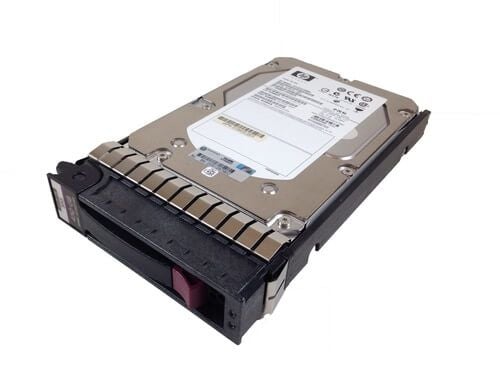
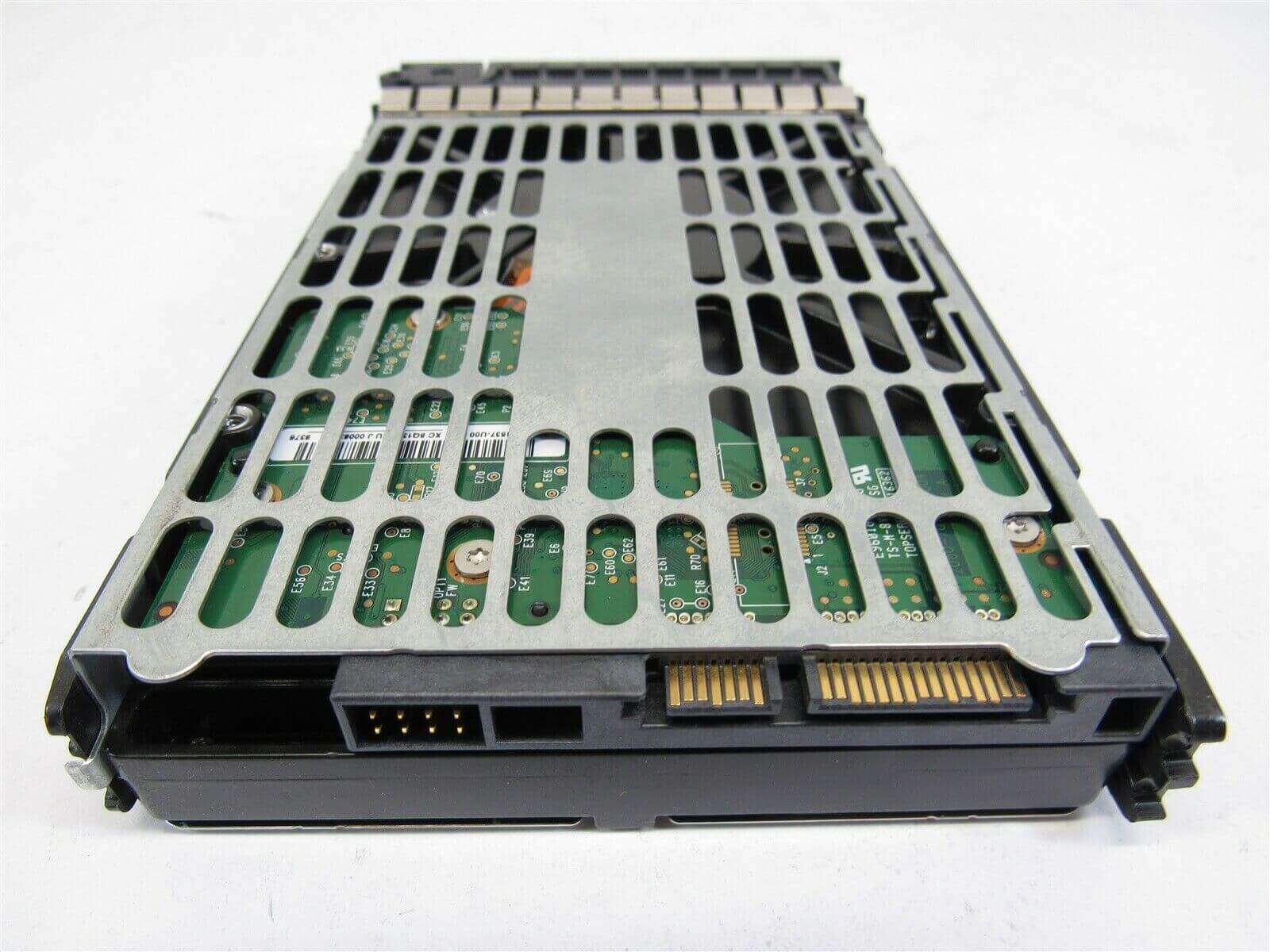
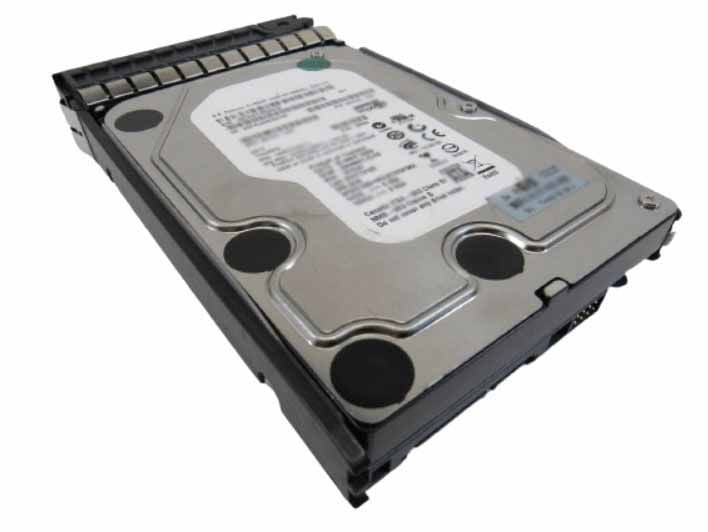
Description
Reliability and Durability
The HPE MB2000GCWDA 2TB 7.2K RPM SATA 6Gbps LFF 3.5 Inches SC Hard Drive with Tray is designed for use in high-capacity storage applications that require reliable and durable performance. The reliability and durability of this hard drive are achieved through a combination of advanced design features and rigorous testing.
One of the key design features that contribute to the reliability and durability of this hard drive is the use of enterprise-class components. These components are designed to withstand the demands of 24/7 operation in high-availability environments. They are also built to deliver consistent performance over the life of the drive, even under heavy workloads.
In addition to the use of enterprise-class components, the HPE MB2000GCWDA hard drive also undergoes extensive testing to ensure its reliability and durability. This testing includes functional testing, stress testing, and environmental testing. The drive is also subjected to stringent quality control processes throughout the manufacturing process to ensure that it meets HPE’s high standards for quality and reliability.
Furthermore, the HPE MB2000GCWDA hard drive is designed to provide data protection features such as error correction, data recovery, and power loss protection. These features help to ensure that the data stored on the drive remains safe and accessible, even in the event of unexpected power outages or other types of system failures.
Installation and Configuration
Installation and Configuration of MB2000GCWDA HPE 2TB 7.2K RPM SATA 6GBPS LFF 3.5Inchs SC Hard Drive With Tray:
- Verify Compatibility: Before installing the MB2000GCWDA HPE 2TB 7.2K RPM SATA 6GBPS LFF 3.5Inchs SC Hard Drive with Tray, check the compatibility of your system with the hard drive. Make sure your system supports SATA interface and has enough space to accommodate the hard drive.
- Prepare the System: Power off the system and disconnect it from the power source. Open the system case and locate the drive bay where you want to install the hard drive.
- Mount the Hard Drive: Mount the hard drive into the drive bay and attach the drive tray to the hard drive. Then, slide the tray into the drive bay and secure it with screws.
- Connect Cables: Connect the SATA data cable and power cable to the hard drive. Make sure the cables are securely attached to the hard drive and motherboard.
- Configure the Hard Drive: Power on the system and enter the system BIOS. Configure the hard drive by selecting the SATA interface as the boot drive or by configuring it as a data storage device.
- Initialize the Hard Drive: Once the system has booted up, you may need to initialize the hard drive. This can be done through the Disk Management tool in Windows. Right-click on the unallocated space of the new hard drive and select “New Simple Volume.” Follow the prompts to create a new partition and format the hard drive.
- Verify Installation: After initializing the hard drive, verify that it is recognized by the system. Check the system’s device manager to ensure that the new hard drive is listed.
- Transfer Data: Once the hard drive is installed and initialized, transfer data to the new hard drive. You can do this by copying files to the new drive or by using a disk cloning software to migrate your existing data to the new drive.
Installing and configuring the MB2000GCWDA HPE 2TB 7.2K RPM SATA 6GBPS LFF 3.5Inchs SC Hard Drive with Tray involves mounting the hard drive into the system, connecting the cables, configuring the hard drive, initializing the hard drive, verifying the installation, and transferring data.
Energy Efficiency
The HPE MB2000GCWDA 2TB 7.2K RPM SATA 6Gbps LFF 3.5Inchs SC Hard Drive with Tray is designed with energy efficiency in mind. It features several energy-saving technologies that help reduce power consumption without compromising performance.
One of the key energy-saving technologies used in this hard drive is the Advanced Power Management (APM) feature, which allows the hard drive to automatically adjust its power consumption according to the workload. This means that the hard drive will use less power when it is idle or performing light tasks, and ramp up power consumption only when it needs to perform heavy tasks.
Another energy-saving technology used in the HPE MB2000GCWDA hard drive is the PowerChoice feature, which allows users to configure the hard drive to use different power consumption modes depending on their requirements. For example, users can configure the hard drive to use a low-power mode when it is not in use, or a high-performance mode when it needs to perform heavy workloads.
Additionally, the HPE MB2000GCWDA hard drive uses the latest SATA interface, which supports the SATA III 6Gbps transfer rate. This high-speed interface allows the hard drive to transfer data quickly and efficiently, which helps reduce the time the hard drive spends operating, ultimately leading to lower power consumption.
Detail Description
- Brand Name : HPE
- Part Number : MB2000GCWDA
- Sub-Type : 2TB 7.2K RPM SATA 6GBPS
- Type : Hard Drive (HDD)
Technical Information
- Capacity : 2TB
- Spindle Speed : 7.2K RPM
- Generation : SATA
- Speed : 6GB/S
Physical Characteristics
- Drive Bay Width : 3.5″
- Drive Type : Internal


