Description
7.2K RPM Spin Speed Hard Disk
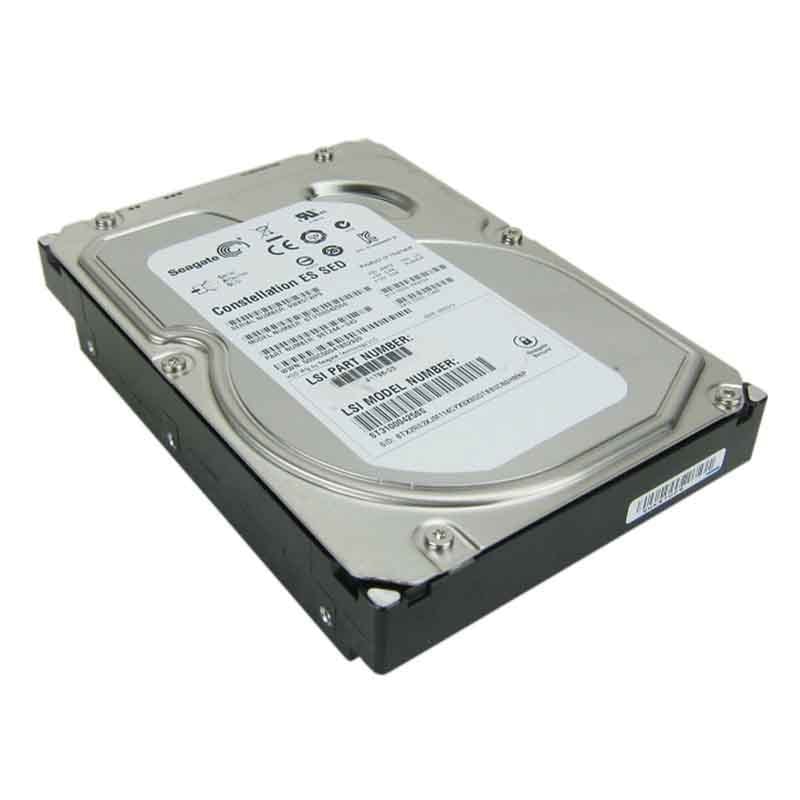
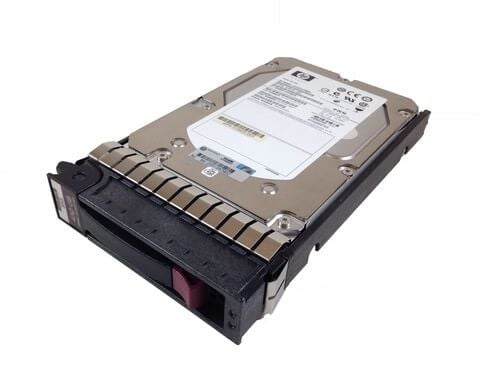
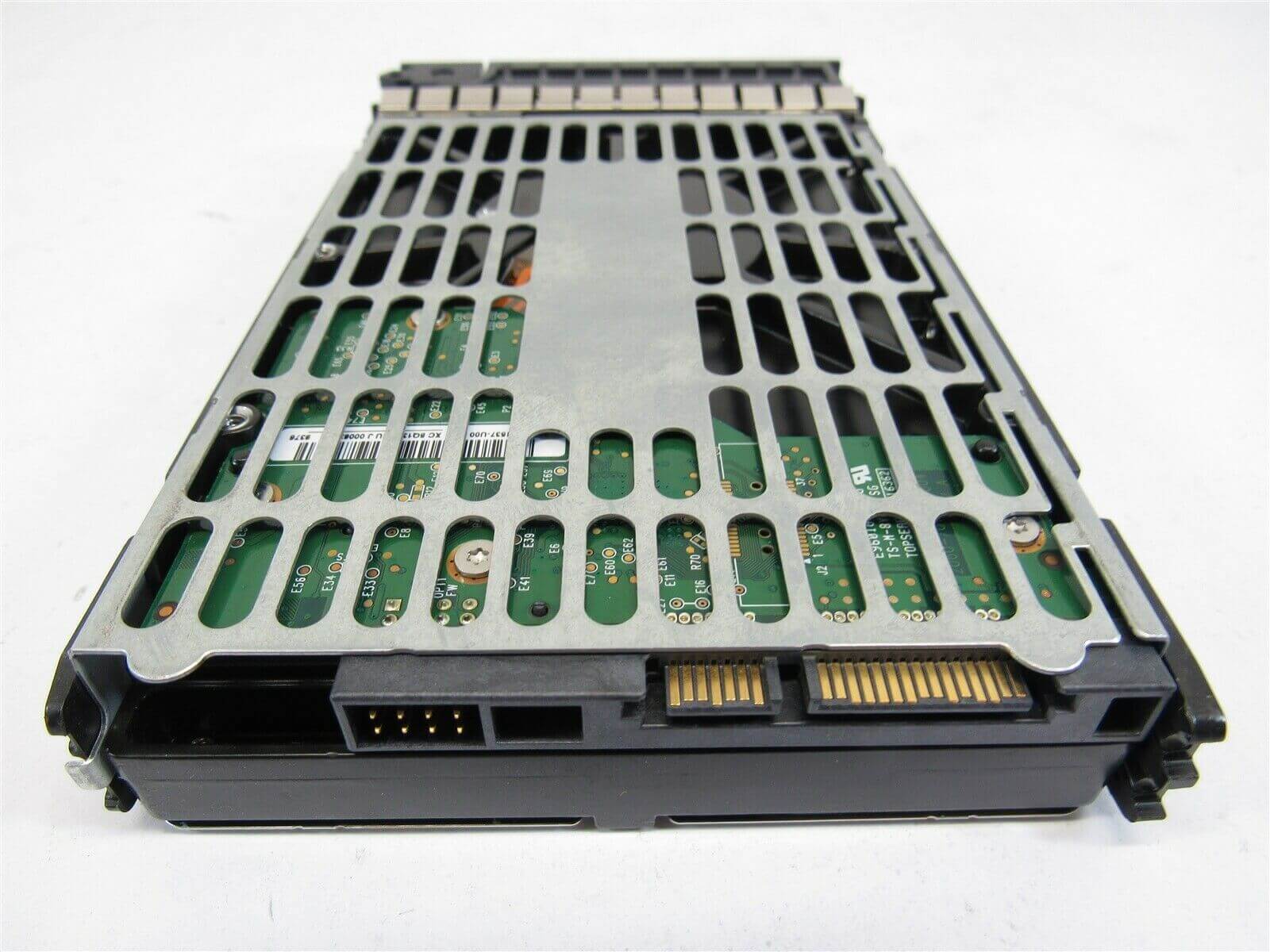
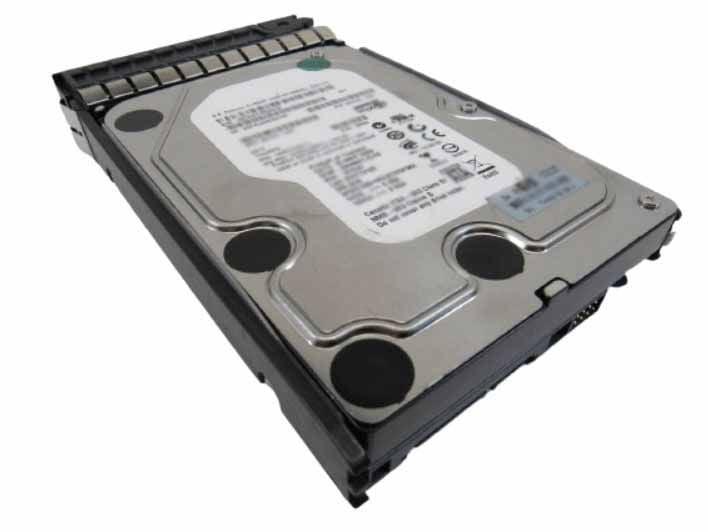
The HPE MB2000GCWDA 2TB 7.2K RPM SATA 6Gbps LFF 3.5Inchs SC Hard Drive with Tray is designed with energy efficiency in mind. It features several energy-saving technologies that help reduce power consumption without compromising performance.
One of the key energy-saving technologies used in this hard drive is the Advanced Power Management (APM) feature, which allows the hard drive to automatically adjust its power consumption according to the workload. This means that the hard drive will use less power when it is idle or performing light tasks, and ramp up power consumption only when it needs to perform heavy tasks.
Another energy-saving technology used in the HPE MB2000GCWDA hard drive is the PowerChoice feature, which allows users to configure the hard drive to use different power consumption modes depending on their requirements. For example, users can configure the hard drive to use a low-power mode when it is not in use, or a high-performance mode when it needs to perform heavy workloads.
Additionally, the HPE MB2000GCWDA hard drive uses the latest SATA interface, which supports the SATA III 6Gbps transfer rate. This high-speed interface allows the hard drive to transfer data quickly and efficiently, which helps reduce the time the hard drive spends operating, ultimately leading to lower power consumption.
Data Security and Protection
The MB2000GCWDA HPE 2TB 7.2K RPM SATA 6GBPS LFF 3.5Inchs SC Hard Drive is designed to provide reliable and secure storage for enterprise-level applications. In terms of data security and protection, this hard drive offers several features to ensure the confidentiality, integrity, and availability of data.
One of the key security features of the MB2000GCWDA is self-encryption. This hard drive supports the AES 256-bit encryption standard, which ensures that data stored on the drive is encrypted and can only be accessed with the correct encryption key. This feature helps to protect sensitive data from unauthorized access or theft.
Another important security feature of this hard drive is the Secure Erase function. This feature ensures that all data on the drive is securely and permanently erased when the drive is no longer needed or is being repurposed. This is important in ensuring that sensitive or confidential data is not left behind on the drive, which could potentially be accessed by unauthorized users.
In addition to these security features, the MB2000GCWDA also has built-in error correction and detection capabilities, which help to protect against data corruption and ensure the integrity of stored data. The hard drive also has a number of other features that contribute to its overall reliability, including advanced power management and thermal monitoring.
Maintenance and Troubleshooting Tips
Maintenance Tips:
- Keep the hard drive clean and free from dust and debris. Use a soft, dry cloth to wipe the surface of the hard drive.
- Avoid exposing the hard drive to extreme temperatures, humidity, or shock.
- Keep the hard drive away from magnetic fields and sources of electromagnetic interference.
- Avoid overloading the hard drive by storing excessive data or running too many applications at the same time.
- Check for firmware updates regularly and install them if available.
Troubleshooting Tips:
- Check the connections between the hard drive and the computer or server. Make sure they are secure and tight.
- Check the BIOS settings to ensure that the hard drive is properly detected by the system.
- Run diagnostics or self-tests on the hard drive to check for any errors or issues. Most hard drives come with diagnostic software that can be downloaded from the manufacturer’s website.
- If the hard drive is making unusual noises or clicking sounds, it could be a sign of physical damage or mechanical failure. In this case, it is recommended to stop using the hard drive immediately and seek professional assistance.
- If the hard drive is not responding or is freezing frequently, it could be a sign of software issues or file system corruption. In this case, try to run disk repair or recovery software to recover any lost data and fix the issue.
It is always recommended to backup important data regularly to prevent data loss in case of any unexpected failures. If the hard drive is under warranty, contact the manufacturer for assistance.
Detail Description
- Brand Name : HPE
- Part Number : MB2000GCWDA
- Sub-Type : 2TB 7.2K RPM SATA 6GBPS
- Type : Hard Drive (HDD)
Technical Information
- Capacity : 2TB
- Spindle Speed : 7.2K RPM
- Generation : SATA
- Speed : 6GB/S
Physical Characteristics
- Drive Bay Width : 3.5″
- Drive Type : Internal