


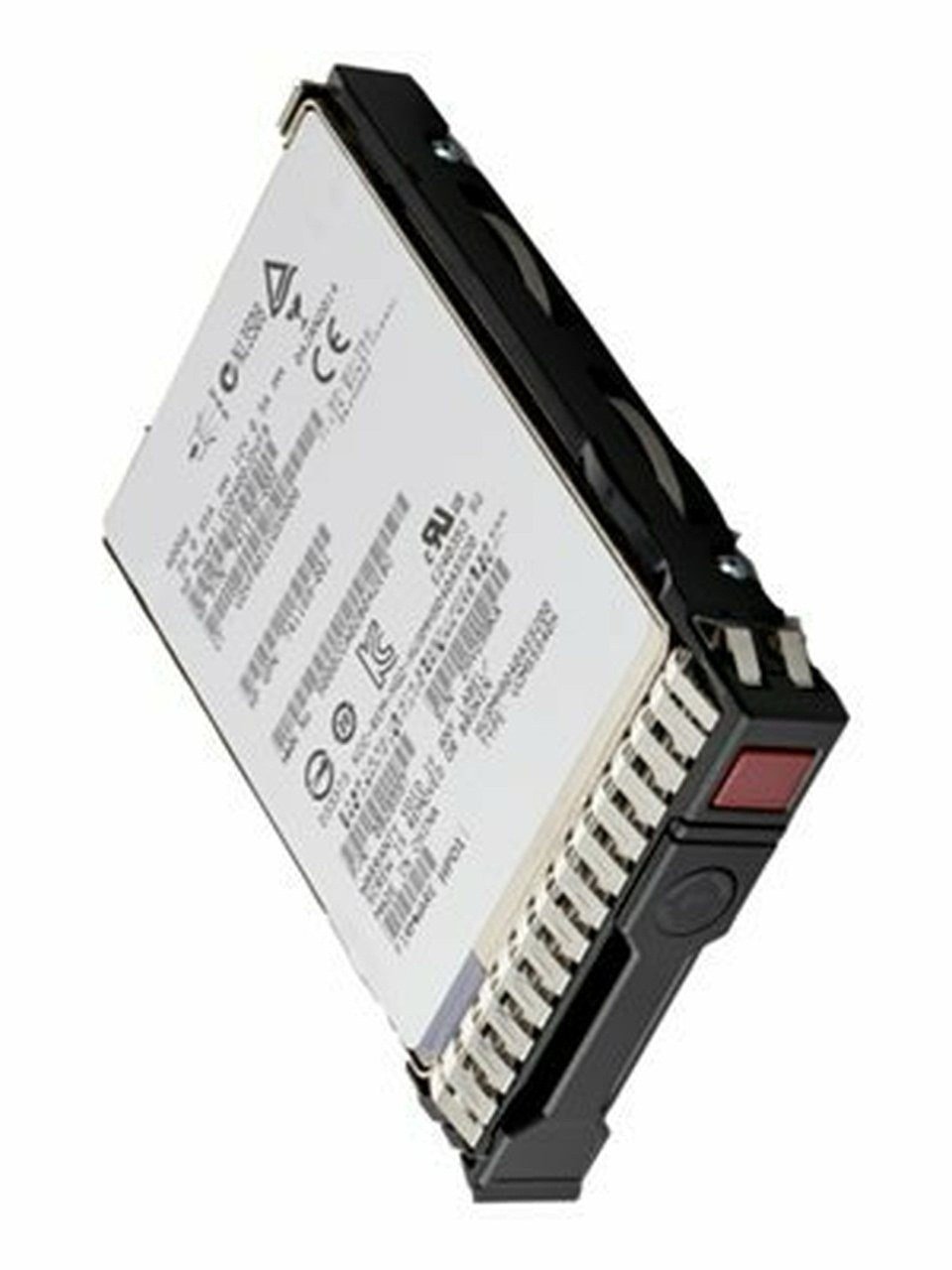

Description
Installation and Setup
To install and set up the P07922-X21 HPE 480GB 2.5inch DS SATA-6G SC Mixed Use G9 G10 SSD, follow these steps:
- Shut down the server and disconnect it from the power source.
- Locate the drive bays on your server and remove the cover or any existing drives in the bay where you want to install the SSD.
- Carefully insert the P07922-X21 HPE 480GB 2.5inch DS SATA-6G SC Mixed Use G9 G10 SSD into the empty drive bay, making sure to align the connectors properly.
- Secure the SSD in place using the screws or brackets provided with the server or the SSD.
- Reconnect the power source and turn on the server.
- The SSD should automatically be detected by the server and will need to be initialized and formatted before it can be used. This can be done through the server’s operating system or disk management tool.
- Once the SSD is formatted and ready to use, it can be added to your storage pool or used as a standalone drive.
It is recommended to consult the server’s user manual or contact the manufacturer’s support for any additional information or specific instructions related to the installation and setup of the P07922-X21 HPE 480GB 2.5inch DS SATA-6G SC Mixed Use G9 G10 SSD.
Security and Data Protection
The P07922-X21 HPE 480GB 2.5inch DS SATA-6G SC Mixed Use G9 G10 SSD features several security and data protection capabilities, including:
- Self-Encrypting Drive (SED) technology that uses AES 256-bit encryption to protect data at rest. This helps ensure that even if the drive is lost or stolen, the data on it remains secure.
- End-to-end data path protection that helps ensure data integrity from the host to the SSD and back. This protects against data corruption during transmission and helps ensure that the data is accurate and consistent.
- Advanced wear leveling and error correction codes (ECC) that help ensure data reliability and prevent data loss due to flash cell wear-out or other types of errors.
- Power loss protection that safeguards data in the event of an unexpected power outage by ensuring that any data in the process of being written is not lost.
Endurance of 400GB SSD
The endurance of a solid state drive (SSD) is a measure of its ability to handle a certain amount of data writing and erasing before it starts to degrade and eventually fail. In the case of the HPE 480GB 2.5inch DS SATA-6G SC Mixed Use G9 G10 SSD, it has an endurance of 400GB, meaning it can handle the writing and erasing of up to 400GB of data per day for its entire lifespan.
General Information
- MPN : P07922-X21
- Manufacture: HPE
- Product Type : Solid State Drive
- SKU : P07922-X21
Technical Information
- Storage Capacity : .480GB
- Interface : SATA 6GBPS
- Drive Type : Internal
Product Dimensions & Weight
- Height : 0.63 inch
- Width : 3.10 inch
- Depth : 5.45 inch
- Weight : 1.50 lbs
Performance
- Lifetime Writes: 3000
- Endurance DWPD (Drive Writes Per Day): 3.5
- Drive Transfer Rate (External): 6 Gb/sec
- Random Read IOPS (4KiB, Q=16): 68000
- Max Random Read IOPS (4KiB): 76000@Q32
- Random Write IOPS (4KiB, Q=16): 40000
- Max Random Write IOPS (4KiB): 42000@32
- Internal Data Rate (Read): 530 MBps
- Internal Data Rate (Write): 480 MBps
Power Consumption
- Idle Time: 1.31 Watt
- Random Read: 2.94 Watt
- Random Write: 2.94 Watt
- Sequential Read: 2.32 Watt
- Sequential Write: 3.33 Watt
- Random Read/Write: 2.94 Watt
- Maximum: 4.00 Watt


