


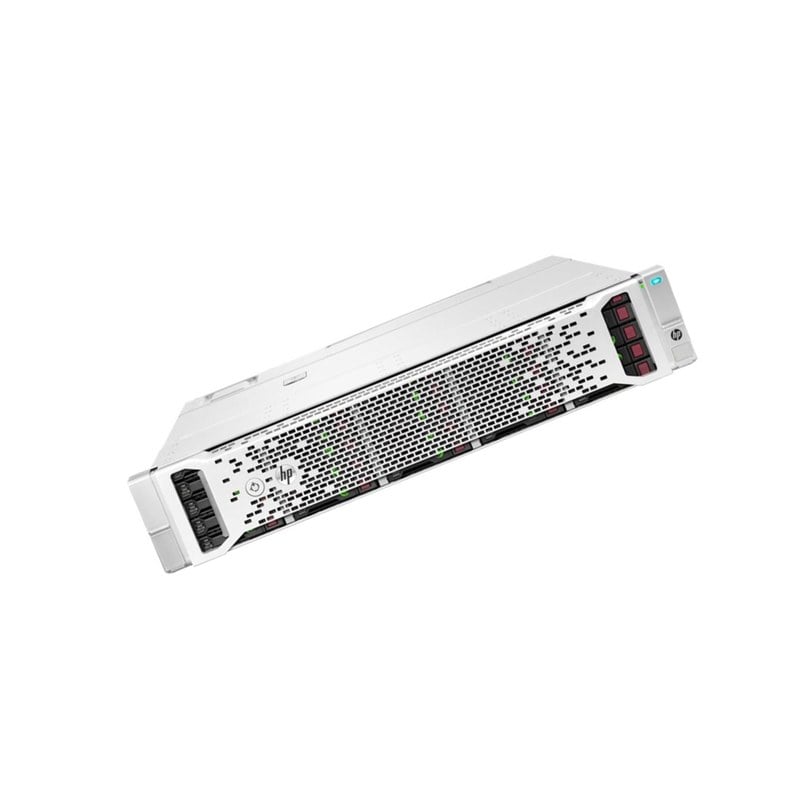
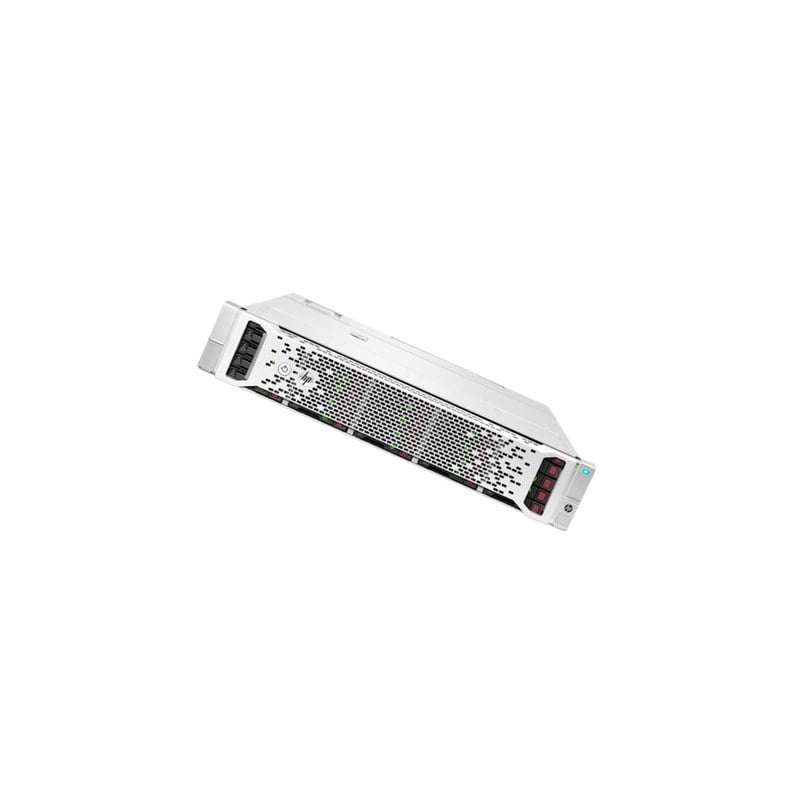
Description
Overview of the HPE 45TB Bundle D3710
Sure! The HPE 45TB Bundle D3710 is an enterprise storage solution that includes 25x 1.8TB SAS (Serial Attached SCSI) hard disk drives. These drives are 2.5 inches in size, and rotate at 10,000 revolutions per minute (RPM) for fast data access. The bundle also includes a HPE Smart Array P408i-a SR Gen10 Controller, which provides RAID (redundant array of independent disks) protection for data stored on the drives.
In terms of capacity, the HPE 45TB Bundle D3710 provides a total of 45 terabytes (TB) of storage space. This makes it an ideal solution for large-scale data storage needs, such as for use in data centers or other enterprise applications.
The bundle is designed for use with HPE ProLiant servers, and can be installed internally in a server chassis or in an external storage enclosure. It supports 12Gbps SAS connectivity for fast data transfer rates, and can be configured in a variety of RAID levels for different levels of data redundancy and performance.
Performance benchmarks of the HPE 45TB Bundle D3710
Performance benchmarks are a way to measure the speed and efficiency of a storage solution like the HPE 45TB Bundle D3710. Benchmarking tests can give us an idea of how well the storage solution performs in real-world scenarios, and can help us compare it to other similar solutions.
Some of the key performance benchmarks for the HPE 45TB Bundle D3710 might include tests for sequential read and write speeds, random read and write speeds, and IOPS (input/output operations per second).
For example, in a sequential read benchmark, the HPE 45TB Bundle D3710 might be tested to see how quickly it can read large, contiguous blocks of data from the drives. In a random write benchmark, the storage solution might be tested to see how quickly it can write small, random blocks of data to the drives.
In addition to these basic benchmarks, the HPE 45TB Bundle D3710 might also be tested for performance under different workloads or with different RAID configurations. For example, the bundle might be tested to see how well it performs under heavy read/write workloads, or under different RAID levels such as RAID 0, RAID 1, or RAID 5.
Installation and setup
The installation and setup of the HPE 45TB Bundle D3710 can vary depending on the specific configuration and hardware used, but here are some general steps that might be involved:
- Check system compatibility: Before installing the HPE 45TB Bundle D3710, you should ensure that your server hardware and software are compatible with the bundle. Check the system requirements and compatibility lists provided by HPE.
- Prepare the server: If you are installing the bundle internally in a server chassis, you may need to remove any existing disk drives and prepare the drive bays. If you are installing the bundle in an external storage enclosure, make sure the enclosure is compatible with your server and connect it to the server using SAS cables.
- Install the drives: Insert the 25 SAS hard disk drives included in the bundle into the drive bays. Make sure they are securely seated and connected to the SAS backplane.
- Install the controller: Install the HPE Smart Array P408i-a SR Gen10 Controller in the server if it is not already installed. Connect the controller to the SAS backplane using SAS cables.
- Configure the RAID: Use the HPE Smart Storage Administrator or other management tools to configure the RAID level and other settings for the drives. The bundle supports a variety of RAID levels including RAID 0, 1, 5, 6, 10, 50, and 60.
- Initialize and format the drives: Once the RAID configuration is complete, initialize and format the drives as needed for your operating system and applications.
- Test the configuration: Test the configuration to ensure that the drives are recognized by the server and that data can be written and read from them. Run any additional performance tests or benchmarks as needed.
These steps are a general guide and may need to be adapted for your specific configuration and needs. It’s always a good idea to consult the HPE documentation and support resources for detailed installation and setup instructions.
General Information
- Manufacturer : Hewlett Packard Enterprise (HPE)
- MPN : Q1J18A
- Type : Hard Disk Drive (HDD)
- SSD Type : SAS 12GBPS
- SKU: Q1J18A
Technical Information
- Capacity: 25 x 1.8 TB
- Interface Type: SAS 12GB/S
- Spindle Speed: 10000 RPM
- Features: Enterprise
- Device Type: Storage enclosure
- Enclosure Type: Rack-mountable – 2U
Chassis:
- Installed Devices / Modules Qty: 25
- Supported Devices / Modules Qty: 25
- Supported Drives: SATA-600 / SAS-3
Environmental Parameters
- Min Operating Temperature: 50 °F
- Max Operating Temperature: 104 °F
- Humidity Range Operating: 10 – 90%
- Sound Emission: 53 dBA
Expansion / Connectivity
- Expansion Bays: 25 (Total) / 0 (Free) x Hot-Swap – 2.5inch SFF
Miscellaneous
- Features: Redundant Fans, Firmware Upgradable, 92% Efficiency Power Supply
- Cables Included: 2 x mini SAS HD cable – 1.6 ft
- Included Accessories: Rack Mounting Kit, 2 x PDU Interconnect Cords
Power:
- Power Device: 2 x Internal Power Supply – Hot-Plug
- Max Supported Qty: 2
- Power Redundancy: Yes
- Power Redundancy Scheme: 1+1
- Voltage Required: AC 120/230 V – 50/60 Hz
- Power Consumption Operational: 403 Watt
- Power Provided: 460 Watt
- 80 PLUS Certification: 80 PLUS Gold


