Description
Overview of the 90Y3107 IBM Memory Module
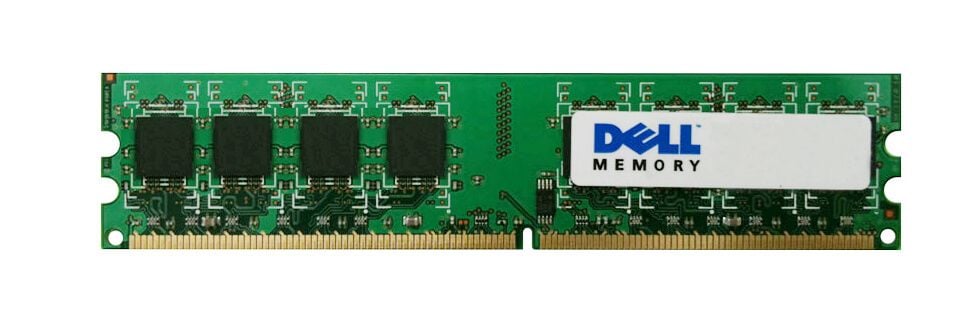
The 90Y3107 IBM memory module is a 32GB (1x32GB) DDR3 SDRAM DIMM that operates at a speed of 1333 MHz (PC3-10600). It uses a VLP (Very Low Profile) form factor and has a CAS latency of 9. The module is quad-rank, x4-based and uses 1.35V of power. It is also ECC (Error Correction Code) registered and is a genuine IBM product. This memory module is suitable for use in servers and high-performance workstations that require large amounts of memory and high data integrity.
Performance and Reliability
Performance: The 90Y3107 IBM memory module has a high memory capacity of 32GB and operates at a fast speed of 1333 MHz, which can help to improve the overall performance of the system by providing faster data transfer rates and increased memory bandwidth. The quad-rank and x4-based design allows for efficient use of the memory module’s capacity and can help to improve system performance in applications that require large amounts of memory.
Reliability: The 90Y3107 IBM memory module is ECC registered, which means that it includes additional memory chips that are used to detect and correct errors that may occur during data transfer. This improves the overall reliability of the memory module and helps to ensure that data is transmitted correctly. Additionally, this memory module is a genuine IBM product, which means it is manufactured to high quality standards and is backed by IBM’s warranty and support.
It is also built to withstand high-temperature, high-performance computing environments and also has been tested and validated on various IBM systems to ensure compatibility and reliability.
Installation and Setup
Installing the 90Y3107 IBM memory module is a straightforward process that can typically be completed in a few simple steps. Here is a general guide for installing the module:
- Before installing the memory module, make sure to power off the computer and unplug the power cord.
- Locate the memory slot on the motherboard and open the retention mechanism, which typically involves pushing down on tabs or levers.
- Carefully align the notches on the memory module with the notches in the memory slot, and gently press down on the module until it snaps into place.
- Close the retention mechanism to secure the memory module in place.
- Power on the computer and check the system’s BIOS or UEFI firmware settings to ensure that the new memory module is recognized and that the system’s total memory capacity is correct.
It’s important to handle memory modules with care, as they are sensitive electronic components. It is highly recommended to consult the computer or motherboard manual for specific instructions and warnings before installing the memory module.
Also, it’s important to note that when adding memory to a system, it is best to use memory modules that match the existing memory in terms of speed, capacity, and other specifications.
In addition, IBM provides documentation, setup and installation guides, and videos that can help with the installation process. IBM also recommends checking the Memory and Feature Matrix before purchasing to ensure compatibility with the system.
GENERAL INFORMATION
- Manufacturer: IBM
- Manufacturer Part Number: 90Y3107
- Type: Memory (RAM)
- Sub-Type: Pc3-10600
- Product Name: 32GB DDR3 SDRAM Memory Module
TECHNICAL INFORMATION
- Storage Capacity: 32 GB
- Memory Technology: DDR3 Sdram
- Number Of Modules: 1 X 32GB
- Memory Speed: 1066 MHZ
- Memory Standard: DDR3-1333/PC3-10600
- Error Checking: ECC
- Ram Features: Registered
PHYSICAL CHARACTERISTICS
- Form Factor: 240-PIN Dimm
- Shipping Dimensions: 1.9 Height X 6.0 Width X 6.5 Depth
- Shipping Weight : 0.15 Lb