



Description
Product Description and Features
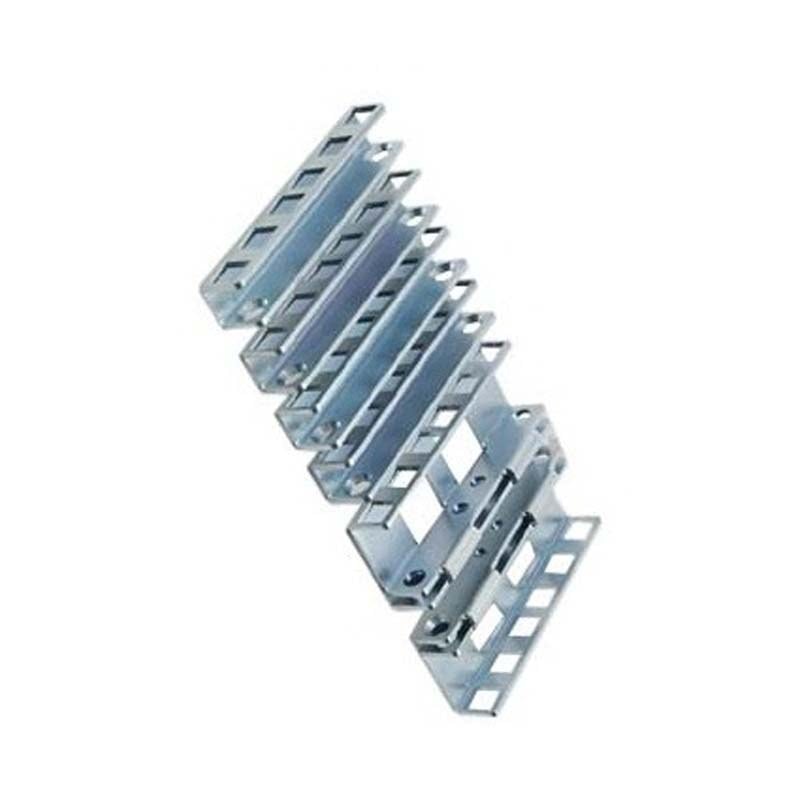
Product Description: The Dell 2U Threaded Rack Adapter Brackets Kit is designed to be used with Dell Sliding Ready Rails. These brackets are made of high-quality materials and are designed to provide a secure and stable connection between the server and the rack. The kit includes two brackets that are easy to install and configure, making it a convenient and practical solution for server rack installation.
Features:
- Designed for use with Dell Sliding Ready Rails
- Provides secure and stable connection between server and rack
- Easy to install and configure
- Includes 2 adapter brackets
- Made of durable materials for long-lasting use
- Compatible with Dell servers
- Ideal for 2U servers
- Provides a flexible and customizable solution for server rack installation
- Enables easy access to the server for maintenance and upgrades
- Provides improved cable management and airflow
- Helps to reduce rack space and increase density
- Provides a cost-effective solution for server rack installation.
Sliding Ready Rails
Compatibility with Sliding Ready Rails: The Dell 2U Threaded Rack Adapter Brackets Kit is specifically designed to be used with Dell Sliding Ready Rails. These brackets are compatible with the Dell PowerEdge R620, R630, R640, R730, R740, R740xd, R750, R930, R940, R740xd2, and R6415 servers, as well as the Dell Precision R7910, R7920, and R7920 XL workstations.
It’s important to check the compatibility with the sliding ready rails before purchasing the product to ensure that it will work properly with your specific server model and rack. Compatible sliding ready rail should be of Dell make and should be specified as compatible with the server. If unsure, it’s always recommended to check with Dell’s official website or consult with their support team.
Configuration Guide
Installation and Configuration Guide: Installing and configuring the Dell 2U Threaded Rack Adapter Brackets Kit is a straightforward process. The following steps provide a general overview of the installation process:
- Gather all necessary tools and equipment, including a Phillips-head screwdriver and a drill (if necessary).
- Remove the server from the rack.
- Locate the threaded holes on the server’s front and rear rails.
- Align the adapter bracket with the threaded holes on the server’s front rail, and secure it in place using the provided screws. Repeat this step for the rear rail.
- Slide the server back into the rack, making sure that the adapter brackets are properly aligned with the sliding ready rails.
- Secure the server to the rack using the provided thumbscrews.
- Power on the server and check for proper operation.
It’s always recommended to check the manufacturer’s documentation and videos for specific instructions for your server and the kit.
Note: The installation process may vary depending on the specific server model and rack configuration. It’s recommended to consult with the manufacturer’s documentation or technical support team for specific installation instructions.
General Information about this Dell PKCR1
- Manufacturer: Dell
- Part Number or SKU# PKCR1
- Product Type: Rack Adapter Brackets Kit

-324x324.jpg)

