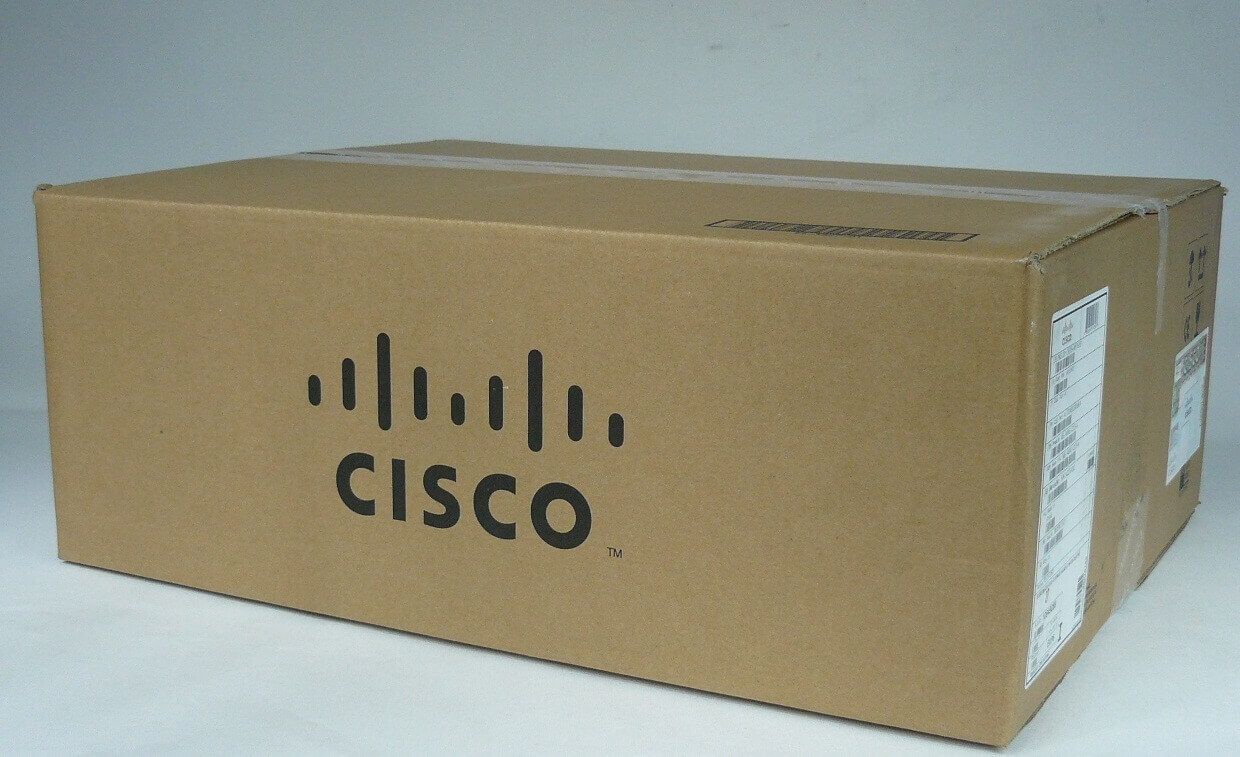
Description
Introduction to the Management Kit
The N7K-C7009-CAB-TOP Cisco Nexus 7009 Front Top Section Cable Kit is a set of cables and accessories designed for use with the Cisco Nexus 7009 network device. This kit provides the cables and connections needed to install and connect the Nexus 7009 in a data center or other network environment.
The N7K-C7009-CAB-TOP kit includes a variety of different cables and connectors, such as fiber optic cables, power cables, and Ethernet cables, as well as cable management accessories like cable guides and cable ties. These components are designed to work together to provide a comprehensive and reliable connectivity solution for the Nexus 7009.
The N7K-C7009-CAB-TOP cable kit is designed to help simplify the installation process for service providers and data center administrators, and to ensure that their Nexus 7009 is properly connected and functioning. With the right cable kit, service providers can reduce the amount of time and effort required to install and connect their network device, and ensure that it is operating at its full potential.
Troubleshooting the Installation
Here are some common troubleshooting steps for the installation of the N7K-C7009-CAB-TOP cable kit for the Cisco Nexus 7009 switch:
- Verify cable connections: Ensure that all cables are securely connected to the switch and are not loose.
- Check cable length: Make sure that the cables are the correct length for your installation.
- Check compatibility: Ensure that the cable kit is compatible with your Cisco Nexus 7009 switch.
- Update software: Make sure that you have the latest software and firmware updates installed on your switch.
- Verify cable specifications: Ensure that the cables meet the specifications required for your installation, such as connector type, cable length, and cable type.
- Check for physical damage: Inspect the cables for any physical damage, such as cuts, tears, or kinks.
- Contact Cisco Support: If you are still experiencing issues after following these steps, you can contact Cisco Support for further assistance.
Maintenance and Upgrades
Proper maintenance and upgrades of the N7K-C7009-CAB-TOP Cisco Nexus 7009 Front Top Section Cable Kit are important to ensure its reliable operation and to extend its lifespan. Some steps to consider include:
- Regular inspection: Regularly inspect the cable kit for any signs of wear or damage, such as frayed or damaged cables, loose connections, or other signs of physical damage.
- Clean the cables: Regularly clean the cables to remove any debris or dust that may have accumulated on them.
- Update the firmware: Regular firmware updates can help ensure that the cable kit is running the latest software version and is free from any security vulnerabilities.
- Replace damaged cables: If any cables are damaged, replace them promptly to avoid any potential connectivity issues.
- Verify connections: Regularly verify that the connections are secure and that there are no loose cables or connectors.
- Upgrade components: If the cable kit is no longer meeting the needs of your network, consider upgrading individual components, such as fiber optic cables, to improve performance and reliability.
- Consult the manufacturer’s documentation: If you have any questions or concerns about the maintenance and upgrades of the N7K-C7009-CAB-TOP cable kit, consult the manufacturer’s documentation or contact support for further assistance.
Product Specifications
- Manufacturer: Cisco
- Manufacturer Part Number: N7K-C7009-CAB-TOP
- Product Type: Cable Management Kit
- Product Name: Cisco Nexus 7009 Front Top Section & Cable Management Kit
- Product Line : Cisco Nexus
- Product Model : 7009
- Environmentally Friendly: Yes