


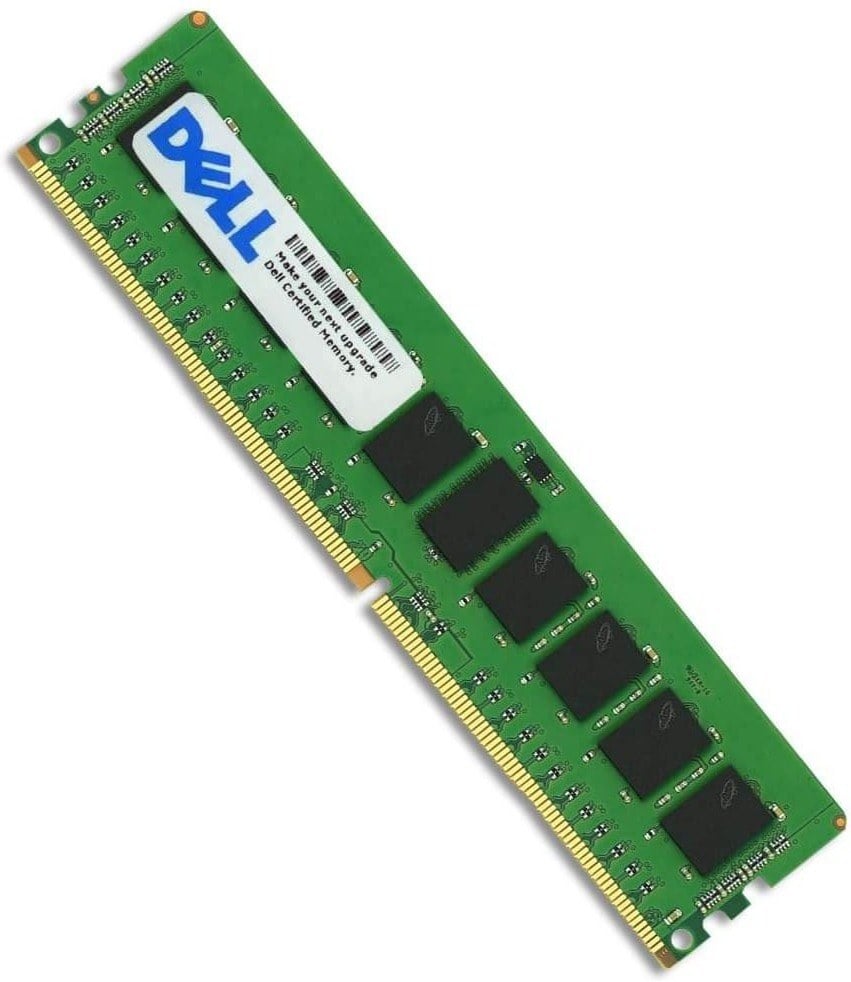
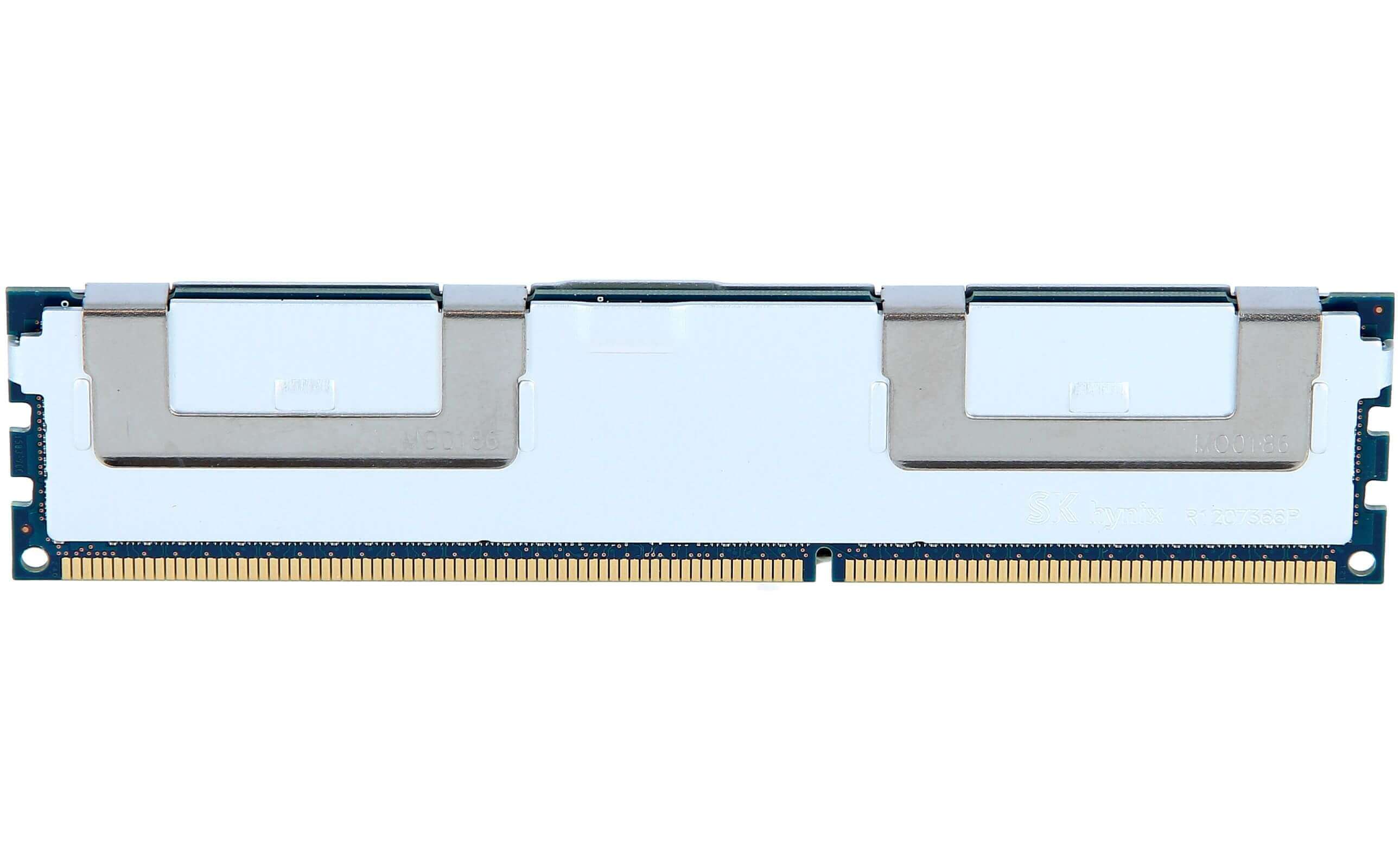

Description
Smart Memory Functionality and Benefits
Smart Memory functionality is a set of advanced features that are available in some memory modules to provide improved performance, reliability, and energy efficiency.
Unfortunately, the product “Dell 32GB 1X32GB 2133MHz PC4-17000 CL15 ECC Registered Dual Rank 1.2V DDR4 SDRAM 288-Pin Ram” (SNPPR5D1G/32G) does not mention the Smart Memory functionality, so I cannot provide specific information on its benefits.
In general, some of the benefits of Smart Memory functionality include:
- Improved system performance through advanced memory management techniques
- Energy-saving features to reduce power consumption
- Advanced error detection and correction mechanisms to ensure data integrity and reliability
- Enhanced memory diagnostic and management capabilities for improved system stability and reliability.
These benefits can vary depending on the specific implementation and the capabilities of the memory module and system it is used in.
Pin Configuration and Form Factor
Pin Configuration refers to the arrangement and number of pins on the memory module, which are used to connect the module to the memory slot on the motherboard.
The “288-Pin” in the product name “Dell 32GB 1X32GB 2133MHz PC4-17000 CL15 ECC Registered Dual Rank 1.2V DDR4 SDRAM 288-Pin Ram” (SNPPR5D1G/32G) indicates that this memory module has 288 pins, which is the standard number of pins for DDR4 memory modules.
Form Factor refers to the physical size and layout of the memory module. DDR4 memory modules are available in various form factors to accommodate different types of systems and motherboards.
Unfortunately, the product name does not mention the form factor of this memory module. To determine the form factor, you may need to consult the system or motherboard specifications, or check the physical dimensions of the module to ensure compatibility.
Installation and Setup Instructions
Installing and setting up memory (RAM) involves physically inserting the module into the memory slot on the motherboard and configuring the system’s BIOS or UEFI firmware to properly recognize and use the new memory.
Here are the general steps for installing and setting up memory:
- Power off the computer and unplug it.
- Open the computer case and locate the memory slots.
- Determine the type and capacity of memory currently installed in the system.
- Choose a memory slot that is empty or can be used to upgrade the system’s memory.
- Align the notches on the memory module with the keys in the memory slot and gently push down on the module until the tabs on either side snap into place.
- Close the computer case and plug in the power cord.
- Power on the computer and enter the system’s BIOS or UEFI firmware.
- Locate the memory configuration settings and verify that the new memory is recognized and properly configured.
- Save the changes and exit the BIOS or UEFI firmware.
- Boot into the operating system to verify that the new memory is functioning properly.
It’s important to follow the instructions that come with the memory module, as well as any specific instructions for your motherboard or system, to ensure a successful installation. Also, handle the memory module with care to avoid damaging the pins.
General Information
- Manufacturer: Dell
- Manufacturer Part Number: SNPPR5D1G/32G
- Type: Memory (RAM)
- Sub-Type: PC4-17000
- Product Name: 32GB Ddr4 Sdram Memory Module
Technical Information
- Storage Capacity: 32GB
- Memory Technology: Ddr4 Sdram
- Number Of Modules: 1 X 32GB
- Bus Speed: 2133MHz Ddr4-2133/Pc4-17000
- Data Integrity Check: Ecc
- Signal Processing: Registered
- Cas Latency Timings: Cl15
- Voltage: 1.2v
- Rank Features: Dual Rank


