
Description
Management Security Features
Management Security Features refer to the tools and technologies used to secure and manage access to a network. These features are designed to protect the network from unauthorized access, data breaches, and other security threats, and to provide network administrators with the tools they need to monitor and manage the network effectively.
Some of the most common management security features include:
- Access control lists (ACLs) – A set of rules that define who is allowed to access the network and what actions they can perform.
- Authentication and authorization – Processes for verifying the identity of users and granting or denying access to the network based on their credentials.
- Encryption – Techniques for encrypting data as it is transmitted over the network, to prevent unauthorized access and eavesdropping.
- Firewall – A security system that sits between the network and the internet, and acts as a barrier to prevent unauthorized access and protect against malicious traffic.
- Network segmentation – The practice of dividing the network into smaller, isolated sections to limit the spread of security threats and improve network performance.
- Monitoring and reporting – Tools and technologies that enable network administrators to monitor network traffic, detect security incidents, and generate reports on network activity.
These management security features are critical to ensuring the security and stability of a network, and they play an important role in protecting sensitive data, preventing data breaches, and maintaining the availability and performance of network service
Prioritizing Network Traffic
Prioritizing Network Traffic refers to the practice of giving priority to certain types of data or applications over others based on their importance or urgency. This is done to ensure that critical or time-sensitive applications receive the bandwidth and resources they need to operate effectively, while less important or non-critical applications do not consume too much network capacity.
One common method for prioritizing network traffic is to use Quality of Service (QoS) policies. These policies define the priority level for different types of traffic, such as voice, video, or data, and specify the amount of bandwidth that each type of traffic should receive.
For example, a QoS policy may give priority to real-time voice or video applications, such as Skype or Zoom, over other types of traffic, such as file transfers or email. This ensures that the real-time applications have the bandwidth they need to operate smoothly, without being impacted by other network traffic.
Prioritizing network traffic is important in many organizations as it helps to ensure that mission-critical applications and services receive the resources they need to operate effectively, while less critical applications do not consume too much network capacity. This helps to improve overall network performance and ensure that applications are delivered to users with the quality and responsiveness that they expect.
VLAN Configuration
VLAN Configuration refers to the process of setting up and defining virtual local area networks (VLANs) on a network switch. VLANs allow administrators to divide a single physical network into multiple logical networks, allowing for better network management and security.
To configure VLANs on a network switch, the following steps are typically followed:
- Log in to the switch management interface
- Create VLANs by specifying a VLAN ID and a name
- Assign switch ports to the VLANs created
- Configure the switch ports to either be access ports (which are assigned to a single VLAN) or trunk ports (which can carry multiple VLANs)
- Enable VLAN tagging on the switch ports, if required
- Verify the VLAN configuration by checking the VLAN membership of each switch port.
VLAN Configuration allows administrators to segment a network into smaller, more manageable sub-networks. It also enhances network security by limiting the broadcast domain and restricting access to certain resources.
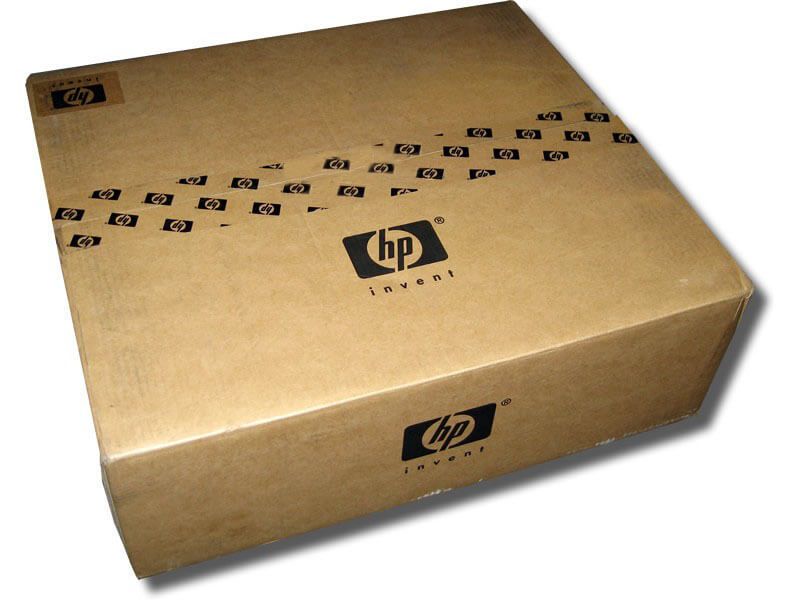
General Information about the HP JH018-61001
- Manufacturer: HP
- Part Number or SKU# JH018-61001
- Product Type : Networking
- Product Name : 24 Ports Switch
Networking
- Enclosure Type : Desktop, Rack-Mountable – 1u
- Subtype : Gigabit Ethernet
- Ports : 24 X 10/100/1000 + 2 X 1 Gigabit / 10 Gigabit Sfp+
- Performance : Throughput (64-Byte Packet Size) : Up To 65.5 Mpps ¦ Switching Capacity : 88 Gbps
- Mac Address Table Size : 16384 Entries
- Jumbo Frame Support : 9216 Bytes
- Features : Flow Control, Auto-Negotiation, Auto-Uplink (Auto Mdi/Mdi-X), Half Duplex Mode, Full Duplex Mode, Quality Of Service (Qos), Fanless, 512kb Packet Buffer, Diffserv Code Point (Dscp) Support
- Compliant Standards : Ieee 802.3, Ieee 802.3u, Ieee 802.3i, Ieee 802.3ab, Ieee 802.1p, Ieee 802.3x
- Flash Memory : 8 Mb
Expansion / Connectivity
- Interfaces : 24 X 1000base-T – Rj-45 ¦ 2 X Gigabit / 10gbit Lan – Sfp+