

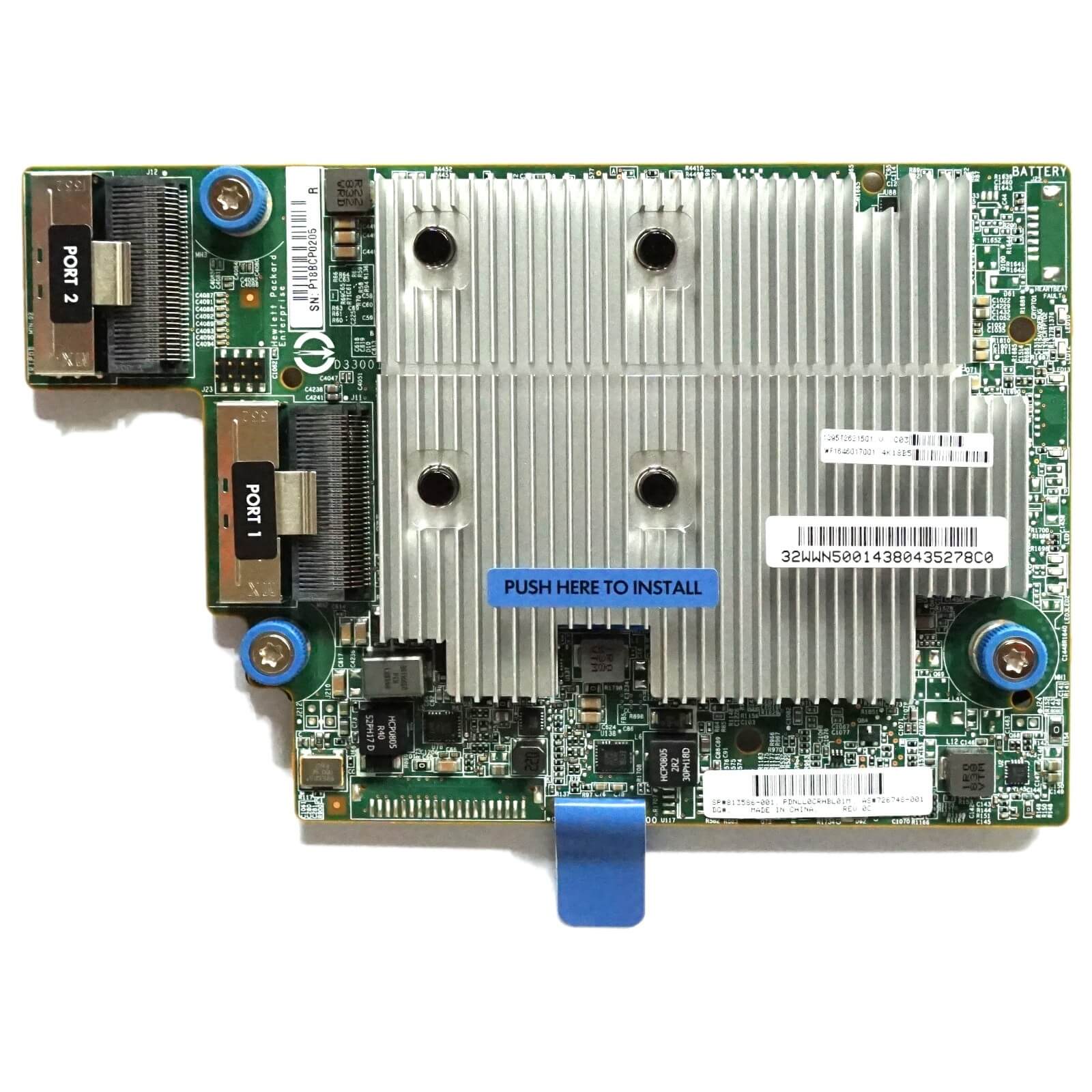
Description
Key Features and Benefits of HPE Smart Array P840AR
The 726748-001 HPE Smart Array P840AR 12GB 2-Port Internal SAS Controller With 2GB FBWC has several key features and benefits, including:
- High-speed data transfer: The 12GB SAS technology provides fast data transfer speeds for improved performance and increased efficiency.
- Dual ports: With two internal SAS ports, the controller provides high availability and failover capabilities to ensure data integrity and reliability.
- FBWC support: The controller features 2GB Flash-Backed Write Cache (FBWC) which provides high-performance cache and helps to improve write performance.
- Advanced data protection: The HPE Smart Array P840AR supports advanced data protection technologies such as RAID 6, RAID 60, and RAID 1.
- Easy installation: The controller is designed for easy installation into HPE ProLiant servers and is ready to use right out of the box.
- Scalability: The controller is scalable and can be expanded as the storage needs of your environment grow.
- Reliable performance: HPE Smart Array controllers are known for their reliability and performance, making them an ideal solution for demanding data center environments.
These features and benefits make the 726748-001 HPE Smart Array P840AR a versatile and high-performance storage controller that is well-suited for use in data centers and other high-availability environments.
Setting up the HPE Smart Array P840AR Controller
Here are the steps to set up the HPE Smart Array P840AR Controller for 726748-001 HPE Smart Array P840AR 12GB 2-Port Internal SAS Controller with 2GB FBWC:
- Prepare the system: Make sure your system meets the minimum requirements for the HPE Smart Array P840AR Controller and has the necessary hardware and software installed.
- Install the adapter: Carefully insert the adapter into an available PCI Express slot in the system. Secure it with the appropriate screws.
- Connect the SAS cables: Connect the SAS cables from the backplane to the appropriate ports on the adapter.
- Power on the system: Power on the system and allow the operating system to recognize and install the appropriate drivers for the adapter.
- Configure the controller: Launch the HPE Smart Array Configuration Utility to configure the controller. Set up the disk arrays, logical drives, and RAID levels as desired.
- Update the firmware: If necessary, update the firmware to the latest version using the HPE Smart Update Manager.
- Verify the configuration: Verify the configuration and ensure that all arrays, logical drives, and RAID levels are set up correctly.
It is important to follow the manufacturer’s guidelines and instructions for proper installation and setup of the adapter to ensure its longevity and optimal performance. If you encounter any issues, it is recommended to consult the HPE support website for assistance.
System Compatibility for HPE Smart Array P840AR
The 726748-001 HPE Smart Array P840AR 12GB 2-Port Internal SAS Controller With 2GB FBWC is compatible with the following systems:
- HPE ProLiant DL580 Gen8
- HPE ProLiant DL560 Gen8
- HPE ProLiant DL560 Gen9
- HPE ProLiant DL580 Gen9
- HPE ProLiant DL560 Gen10
- HPE ProLiant DL580 Gen10
- HPE ProLiant ML350 Gen10
It is important to note that compatibility may vary depending on the configuration of your system and the operating system being used. It is recommended to check the HPE website for the latest compatibility information and to ensure that your system meets the minimum requirements for the controller.
General Information
- Brand: HPE
- MPN : 726748-001
- Type: Controller
- Sub-Type: SAS Controller
Technical Information
- Form Factor : Plug-In Card
- Card Type : SAS Controller
- Interface Type : PCI-E 3.0X8
- Data Transfer Rate : 12GB/S
- Ports : ( 2 ) Two Transceiver Port
- Data Link Protocol: 12Gb Smart Array


