Description
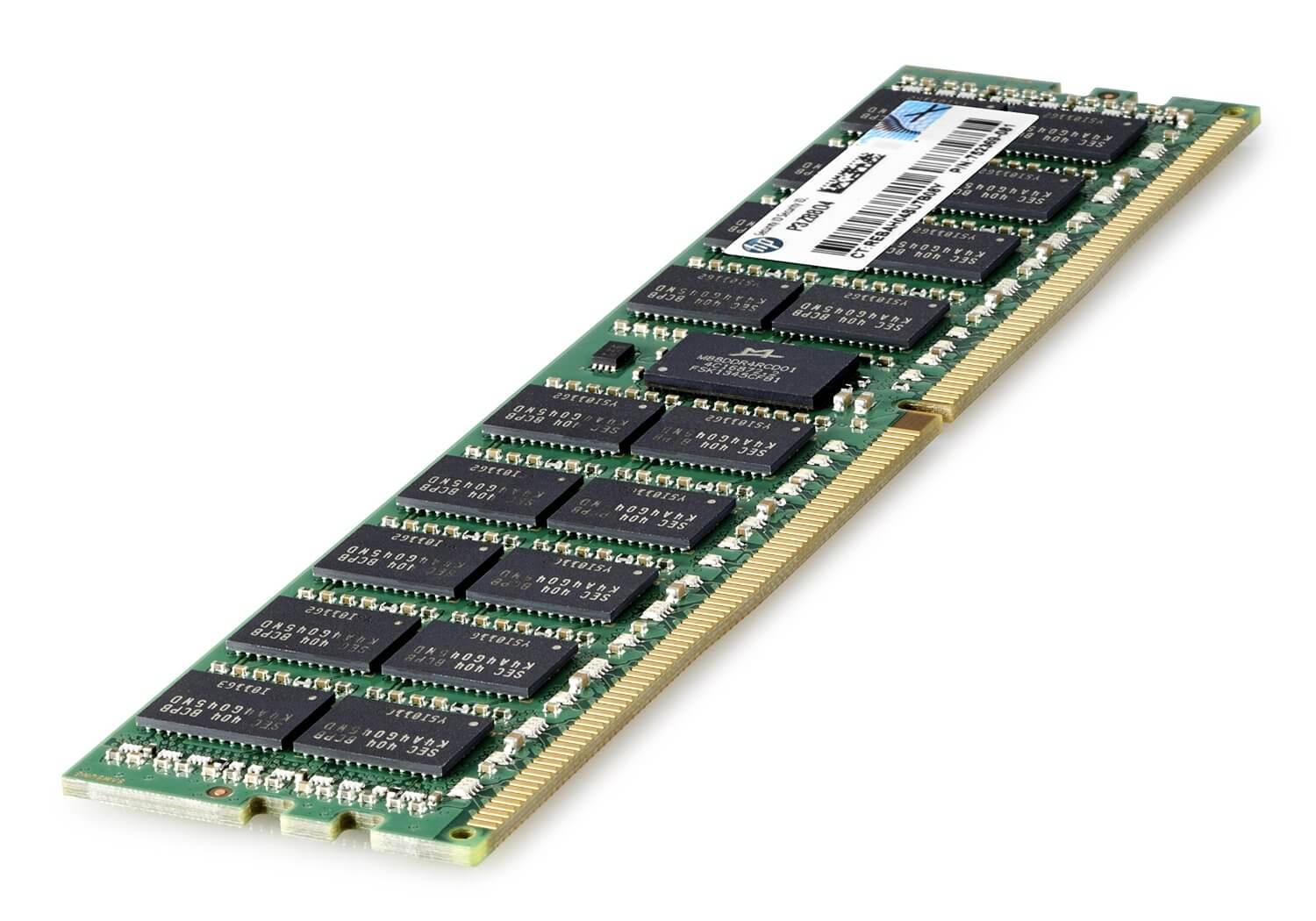
Overview of HPE 32GB DDR4 PC4-17000 RAM
The HPE 32GB DDR4 PC4-17000 RAM is a high-performance memory module designed for use in HPE servers. It has a capacity of 32GB, which means it can store a large amount of data and improve the overall performance of the server. The RAM operates at a frequency of 2133MHz, which is the speed at which data can be transferred to and from the memory. The PC4-17000 designation refers to the memory’s transfer rate, which is 17000MB/s. The RAM also has a CAS Latency of 15, which refers to the delay time between the memory controller requesting data and the data becoming available. This RAM also has a feature of ECC, which helps to detect and correct errors in data stored in memory. This ECC feature is important for mission critical applications where data integrity is a must.
Error Correction Code (ECC) Feature
Error Correction Code (ECC) is a feature that is built into the 753225-S21 HPE 32GB DDR4 Pc4-17000 Cl15 2133Mhz Reg Ecc SDRAM Ram. ECC is a method used to detect and correct errors in data stored in memory. It works by adding extra bits of information, called parity bits, to each block of data stored in memory. These parity bits are used to check the integrity of the data when it is read back from memory. If an error is detected, the ECC feature can correct it by recalculating the missing or corrupted data based on the parity bits.
ECC memory is particularly useful in mission-critical applications such as servers, where data integrity is essential. It can prevent data corruption caused by memory errors and improve the reliability of the system. ECC memory is also often used in high-performance computing and other applications where data accuracy is important.
Installation and Setup Instructions
The installation and setup instructions for the 753225-S21 HPE 32GB DDR4 Pc4-17000 Cl15 2133Mhz Reg Ecc SDRAM Ram will vary depending on the specific server model it is being installed in. In general, the process will involve the following steps:
- Power off the server and unplug it from the power source.
- Open the server’s case by removing the screws or latches that hold it together.
- Locate the memory slots on the motherboard. They are typically located near the CPU and are labeled as DIMM or RAM slots.
- Carefully remove any existing memory modules from the memory slots.
- Carefully align the notches on the new memory module with the notches in the memory slot, then press down firmly on the module until it clicks into place.
- Repeat the above steps for any additional memory modules.
- Close the server’s case and reattach any screws or latches.
- Plug the server back into the power source and power it on.
- Verify that the new memory is recognized by the server’s BIOS or UEFI firmware.
- Configure the server’s operating system to recognize and use the new memory.
It is important to handle the memory modules carefully to avoid damaging them, and to consult the server’s documentation for specific instructions and precautions. It is also a good practice to check the server documentation for the maximum amount of memory that can be installed, the recommended memory configuration and the compatibility of the 753225-S21 HPE 32GB DDR4 Pc4-17000 Cl15 2133Mhz Reg Ecc SDRAM Ram with the server model.
General Information
- Manufacturer: HPE
- Manufacturer Part Number: 753225-S21
- Type: Memory (RAM)
- Sub-Type: PC4-17000
- Product Name: 32GB DDR4 SDRAM Memory Module
Technical Information
- Type: Dram
- Storage Capacity: 32GB
- Memory Technology: DDR4 SDRAM
- Number Of Modules: 1 X 32GB
- Memory Speed: 2133mhz DDR4-2133/PC4-17000
- Data Integrity Check: Ecc
- Signal Processing: Registered
- Voltage: 1.2v
- Cas Latency Timings: Cl15
Compatibility
- HPE Proliant Bl460c Gen9
- HPE Proliant Dl160 Gen9
- HPE Proliant Dl180 Gen9
- HPE Proliant Dl360 Gen9
- HPE Proliant Dl380 Gen9
- HPE Proliant Ml350 Gen9